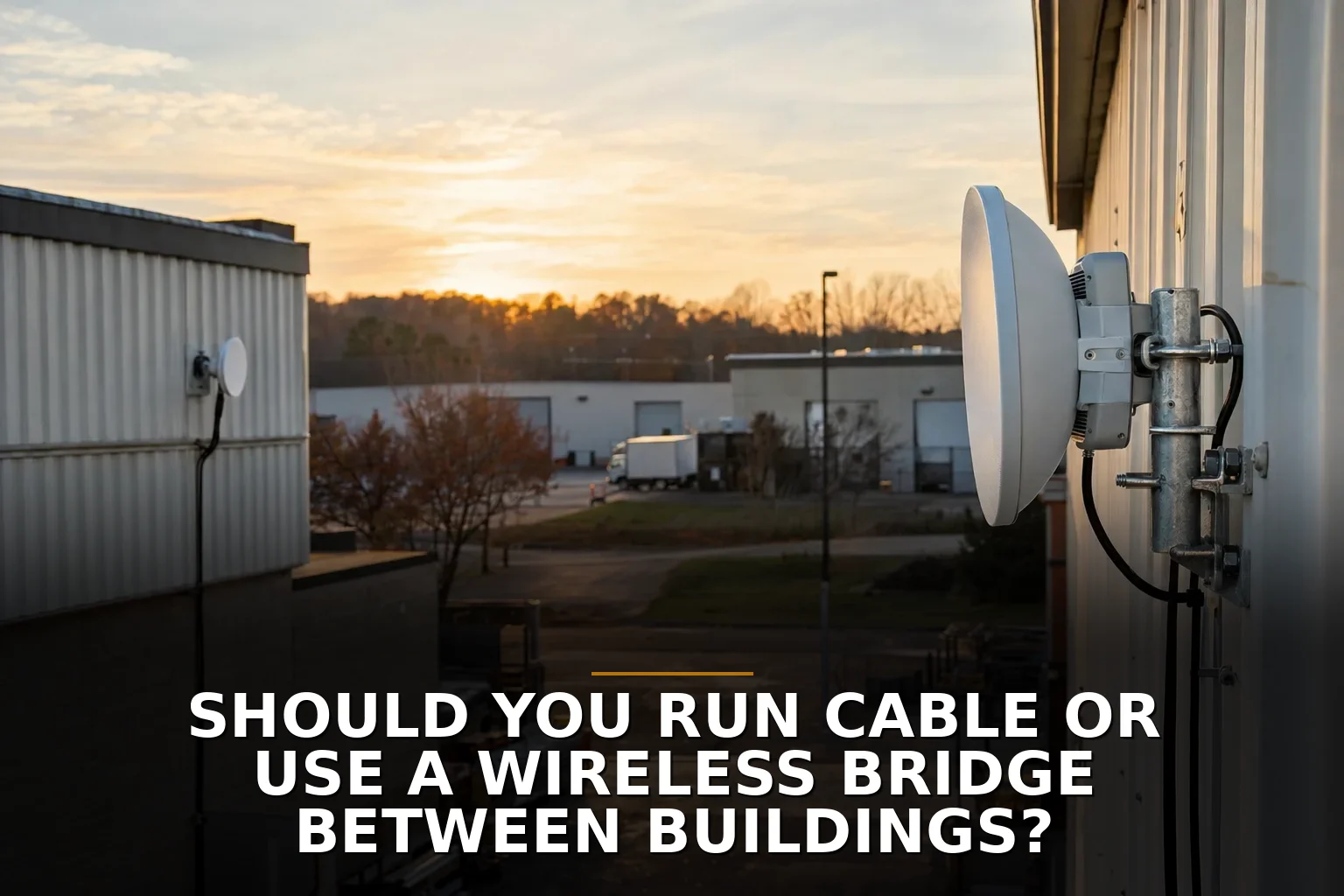
If you can trench between buildings, run fiber. If you can’t, use a properly installed wireless bridge. That’s the cleanest answer for most business owners. Don’t run plain copper Ethernet between separate buildings unless you enjoy inviting code, lightning, and distance problems into a job that should have been simple.
This decision gets framed the wrong way all the time as cable vs wireless. In practice, it’s usually fiber vs wireless bridge.
The short recommendation
Here’s my opinionated version:
- Choose fiber when you want the most stable, long-term, low-drama connection and you can realistically trench or use an existing pathway.
- Choose a wireless bridge when trenching is expensive, disruptive, blocked by pavement or easements, or the second building is temporary or hard to reach.
- Avoid copper between buildings unless a qualified installer has a very specific reason and is handling the protection, grounding, and code details correctly.
Fiber is like pouring a proper driveway. More work up front, less nonsense later.
A wireless bridge is like building a well-supported overhead walkway. Faster to put in, often the right call, but it has to be aimed, mounted, and maintained correctly.
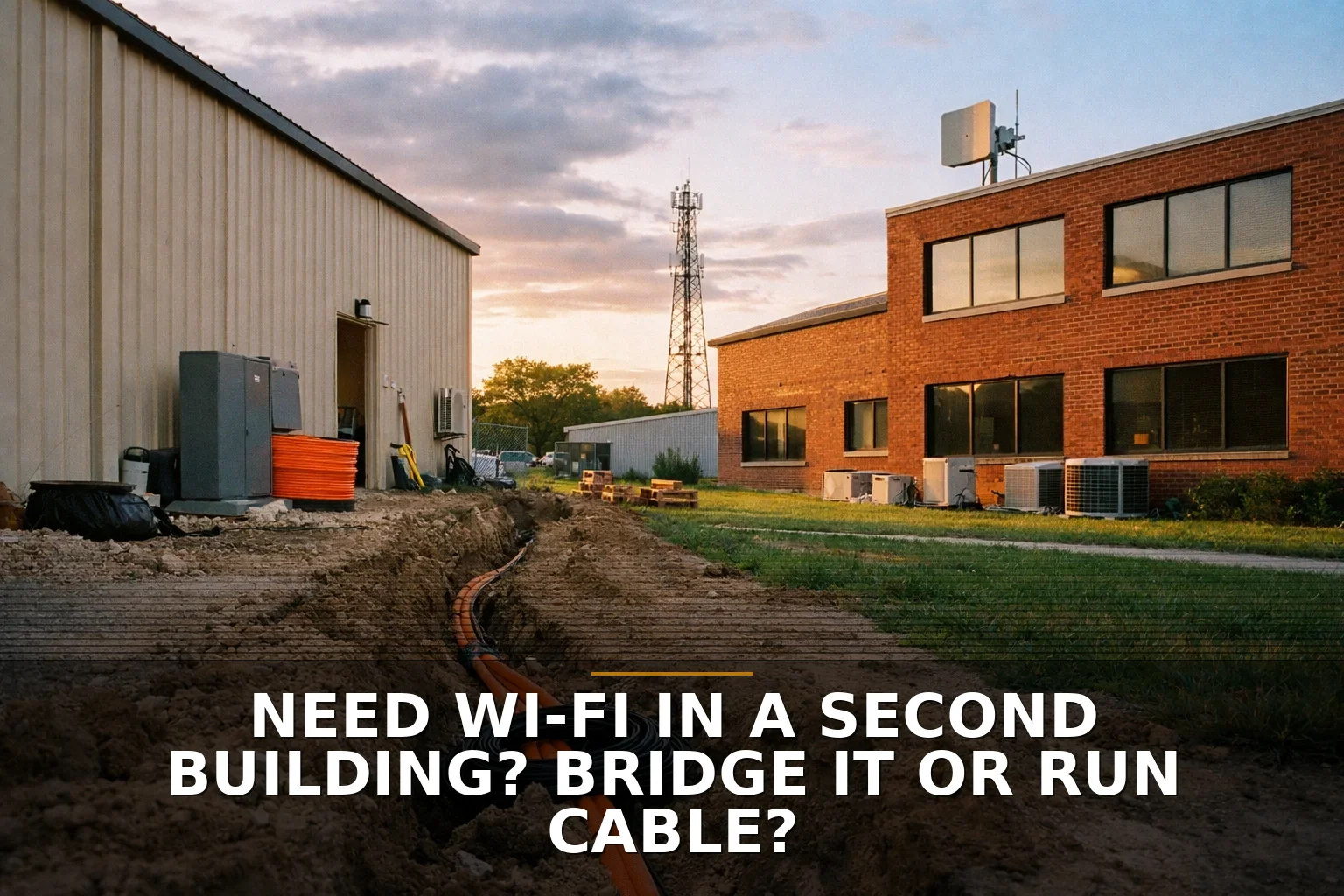
If you’re still sorting out whether the real issue is cabling or Wi-Fi inside the building, these two guides help: Cat6 or Wi-Fi upgrade? How to choose the fix your building needs and Need Wi-Fi in a Second Building? Bridge It or Run Cable?.
The 4 factors that actually decide it
1. Can you physically trench or use conduit?
This is usually the biggest factor, not the technology itself.
If the path crosses a parking lot, driveway, road, retaining wall, or a spot you really don’t want to tear up, wireless starts looking smart fast. The cable itself is often not the expensive part. The expensive part is digging, conduit, permits, restoration, and labor.
If you already have a usable pathway, though, fiber usually wins.
A lot of owners compare a bridge radio to a spool of cable. Wrong comparison. Compare the full install path, not the material on the shelf.
2. How much reliability do you need?
If the second building runs phones, POS, cameras, workstations, or software your staff uses all day, I lean fiber. Once it’s in properly, fiber is usually the more predictable path. It doesn’t care about RF congestion, antenna alignment, or trees slowly creeping into the signal path.
Wireless bridges can be very solid, but they are still radios. That means line of sight matters, and so does Fresnel zone clearance — not just “can the two units see each other?” A branch, roofline, or future growth in the path can quietly make a good link bad.
That doesn’t make wireless junk. It just means it’s operationally different.
And to be fair, wireless sometimes avoids the biggest cable failure of all: somebody with a trencher, excavator, or post-hole digger cutting your buried line six months later.
3. What distance and speed do you need now — and later?
Copper Ethernet has practical limits. Standard twisted-pair Ethernet is generally capped at 100 meters / 328 feet. That alone knocks copper out of a lot of building-to-building jobs.
Fiber can go much farther and gives you a better upgrade path. If you think the second building may eventually need more cameras, more users, larger file transfers, or future systems, fiber is the safer long-term bet.
Wireless bridges have improved a lot, especially with newer spectrum options, but I still wouldn’t choose one just because today’s bandwidth test looks fine. Think about what that building needs in three to five years.
4. What are the code, lightning, and grounding risks?
This is where people get themselves into trouble.
Separate buildings can sit at different ground potentials. Metallic links between them can create surge and lightning headaches. The NEC treats outside communications cabling carefully for a reason. This is why many pros say fiber, not copper, between buildings. Fiber gives you electrical isolation. That’s a big deal.
Outdoor wireless gear also needs proper grounding and surge protection. An IP rating only tells you about dust and water, not whether your install is protected from electrical events.
So no, “I found outdoor cable online” is not a plan.
Side-by-side: fiber vs wireless bridge
Here’s the practical breakdown:
-
Fiber between buildings
- Best for long-term reliability
- Better for future bandwidth upgrades
- No conductive copper path between structures
- Usually the right answer when trenching is feasible
- More upfront installation work
-
Wireless bridge between buildings
- Best when trenching is hard, ugly, or too disruptive
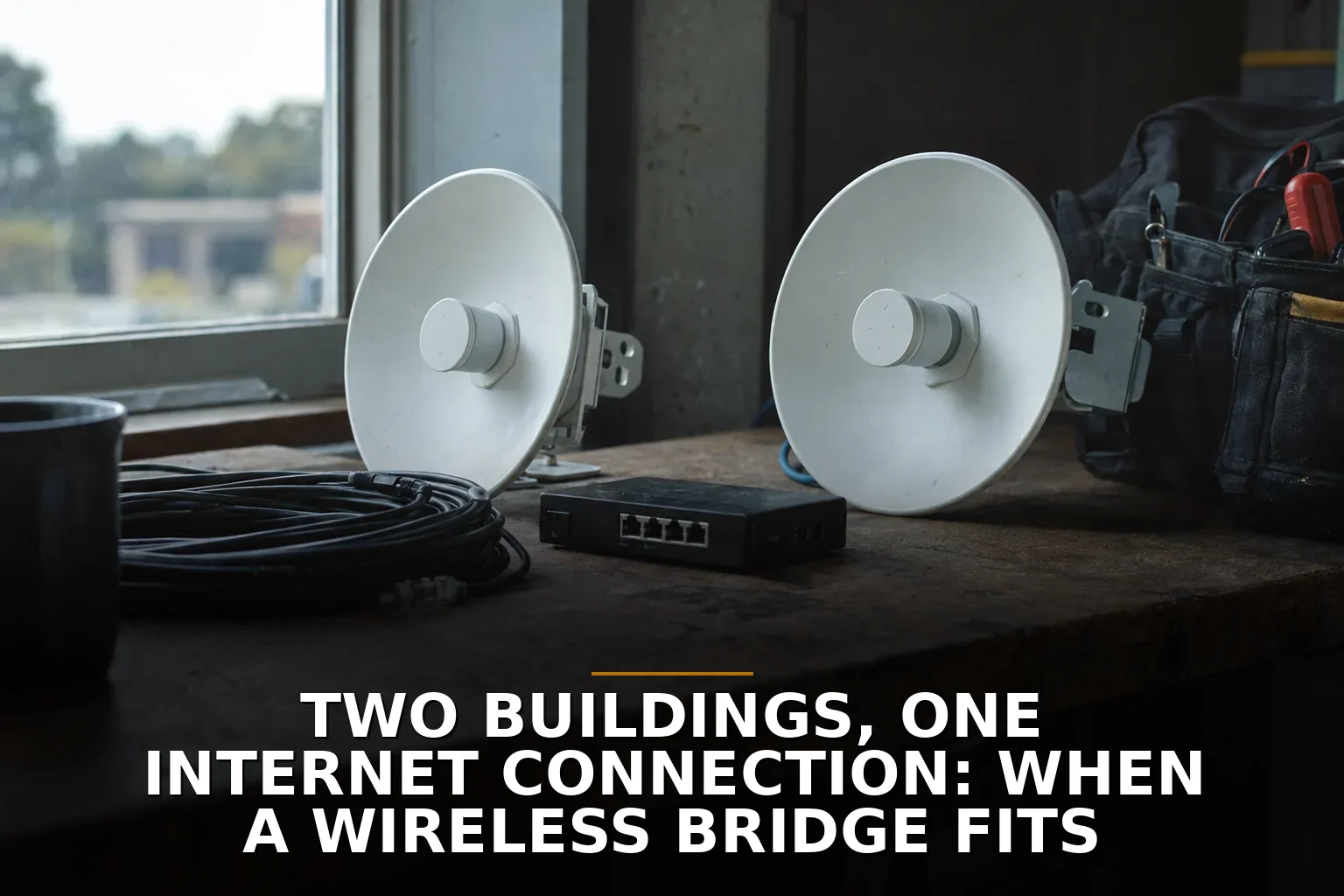
- Fast way to share one internet connection across two buildings
- Great for shops, barns, detached offices, and temporary expansions
- Requires clear line of sight and proper mounting
- Needs occasional network and radio troubleshooting
-
Copper cable between buildings
- Usually the wrong choice
- Distance-limited
- Raises grounding and surge concerns
- Can trigger code and protection requirements
- Only do this under qualified guidance
If you’re comparing shared connectivity options more broadly, Shared Internet Across Buildings: Wireless Bridge or Second Service Line? covers that decision too.
A Northwest Arkansas reality check
In Northwest Arkansas, this comes up a lot on rural properties, metal shop buildings, detached offices, and mixed-use lots where one building started as “just a shop” and now needs real internet.
Metal buildings are especially good at exposing sloppy planning. They can complicate Wi-Fi inside, and they can make mounting and signal-path choices matter more than people expect. If you’re in Springdale or anywhere around NWA with a shop out back, don’t assume the cheapest radio kit or the nearest handyman is solving the whole problem.
A good bridge install and a good fiber install are both infrastructure jobs, not gadget purchases.
How to check yours in 10 minutes
Before you buy anything, do this:
- Measure the distance between buildings, not your guess of it.
- Stand at both ends and check line of sight. Trees, roof peaks, utility poles, and parked equipment matter.
- Look at the ground path. Would trenching cross concrete, asphalt, drains, or utility areas?
- List what the second building actually needs: internet only, phones, cameras, POS, office PCs, large file transfers, guest Wi-Fi.
- Ask whether this is permanent. A temporary overflow office and a forever shop do not deserve the same answer.
- Check future growth. If that building may add staff or systems, plan for that now.
- Get a real opinion on pathway and code before anyone pulls cable between structures.
If your issue is broader than the between-buildings link, How to Fix Dead Wi-Fi Zones in a Shop, Office, or Metal Building is a good next read.
When to call a pro
Call a pro when any of these are true:
- You’re crossing between separate structures
- You’re thinking about outdoor copper
- You need roof or pole mounting
- You’re not sure line of sight is truly clear
- You need grounding, surge protection, or code compliance handled correctly
- The connection supports business-critical systems
DIY is fine for testing an idea. It’s not fine when a bad install can create safety issues or leave your shop offline on a Monday morning.
Common questions
Is a wireless bridge reliable enough for a business?
Yes, if it has clear line of sight, proper mounting, correct alignment, and decent equipment. No, if it’s treated like a consumer Wi-Fi extender with outdoor ambitions.
Why not just run Cat6 between buildings?
Because copper between buildings is usually the wrong tool. Distance limits, surge risk, grounding concerns, and code requirements make it a bad default compared with fiber.
Is fiber better than a wireless bridge?
For permanent, high-reliability building-to-building links, usually yes. For hard-to-trench sites, temporary buildings, or lots where digging is the real problem, a wireless bridge can be the better business decision.
Can one internet connection serve two buildings?
Yes. That’s one of the most common uses for a wireless bridge or inter-building fiber. The real question is which path gives you the least hassle for your property.
Pick the boring infrastructure that will still make sense in five years.
If you're staring at this exact problem, start with Commercial Wi-Fi or, if you already know a wired path is realistic, Structured Cabling.
Be the first to share your thoughts.