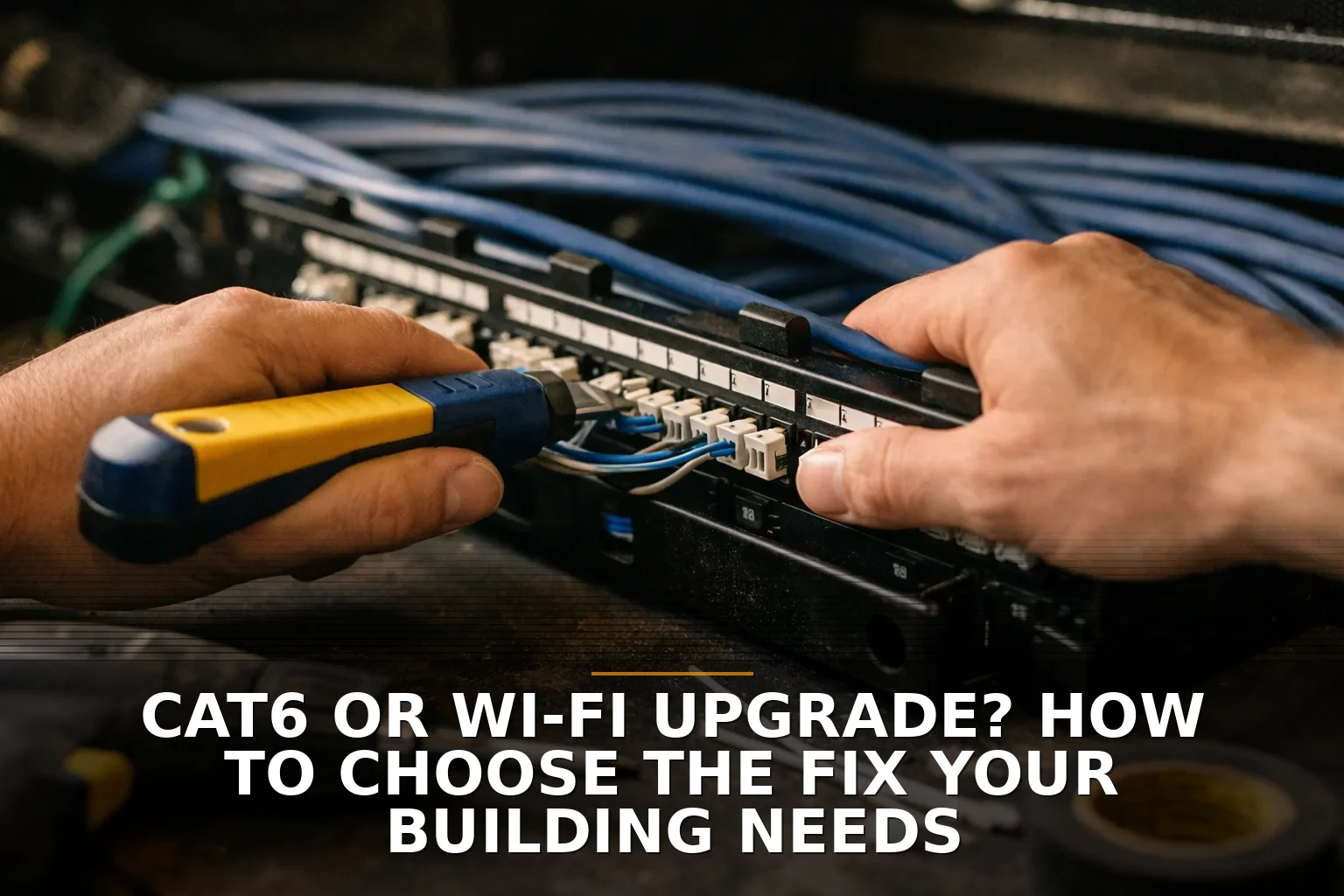
If your building’s problem shows up as bad Wi-Fi, don’t automatically buy new Wi-Fi gear. Start with cabling if the bottleneck is in the wired backbone, fixed devices, or power delivery; start with Wi-Fi if the wiring is basically sound and the real problem is coverage, interference, or too many users sharing the air.
A lot of owners frame this as Cat6 versus Wi-Fi like it’s tile versus carpet. It’s not. It’s more like asking whether your restaurant is slow because the dining room is crowded or because the kitchen can’t get food out.
The plain recommendation
Here’s my opinion: if you own the building, are renovating, or have permanent devices that need reliability, invest in cabling first. If you lease the space, need a faster fix, and your issue is mostly dead zones or overloaded coverage, upgrade the Wi-Fi design first.
That’s the short version.
But don’t skip the next part, because a lot of “Wi-Fi problems” are really switch, uplink, PoE, or bad-cable problems wearing a Wi-Fi costume. If you want a broader cost breakdown, I covered that in Do You Need New Network Cabling or Better Wi-Fi? Cost Breakdown.
Factor 1: Where is the bottleneck actually happening?
Before you buy anything, answer one question: is the problem in the air, or in the wire?
If your internet is fine at the modem but people still complain, that doesn’t tell you much. You need to know whether:
- wired devices are also slow
- only certain rooms have issues
- performance drops at busy times
- video calls glitch everywhere or only in one area
- access points are fed by old or damaged runs
- switches can’t provide enough speed or power
Modern Wi-Fi is a shared medium. That means every phone, laptop, printer, and tablet is taking turns. According to NIST and the Wi-Fi Alliance, newer Wi-Fi standards improve efficiency in crowded environments, not just raw top-end speed. So if the building has decent cabling and your issue is density or channel contention, better access point placement and newer hardware can absolutely help.
But here’s the trap: new access points can’t outrun bad backhaul. If the AP is plugged into a weak cable run, an undersized switch uplink, or a switch without enough PoE budget, the fancy Wi-Fi badge on the box won’t save you.
That’s why I usually tell owners to test first, then decide. Don’t shop by symptom.
Factor 2: What kind of devices are you supporting?
This is where the answer gets clearer fast.
If you have fixed devices — cameras, desktops, phones, point-of-sale stations, TVs, access control, printers, building systems — wire as many of those as practical. Wired connections are still better for predictable performance and lower drama.
And cabling does more than data now. With Power over Ethernet, the same run can carry network traffic and power for access points, cameras, and other building gear. That matters more than people think. A good cable plant is like putting real plumbing in the walls instead of running hoses across the floor.
On the other hand, if most of your users are mobile and the building layout changes often, a Wi-Fi-first fix may be the smarter spend.
Quick breakdown: choose Cat6/cabling when...
- You need reliable connections for fixed devices
- You’re adding cameras, phones, access control, or PoE devices
- Your current APs are limited by bad runs or weak uplinks
- You own the building or are doing a remodel
- You want infrastructure that lasts longer than Wi-Fi hardware
Choose a Wi-Fi upgrade when...
- The biggest complaint is dead zones or weak coverage
- Most users are on phones, tablets, and laptops
- The wiring is already decent and tests clean
- You need a less invasive fix in a leased space
- The problem gets worse when lots of people connect at once
If your issue is specifically coverage strategy, Single Router or Multiple Access Points? How to Choose for Your Building is worth a read.
Factor 3: How long do you expect this building setup to last?
This one gets ignored all the time.
Cabling is a long-life investment. Wi-Fi hardware is not. Access points get refreshed much more often than cable in the walls. So if you’re planning to stay put, expand, or modernize the building, better cabling usually ages better as a capital decision.
That’s especially true if you’re considering higher-performance wireless later. Newer APs may want multi-gig connections and more PoE than older switches can provide. In plain English: sometimes a Wi-Fi upgrade increases your dependence on good cabling instead of replacing it.
Cat6 can still be fine in plenty of buildings, especially on shorter runs and where the goal is multi-gig to access points rather than 10-gig to every outlet. But if you’re pulling fresh cable during construction or a major renovation, Cat6A is usually the safer long-term bet because it was designed to support 10-gig over the full 100-meter channel more reliably.
If you’re in a growing market like Northwest Arkansas, that lifecycle thinking matters. A building that feels “good enough” today can get crowded fast.
Factor 4: What is the building made of?
Walls matter. So do ceilings, glass, and steel.
Concrete, metal, low-E glass, masonry, warehouse shelving, elevator shafts — all of that can make wireless behave badly. You can’t negotiate with physics. I’ve seen plenty of floor plans where the right answer was obvious the moment you looked at the construction type.
If you’re in a metal shop, warehouse, or chopped-up office, don’t assume one shiny new router fixes it. It usually won’t. In those buildings, the real answer is often more properly placed access points fed by solid cabling. That’s why Wi-Fi and cabling are not enemies. They usually work together.
If you’re fighting dead zones in a tougher structure, How to Fix Dead Wi-Fi Zones in a Shop, Office, or Metal Building goes deeper on that.
Factor 5: Are you solving today’s complaint or tomorrow’s operations?
A cheap Wi-Fi upgrade can be the right call. I’m not against cheap when cheap actually solves the problem.
But if you’re already touching the building, think bigger than guest Wi-Fi. Think about what else rides on the network:
- cameras
- door access
- phones
- conference room gear
- digital signage
- inventory devices
- future access points
That’s where structured cabling starts to look less like a network expense and more like building infrastructure. Not glamorous, but useful every day.
And there’s one more practical limit: copper runs in buildings are generally designed around a 100-meter maximum channel. If you’re trying to stretch beyond that, the answer may not be “better Cat6” at all. It may mean rethinking closet locations, adding distribution points, or using a different approach. Similar story if you’re trying to link another building — in that case, read Need Wi-Fi in a Second Building? Bridge It or Run Cable?.
So which fix should you choose?
Here’s the decision in plain English:
- Choose Cat6 or Cat6A cabling first if you own the property, need reliability for fixed devices, plan to add PoE equipment, or suspect your wired backbone is the real choke point.
- Choose a Wi-Fi upgrade first if your wiring is basically healthy and your real problem is coverage, interference, or too many people sharing too few access points.
- Choose both, in stages, if you’re upgrading access points but the switches, uplinks, or cable plant won’t support them properly.
My honest recommendation: don’t treat this like an either/or shopping question. Treat it like a bottleneck question. If the bones of the network are weak, fix the bones. If the bones are fine and the signal is the problem, fix the wireless.
If this is you, do this: wire the things that stay put, and improve Wi-Fi for the things that move. That’s the decision most buildings should have made from the start.
Common questions
Should I upgrade to Cat6A instead of Cat6?
If you’re pulling new cable during construction or a major remodel, Cat6A is usually the better long-term choice for full 10-gig support over standard building distances. If you already have decent Cat6 on shorter runs, it may still be good enough for current APs and multi-gig use.
Will new Wi-Fi 6E or Wi-Fi 7 fix my building by itself?
Not necessarily. Those standards can help a lot, especially with capacity and newer spectrum, but only if your client devices support them and the building’s RF conditions are decent. Bad placement, interference, or weak backhaul can still ruin the result.
Can better Wi-Fi reduce the need for network cabling?
Usually not as much as people hope. Better Wi-Fi often increases the need for solid cabling because newer access points may require faster uplinks and more PoE power.
What should I test before choosing cabling or Wi-Fi?
Test wired speed at the network edge, coverage in problem areas, performance during busy hours, switch capacity, and PoE availability. You want to separate internet problems from LAN problems and wireless coverage issues before spending money.
If you're staring at this exact problem, start with Commercial Wi-Fi for coverage and building-to-building issues, or Structured Cabling if the fix looks like wiring and drops.
Be the first to share your thoughts.