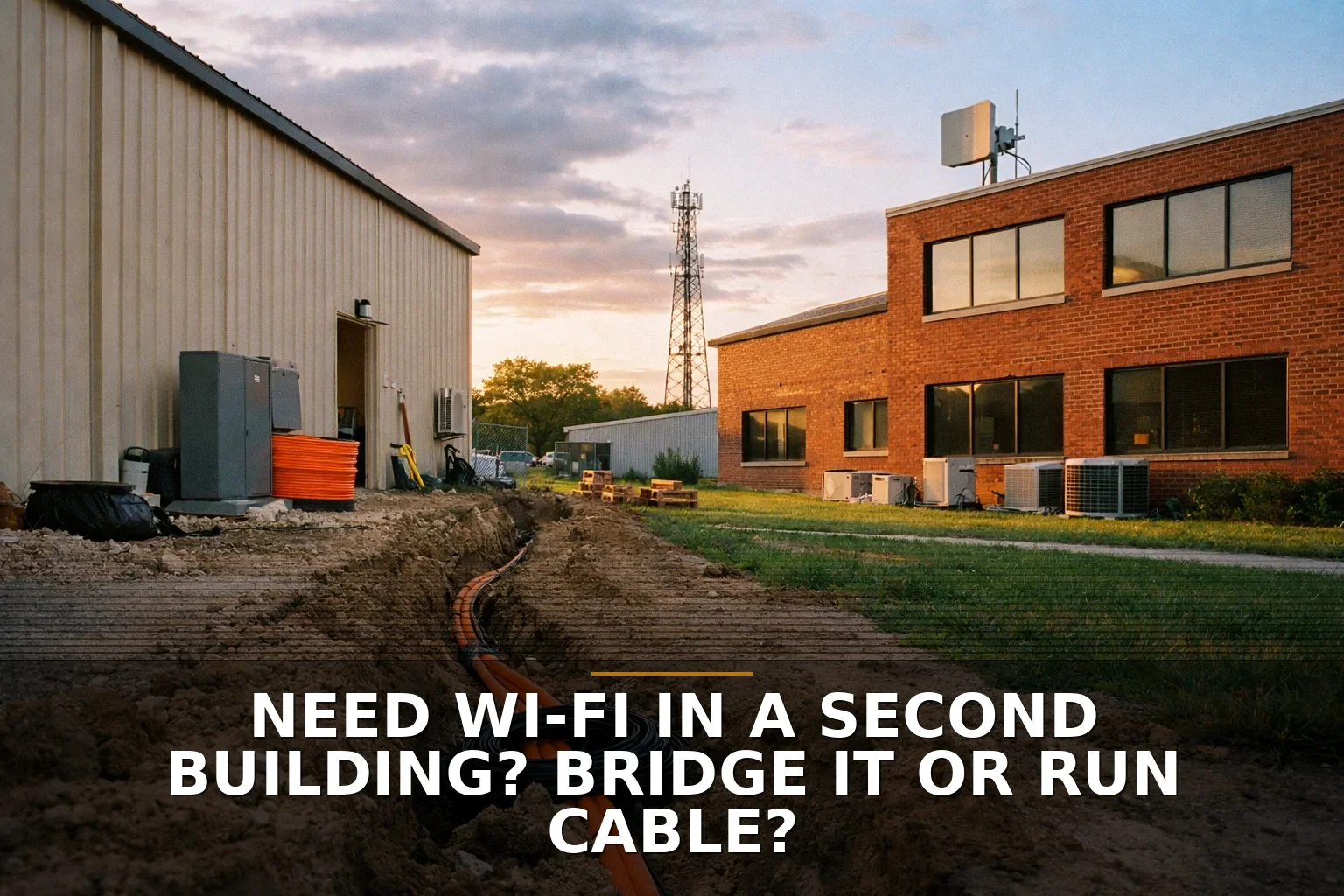
A detached shop with bad internet usually has a simple answer: run fiber if you can trench reasonably; use a wireless bridge if you can’t. What I would not do, in most cases, is treat copper Ethernet between buildings as the obvious middle option.
That sounds backward because copper feels familiar. But separate buildings are not just “another room farther away.” They bring lightning, grounding, distance limits, and weather into the decision.
My recommendation in plain English
If you own both buildings and have a realistic path for trenching, fiber is the better long-term backbone. It’s more predictable, avoids electrical conductivity between structures, and gives you room to grow.
If trenching would mean tearing up concrete, crossing a driveway, dealing with rock, or otherwise turning a network problem into a construction project, a properly installed wireless bridge is the right call.
That’s the decision guide.
Not bridge vs cable in the abstract. More like this:
- Easy trench path? Run fiber.
- Hard or expensive trench path? Use a wireless bridge.
- Thinking about buried copper between buildings? Usually don’t.
If you want the shorter version of this same decision, I covered the angle in wireless bridge vs trenching fiber and in one internet connection for two buildings.
Factor 1: Can you physically trench without turning this into a mess?
This is the biggest factor because it decides whether a wired connection is practical or fantasy.
A lot of owners start with bandwidth questions. Fair enough. But first ask: can I get conduit from Building A to Building B without wrecking pavement, cutting through roots, or fighting terrain that will make everybody hate this job?
If the answer is yes, fiber is usually worth it.
If the answer is no, a wireless bridge starts looking smart fast.
I think of it like plumbing. If two buildings are easy to connect underground, you usually do that once and stop thinking about it. If underground work is a nightmare, an above-ground workaround can be the more sensible business decision.
For businesses around Northwest Arkansas, this matters more than people think. Rock, slopes, long driveways, and metal outbuildings can make “just run a cable” a very different sentence on paper than it is in the field.
Factor 2: Is this a separate building or just a longer cable run?
This is where people get tripped up.
Copper Ethernet has standard distance limits: 90 meters for the permanent link, 100 meters max for the full channel including patch cords. That alone disqualifies some runs. But distance is not the only issue.
A separate structure changes the risk profile.
Metallic cabling between buildings can introduce grounding and surge headaches. Electrical code and protection requirements matter here. Fiber avoids that because it doesn’t conduct electricity between structures.
So when somebody says, “Can’t we just bury Cat6?” my honest answer is: you can ask that, but it’s often the wrong comparison.
The better comparison is:
- Wireless bridge vs fiber for most detached-building situations
- Not wireless bridge vs copper
That’s also why structured cabling pros tend to prefer fiber between buildings when trenching is already happening. If you’re going to dig, dig once and put in the better backbone. If you’re sorting out whether the real problem is wireless or wiring inside the building, this may also help: Do You Need New Network Cabling or Better Wi-Fi?.
Factor 3: Do you actually have clear line of sight for a bridge?
A wireless bridge is not magic. It is a specific tool, and it works well when the install conditions are right.
That means more than “I can kind of see the other roof.”
You need clear line of sight, decent mounting, proper alignment, and enough Fresnel zone clearance that trees, rooflines, and seasonal foliage are not chewing up the signal. Free-space path loss gets worse with distance and frequency, so performance depends on the real environment, not the marketing number on the box.
This is one reason a lot of outdoor bridge gear still leans on 5 GHz. Outdoor 6 GHz is not the easy answer people think it is, and many building-to-building bridge scenarios still fit 5 GHz better.
A bridge makes sense when:
- The buildings can see each other clearly
- You can mount radios solidly on both ends
- Trees are not going to grow into the path
- You want fast deployment without trenching
A bridge is a bad bet when:
- One building is blocked by metal, trees, or roof geometry
- You’re guessing about alignment
- You expect the link to punch through obstacles like a miracle
- The site is already noisy from other RF gear
And remember: the bridge only gets internet to the building. It does not automatically create good Wi-Fi inside it.
Factor 4: What kind of reliability do you need after installation?
This is where I get opinionated.
If the second building runs business-critical gear, phones, cameras, POS, office workstations, or anything people will complain about the minute it blinks, fiber is the grown-up choice when you can install it.
Wireless bridges can be excellent. I’m not knocking them. But they are still radios. Radios live in the real world with interference, alignment issues, weather exposure, and mounting problems.
Fiber is more like pouring a concrete path. Wireless is more like building a well-engineered footbridge. Both can work. One is usually more predictable over time.
Here’s the side-by-side I’d use for a business owner:
-
Run fiber if:
- You can trench without major disruption
- You want the most stable long-term link
- You want to avoid inter-building electrical risk from metal cabling
- You may need more capacity later
-
Use a wireless bridge if:
- Trenching is too expensive or disruptive
- You have true line of sight
- You need connectivity sooner, not after a construction project
- The building use is important, but the site fits bridge hardware well
-
Avoid copper between buildings if:
- The buildings are detached
- The run is pushing distance limits
- You’re trying to save money by choosing the familiar option
- You haven’t accounted for surge protection, code, and grounding issues
Factor 5: Are you solving the backhaul problem or the Wi-Fi problem?
This is the sneaky one.
I’ve seen plenty of situations where the owner is focused on “getting internet to the shop,” but the real pain is that the inside of the shop is a terrible RF environment. Metal walls, tools, vehicles, insulation, and layout can wreck signal quality.
So even if your bridge or fiber link is perfect, users may still need a dedicated indoor access point, and maybe more than one. Backhaul gets connectivity to the building. Access points create usable Wi-Fi inside the building. Those are different jobs.
If your outbuilding is metal or full of obstructions, read how to fix dead Wi-Fi zones in a shop, office, or metal building. It’s the next question after you solve the bridge-vs-cable decision.
The decision I’d make
If this were my property, I’d choose fiber whenever trenching is straightforward enough to justify doing it once. I’d choose a wireless bridge when trenching is the expensive part of the problem, not the networking part.
I would not default to buried copper between detached buildings unless there were very specific reasons and the electrical, distance, and protection details were handled correctly.
That brings us back to the opening. You’re not really choosing between “wireless” and “wire.” You’re choosing between a construction project that becomes permanent infrastructure and a radio link that avoids the shovel.
Common questions
Is a wireless bridge slower than a cable?
Usually, yes compared to a good fiber run, but that doesn’t mean it’s bad. A properly installed bridge can be more than adequate for many shops, offices, cameras, and day-to-day business uses.
Can I just bury Cat6 to the second building?
You can in some cases, but for detached buildings I usually would not make that the default plan. Distance limits, surge risk, grounding, and code considerations make fiber a better wired option most of the time.
Do I still need an access point inside the second building?
Probably yes. A bridge or fiber link brings network service to the building, but indoor Wi-Fi coverage is a separate design problem.
What if the buildings can technically see each other, but there are trees nearby?
That can still be a problem. Wireless bridges need more than casual visibility; trees and foliage can interfere with the signal path and Fresnel zone, especially as seasons change.
If you're staring at this exact problem, start with Commercial Wi-Fi if a bridge may be the right fit, or Structured Cabling if trenching fiber is on the table.
Be the first to share your thoughts.