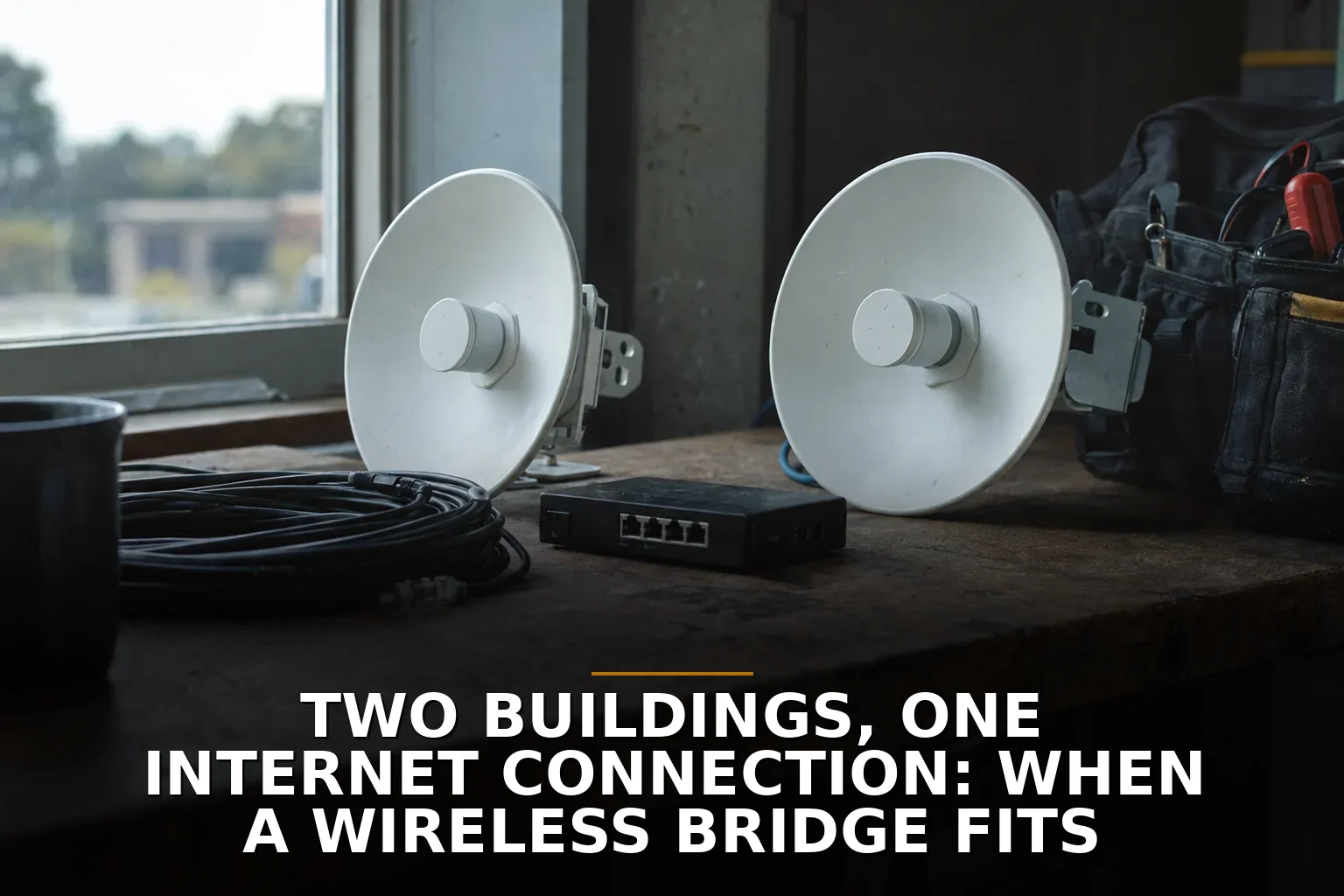
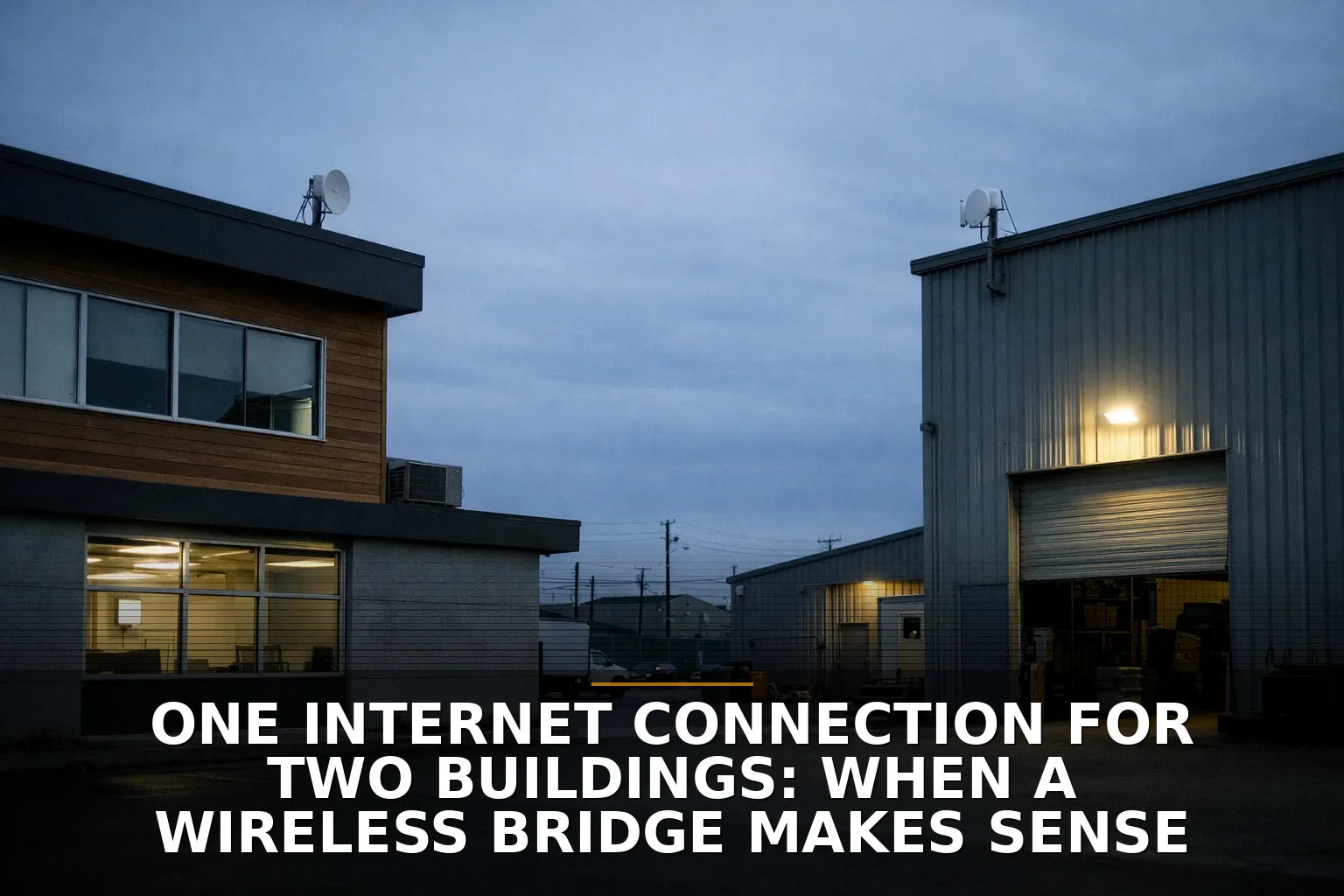
A shop across the lot, an office in the second building, and one expensive internet bill is usually where this question starts. If the buildings have clear line of sight and you need a practical answer now, a wireless bridge is often the right move.
That said, don’t treat it like magic Wi-Fi in a box. A wireless bridge fits when the path is clean, the uptime needs are realistic, and trenching fiber would be overkill or a headache. If those three things aren’t true, don’t force it.
The decision in plain English
You’re making one decision here: should you connect two buildings with a wireless bridge, or should you pay for trenching or a second service line instead?
My recommendation is simple: choose a wireless bridge when the buildings are close, on property you control or can get approval for, and you need solid connectivity without construction drama. Choose cable or separate service when reliability requirements are high enough that weather, mounting issues, or shared-network risks become unacceptable.
A good bridge is not a glorified extender. It’s a point-to-point link between buildings. Think of it less like boosting a weak signal and more like building a private driveway in the air.
If you’re still comparing bridge gear to extenders or mesh, read Wi-Fi extender vs mesh vs access points: what a business should buy. Different problem.
The 4 factors that decide it
1. Line of sight is the whole game
If the two radios can’t see each other cleanly, stop there. A bridge needs more than “I can kind of see the roof.” Trees, metal walls, rooftop units, and even partial blockage in the radio path can hurt reliability.
This is where people get fooled by short distances. A 200-meter hop can be worse than a longer one if the path is cluttered, reflective, or blocked by seasonal foliage. In Northwest Arkansas, that matters. A link that looks fine in winter can get ugly once leaves come back, especially on rural properties, shops, and outbuildings.
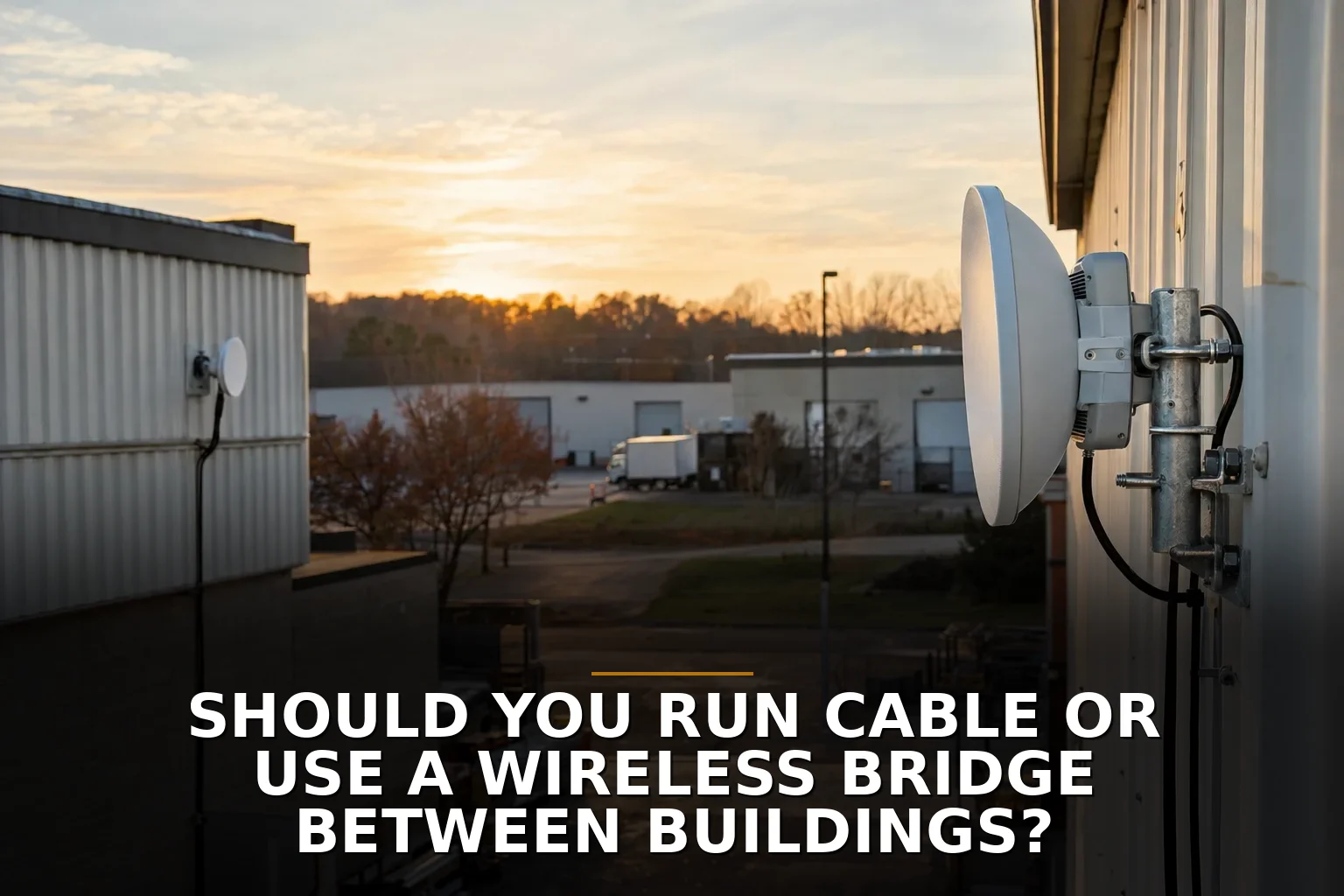
For metal shop buildings, barns, and detached offices around places like Springdale, mounting location matters as much as the radio itself. If the clean path only exists from a bad mounting point, that’s not a small detail. That’s the project.
2. Reliability matters more than headline speed
Vendors love big speed numbers. I care more about whether the link still behaves during a storm on a busy Monday.
Higher-frequency bridge links can be very fast, but faster gear is usually more sensitive to weather and alignment. Rain fade is a real design factor, especially as frequency goes up. If your business can tolerate occasional degradation, fine. If the second building runs phones, payment systems, cameras, or critical operations all day, design for reliability first.
Here’s the practical version:
- Wireless bridge wins when you need dependable business connectivity and can live with wireless trade-offs.
- Fiber or cable wins when you need the most stable long-term path and can justify construction.
- A second ISP line wins when the buildings need true separation or independent failover.
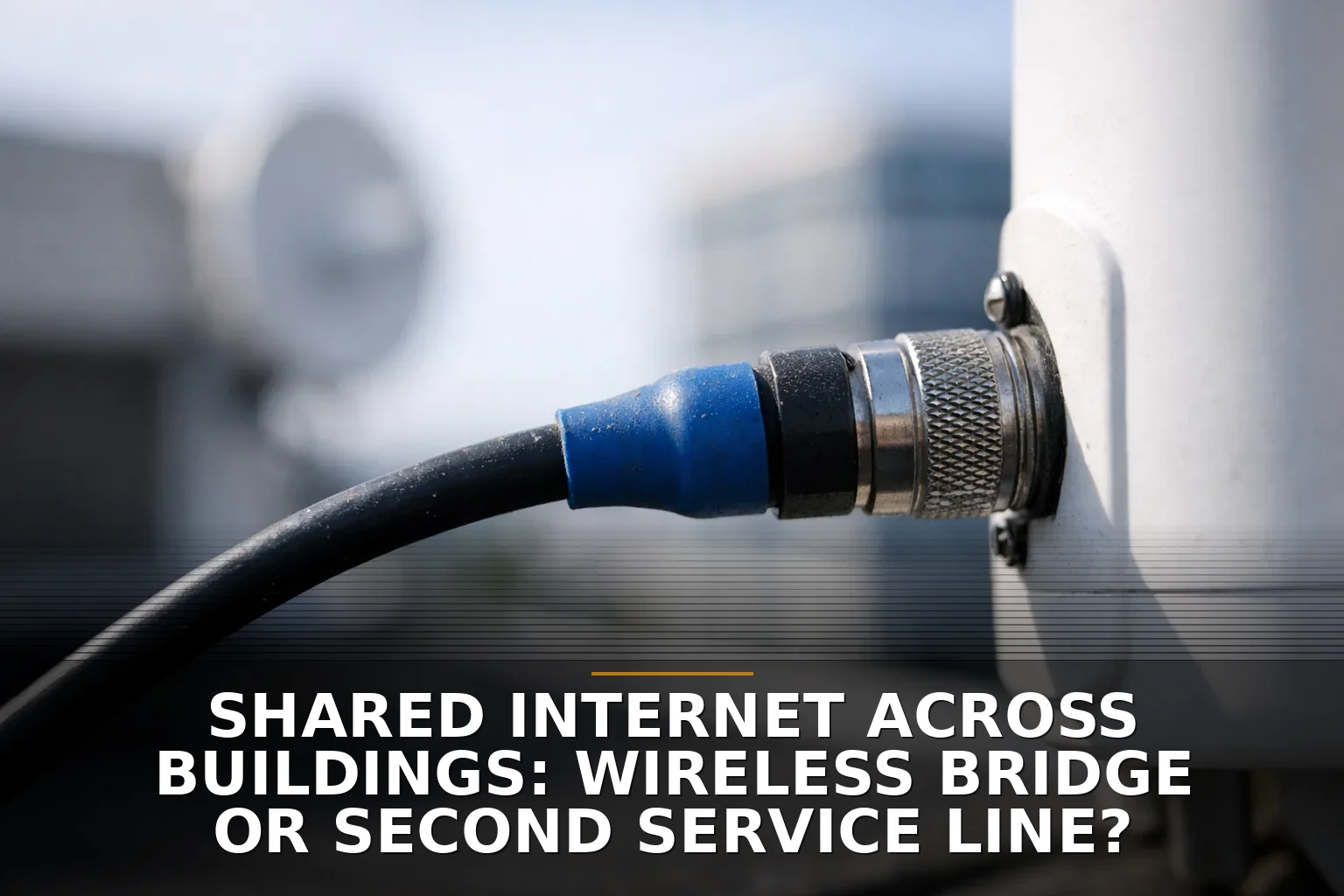
If you’re torn between one shared connection and separate service, Shared Internet Across Buildings: Wireless Bridge or Second Service Line? is the next comparison to make.
3. The property and legal setup can kill the idea
This gets skipped too often.
Just because two buildings are close does not mean you can casually share internet between them. Check three things:
- Are both buildings on the same parcel or under the same ownership/control?
- Is there a public road, easement, or right-of-way between them?
- Does your ISP agreement allow sharing one service across both structures?
If there’s a street in between, a landlord involved, or fuzzy ownership, don’t assume. Ask first. The technical part may be easy while the permission part is the actual obstacle.
Also remember the boring-but-important stuff: roof access, who can mount hardware, grounding, surge protection, and where cables enter the building. Outdoor radios are not “stick it up there and hope.”
4. One network across two buildings can create new problems
A bridge can make two buildings feel like one network. That’s useful, but it can also be messy.
Don’t flatten everything into one giant shared LAN unless you actually want that. If the second building has staff devices, guest Wi-Fi, cameras, phones, or vendor equipment, you may need VLANs, firewall rules, or separate SSIDs so one side doesn’t become everyone’s problem.
This is especially true if the second building might later need:
- separate guest Wi-Fi
- isolated POS or office traffic
- better voice reliability
- its own internet service later
- compliance-driven separation
A bridge should fit your network plan, not replace it. If your current setup is already shaky, fix that first. Dead zones or slow Wi-Fi? How to tell which fix your building needs is a good gut check.
Wireless bridge vs other options
Here’s the side-by-side most owners actually need:
-
Wireless bridge
- Best when buildings are nearby with clear line of sight
- Faster to deploy than trenching
- Usually the right answer when construction cost is the main obstacle
- Trade-off: weather, alignment, mounting, and radio planning matter
-
Trenched fiber or cable
- Best long-term performance and stability
- Better immunity to weather and interference
- Trade-off: construction, permits, time, and cost
-
Second internet service line
- Best when buildings need independence
- Cleaner for tenant separation or separate operations
- Trade-off: recurring monthly cost and duplicated equipment
If you already know this is a building-to-building connectivity problem, the relevant service is Commercial Wi-Fi or a dedicated wireless bridge setup, not a consumer mesh kit from the big box store.
How to check yours in 10 minutes
Before you buy anything, do this quick test:
- Stand at both buildings and identify the exact mounting spots, not just the general roofs.
- Check for a clean visual path between those points: trees, signs, metal walls, HVAC units, and future leaf growth all count.
- Measure rough distance and note whether you’d need to cross a driveway, road, or neighboring property.
- Ask what actually runs in building two: office PCs, cameras, phones, POS, guest Wi-Fi, or just light internet use.
- Decide your failure tolerance: annoying if it drops sometimes, or business-stopping if it drops at all?
- Check where power and indoor network gear live in each building. Outdoor bridge radios usually need Ethernet runs and sensible placement.
- Pull out your ISP agreement or call the provider and confirm that sharing the connection is allowed.
If you can’t answer those seven questions, you’re not ready to shop gear yet.
When to call a pro
DIY is fine when the buildings are close, the path is obvious, the stakes are low, and you’re comfortable mounting hardware, running cable, and configuring the network.
Call a pro when any of these are true:
- the link supports phones, payment systems, or critical operations
- there are trees, metal buildings, or tricky mounting points
- you need VLANs or network separation
- the buildings are on different parcels or involve a landlord
- you’re unsure about grounding, surge protection, or roof work
This is the honest line: if a failed link would just annoy you, experiment. If a failed link would stop business, don’t learn RF planning on your own roof.
Common questions
Can a wireless bridge replace a second internet connection?
Yes, if both buildings can reasonably share one service and the bridge path is clean. No, if each building needs independent uptime, billing, or network separation.
Will a wireless bridge work through trees?
Usually not well enough for business use. A proper bridge wants clear line of sight, and partial obstruction can reduce reliability even when the buildings seem visible.
Is a wireless bridge better than trenching fiber?
Better for speed of deployment and avoiding construction, yes. Better for long-term maximum stability and capacity, no — fiber is still the stronger permanent path when it’s practical.
Can I just use mesh Wi-Fi or an extender between buildings?
I wouldn’t for a business. Mesh and extenders solve indoor coverage problems; building-to-building links are a different job and should be designed that way.
If your buildings can see each other and you want one practical connection without tearing up the ground, a wireless bridge is usually the right tool — but only if you treat it like infrastructure, not a gadget.
If you're staring at this exact problem, that's where to start: Commercial Wi-Fi covers bridge design, coverage issues, and building-to-building connectivity in Northwest Arkansas.
Be the first to share your thoughts.