If both buildings are on the same property and you have clear line of sight, choose a wireless bridge first. If you need true independence, unreliable sight lines make wireless shaky, or you don't control the mounting and wiring, buy a second service line instead.
That’s the real decision. Most business owners get distracted by advertised speed, but this choice is usually about reliability, property constraints, and whether the second building needs to act like part of the same network.
My plain recommendation
For most small business setups, I’d start by pricing a Commercial Wi-Fi building-to-building bridge before signing up for another monthly bill.
Why? Because paying two internet bills forever to solve a short-distance property problem is a little like renting a second forklift because one pallet is on the wrong side of the warehouse. If the buildings can see each other and the bandwidth needs are normal, a bridge is often the cleaner move.
But I would not force a bridge just because it sounds cheaper. If the remote building runs critical operations, needs its own failover, or sits behind trees, metal, weather, and bad mounting options, a second line may be the smarter business decision.
If you're in Northwest Arkansas or nearby, this comes up a lot on shops, detached offices, storage buildings, and mixed-use properties across our service area.
The 4 factors that actually decide it
1. Can the buildings actually see each other?
This is the first filter, and it knocks out a lot of bad bridge ideas.
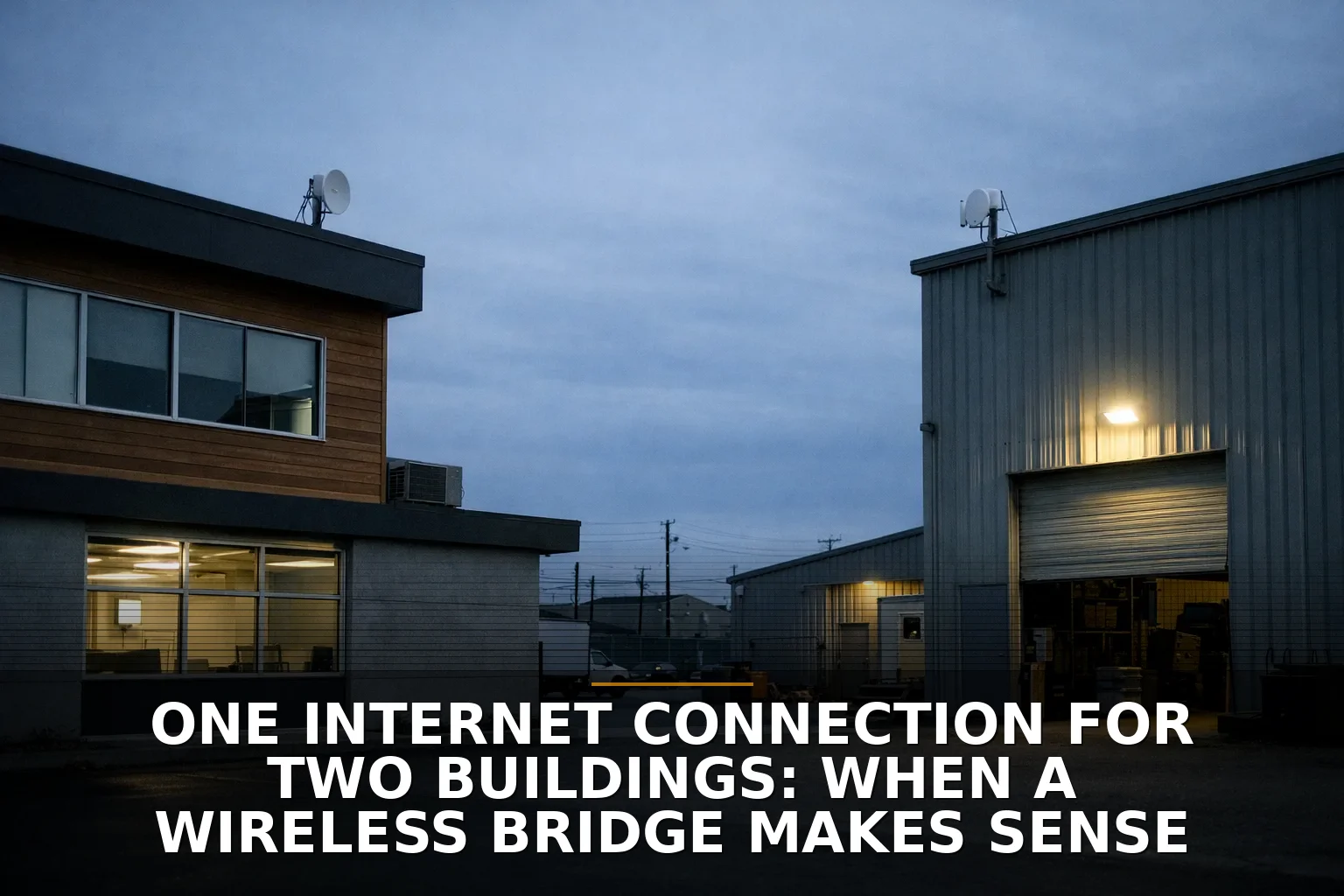
A wireless bridge works best with clear line of sight. Not “kind of visible in winter.” Not “I can see part of the roof through trees.” Clear means clear. Higher-frequency wireless links lose strength faster over distance and usually demand better alignment, which is one reason a bridge that looks fine on paper can act flaky in real life.
Things that commonly break a bridge plan:
- Trees that fill in during spring and summer
- Metal buildings reflecting signal in ugly ways
- Rooflines, parapets, signs, and equipment blocking the path
- Weather exposure and heat shimmer over pavement or roofs
- No good place to mount and power outdoor radios
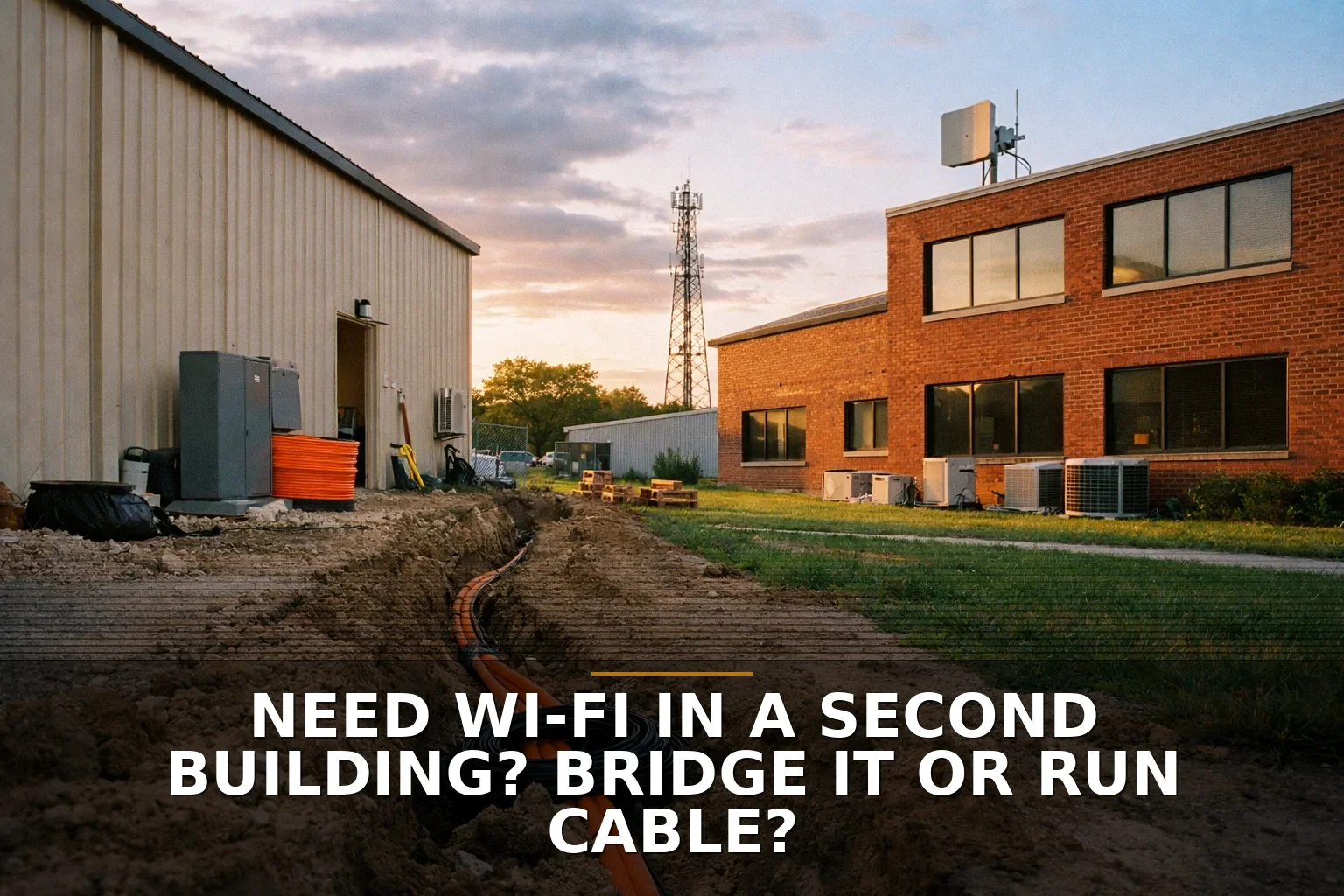
If sight lines are bad, don’t talk yourself into a “maybe.” Buy the second line, or better yet, look at whether Structured Cabling and fiber between buildings is the real permanent answer. I’d also read Need Wi‑Fi in a Second Building? Bridge It or Run Cable? if you're deciding between wireless and a physical run.
2. Do you want one shared network or two separate ones?
This gets overlooked all the time.
A bridge doesn’t just share internet. It often extends your local network too. That means printers, cameras, office devices, and random smart equipment can end up talking across buildings unless the network is segmented correctly.
That can be useful. It can also be a mess.
Say you run an office in one building and a workshop in another. If you want staff in both places using the same files, phones, and systems, a bridge makes sense. If you want the second building isolated because it has tenants, guest users, contractors, or less-trusted devices, a separate service line may save you headaches.
This is the same basic mistake people make with indoor Wi-Fi: they think signal is the whole problem when the network design is the real problem. If that sounds familiar, Dead zones or slow Wi‑Fi? How to tell which fix your building needs is worth a look.
3. Are you solving cost, or are you solving downtime?
These are not the same goal.
A wireless bridge usually wins on recurring cost because you avoid a second monthly ISP bill. That matters more now that internet costs hit harder for small properties and side buildings than they used to.
A second service line wins when your real problem is independence.
But here’s the part that gets missed: a second line is not automatically real redundancy. Two lines from the same provider can fail together. Even two different brands can ride the same underlying cable plant, fiber route, neighborhood node, or utility corridor. So if you're buying a second line for backup, ask what infrastructure is actually different.
Also, don’t over-trust advertised speeds. The FTC has warned for years that “up to” internet claims don’t equal real-world performance. A second line with a weak router or bad access point placement in the outbuilding can still perform poorly. Sometimes the issue isn’t the ISP at all — it’s the indoor distribution after the handoff. That’s where proper access points matter, not just another modem. Related: Single Router or Multiple Access Points? How to Choose for Your Building.
Side-by-side: which one should you choose?
Here’s the short version.
-
Choose a wireless bridge if:
- The buildings have clear line of sight
- They’re on the same property or under the same control
- You want to share one connection and likely one network
- The second building has moderate bandwidth needs
- You want lower ongoing cost
-
Choose a second service line if:
- Sight lines are blocked or seasonally unreliable
- You need true separation between buildings
- The remote building is business-critical and downtime hurts
- You can’t mount outdoor gear because of lease or property restrictions
- You need provider independence more than monthly savings
-
Choose fiber/cabling instead of both if:
- The setup is permanent
- Trenching or aerial install is feasible
- You want the most stable long-term connection between buildings
- You want to avoid the lightning and grounding problems that come with improvised copper runs between structures
That last point matters. Do not run a cheap Ethernet cable between buildings and call it done. Between code, grounding, surge risk, and lightning exposure, that shortcut can become an expensive one.
The legal and ownership piece nobody mentions early enough
Sometimes the technology isn’t the blocker. The property is.
If you lease space, share a lot, sit in a multi-tenant setup, or need to mount radios on roofs, poles, or common areas, get permission sorted out before you buy hardware. FCC rules around certain antennas help in some situations, but they do not erase valid lease restrictions in common areas or legitimate safety rules.
So before you decide, answer these boring questions:
- Who owns the buildings?
- Who controls the roof, exterior walls, and poles?
- Can you legally cross the property line with a wired run?
- Is outdoor power available where the equipment needs to go?
- Will your insurer, landlord, or electrician object to the install method?
Boring questions save expensive rewrites.
If this is you, do this
If the buildings are close, visible to each other, and you mainly want to avoid paying for internet twice, install a wireless bridge.
If the second building must keep working when the first one has trouble, if you need cleaner separation, or if the path between buildings is obstructed, buy a second service line.
And if this is a permanent setup you expect to use for years, price fiber before you lock yourself into either shortcut.
The strongest takeaway: pick a wireless bridge to share one property connection cheaply; pick a second line only when you truly need independence.
Common questions
Can I just run Ethernet from one building to the other?
I wouldn’t do that with a simple copper patch across buildings. Grounding, surge, and code issues make that a bad shortcut; if you want a physical connection, fiber is usually the safer long-term approach.
Is a second internet line always more reliable than a wireless bridge?
No. If both services rely on the same provider infrastructure, they can fail together. A second line only gives real resilience when the underlying path is genuinely different.
Will a wireless bridge slow down my internet a lot?
Not necessarily. A properly installed bridge can perform very well for normal business use, but alignment, interference, weather, and the Wi-Fi setup inside the second building matter just as much as the bridge itself.
What if I rent one or both buildings?
Check mounting rights, common-area rules, and exterior installation permissions before you plan a bridge. In some leased setups, paying for a second line is simply easier than fighting the property constraints.
If you're staring at this exact problem, that's where a Commercial Wi-Fi plan starts — especially for bridges, dead zones, and multi-building coverage.
Be the first to share your thoughts.