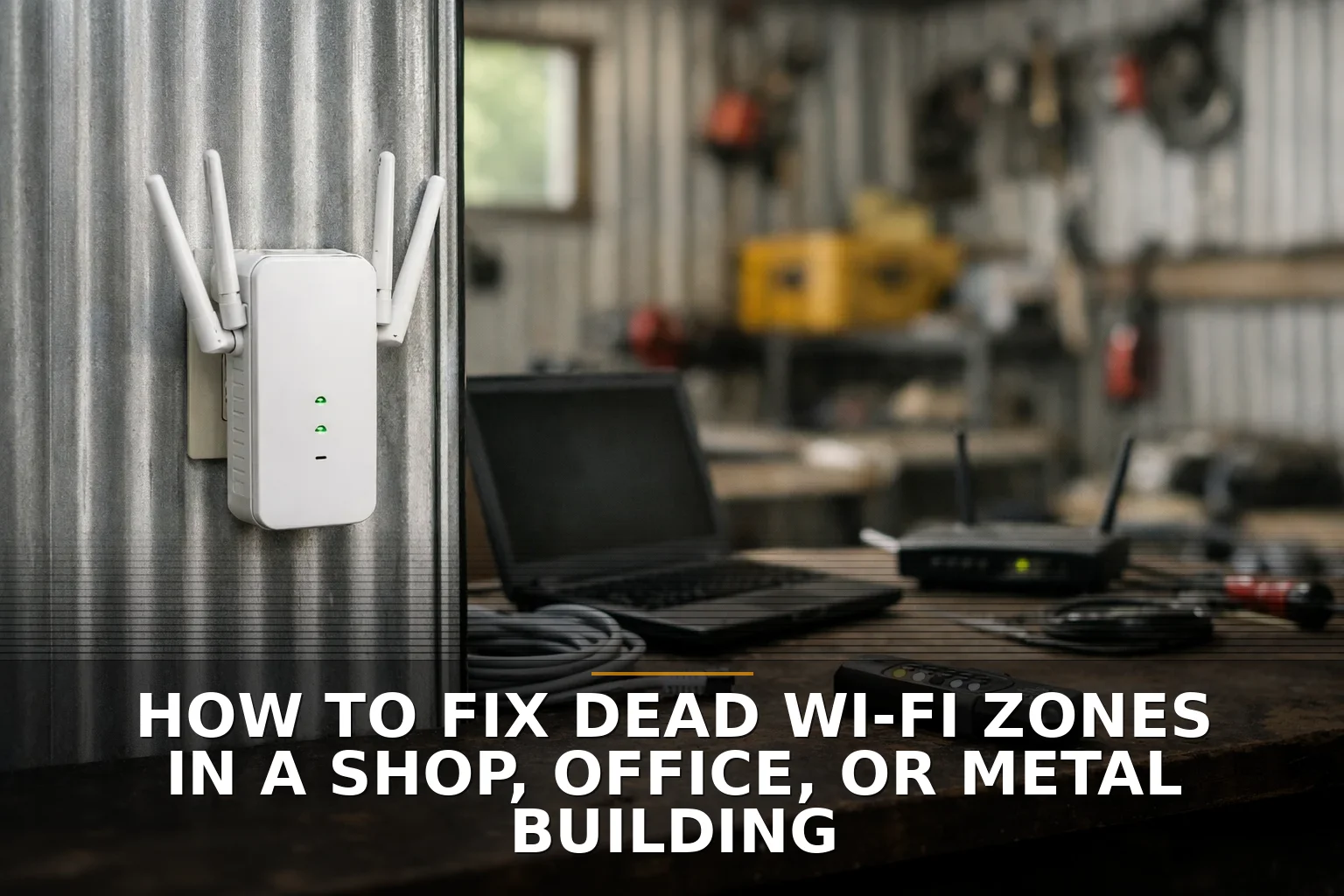
The fix for dead Wi-Fi zones is usually not a bigger router. Put wired access points where the problem actually is, and stop expecting one box in the front office to cover a shop, warehouse, or metal building.
If your card reader drops in the back, the office printer disappears twice a day, or the scanner works only when someone stands by the door, this is a layout problem first. Wi-Fi is radio. Radio hates steel, foil insulation, concrete, low-E glass, packed shelving, and bad placement.
The blunt answer: stop buying stronger routers
A lot of business owners get sold the same bad idea: replace the router with a "more powerful" one.
Don't do that first.
That's like trying to heat a warehouse with one giant vent in the corner. You may get more hot air, but you still won't get even coverage where people actually work. In a shop or office, Wi-Fi design beats Wi-Fi horsepower.
Dead zones usually come from one of four things:
- Bad access point placement
- Building materials blocking or reflecting signal
- Too many devices sharing one radio/channel
- Weak backhaul between your extender/mesh node and the main network
That last one matters more than people think. If your "fix" talks to the main router over a weak wireless link, you've just moved the problem, not solved it.
Coverage and capacity are not the same thing
This is where people get fooled by the little bars on their phone.
You can have signal everywhere and still have bad Wi-Fi.
Why? Because coverage is not capacity. Coverage means a device can see the network. Capacity means the network can actually handle the traffic. A crowded access point is like a single cashier with a line out the door. Everybody is technically being served. It still feels broken.
This gets worse on 2.4 GHz. That band reaches farther, but in most places it effectively has only three clean 20 MHz channels: 1, 6, and 11. In a busy building, that means devices step on each other fast. 5 GHz usually gives better speed, but it doesn't travel through walls and obstacles as well. 6 GHz can be great for capacity too, but it's even less of a coverage miracle in a tough building.
So if somebody tells you Wi-Fi 6E alone will fix a dead zone in a metal shop, I'd be skeptical. New standards help. Physics still wins.
What actually works in shops, offices, and metal buildings
My opinion: if the Wi-Fi matters to your business, use wired access points with PoE and place them intentionally.
PoE, or Power over Ethernet, is the practical part. One cable carries both power and data, so you can mount an access point where it belongs instead of where an outlet happens to be. That's why Commercial Wi-Fi jobs often turn into some amount of Structured Cabling. The cable is usually the real fix.
Here is the side-by-side I wish more buyers saw:
-
Move the existing access point
- Best when the problem is minor
- Cheap and worth trying first
- Especially smart if the AP is near metal shelves, an electrical panel, a cooler, or tucked in a closet
-
Add a wireless extender or mesh node
- Fine for a small, simple space
- Usually the wrong answer for a business with metal walls, long aisles, or heavy device use
- Every wireless hop can cut real-world throughput
-
Add wired access points
- Best long-term fix for business use
- Better roaming, better capacity, fewer random dropouts
- Costs more up front because cabling matters
-
Use directional antennas in specific layouts
- Smart in long aisles, warehouses, and some metal buildings
- Better than spraying signal in every direction and hoping for the best
- Needs planning, not guessing
If you run a shop in Northwest Arkansas or the Ozarks, this comes up a lot in metal-sided buildings, back offices behind coolers, and warehouse-style spaces where inventory literally changes the radio environment week to week.
Mesh is not evil. It's just overprescribed.
Mesh has its place. In a small office with a couple of dead corners, it can be the cheapest useful fix.
But I wouldn't treat mesh like commercial-grade medicine for every building. In a metal building, each wireless hop is like trying to have a conversation through two closed doors and a running forklift. It may connect, but not well.
If the business depends on stable Wi-Fi for POS, scanners, cameras, tablets, or VoIP, I would rather see fewer promises and more cable.
This is the same mindset behind Thinking About Hiring a Developer? Start With the Cheapest Useful Fix. Try the simple fix first. But once the simple fix clearly isn't enough, stop stacking band-aids.
Metal buildings need a survey, not guesswork
Metal buildings are where DIY confidence goes to die.
Steel reflects signal. Foil-backed insulation blocks it. Machinery, racks, roll-up doors, and even stocked shelves change how the signal behaves. A placement that looks obvious on paper can be dead wrong in the real room.
That is why a site survey matters. Not because it sounds fancy, but because it prevents dumb purchases.
A proper check should include:
- Signal strength in the actual work areas
- Noise and interference levels
- Real throughput tests, not just a speed test beside the router
- Validation after install, because buildings change when they're full of product and people
If you're also trying to connect a second building, don't mix that decision into your indoor Wi-Fi plan without thinking it through. A bridge link is a separate design problem. I covered that in Wireless Bridge vs Trenching Fiber: Best Way to Connect Two Buildings.
Don't forget the boring part: security and device reality
When people add access points in a hurry, they often create a mess.
Your guest Wi-Fi should not live on the same network as your POS, cameras, office PCs, and random smart devices. Separate networks or VLANs are often the grown-up move here.
Also, sometimes the network isn't the real problem. An old handheld scanner, printer, camera, or IoT device may only support 2.4 GHz or older Wi-Fi standards. That can make the whole setup look bad when the endpoint is the weak link.
This is the same pattern I see in software decisions too: people blame the whole system before isolating the bad part. That's why I like practical audits before big purchases. It's also why articles like What to ask before hiring a developer for your website, app, or automation matter beyond software. The buying mistake is usually the same: purchasing before defining the real problem.
What to do next
Start in this order:
- Map the dead zones by room, aisle, workstation, or device type.
- Move the current AP if it's hidden, too high, near metal, or in the wrong end of the building.
- Test the backhaul if you're using mesh or extenders.
- Check the clients — especially older scanners, printers, and cameras.
- Plan for wired APs if the Wi-Fi affects sales, operations, or staff productivity.
- Segment the network if you're adding business-critical wireless devices.
My call is simple: if your business runs on the connection, stop treating Wi-Fi like a consumer gadget and build it like infrastructure.
Common questions
Why does my Wi-Fi work in the office but not in the shop or warehouse?
Because the shop is usually full of signal-killing materials like steel, concrete, shelving, machinery, and insulated walls. Open office assumptions do not carry over into industrial space.
Will a mesh system fix dead zones in a metal building?
Sometimes, but I wouldn't bet the business on it. Mesh can help in lighter-duty spaces, but metal walls and long distances often make wired access points the better answer.
Is a stronger router better than adding access points?
Usually no. One stronger router is still one source in the wrong place, and more power can actually make interference and reflections worse in tough buildings.
Do I need cabling to fix business Wi-Fi the right way?
If the Wi-Fi matters day to day, probably yes. Wired backhaul to properly placed access points is the most reliable fix for dead zones, capacity issues, and roaming problems.
The strongest takeaway is this: dead Wi-Fi zones are usually a placement and infrastructure problem, not a shopping-for-a-bigger-router problem.
If you're staring at this exact problem, start with Commercial Wi-Fi and, if the real fix is getting cable where it needs to go, Structured Cabling is the next step.
Be the first to share your thoughts.