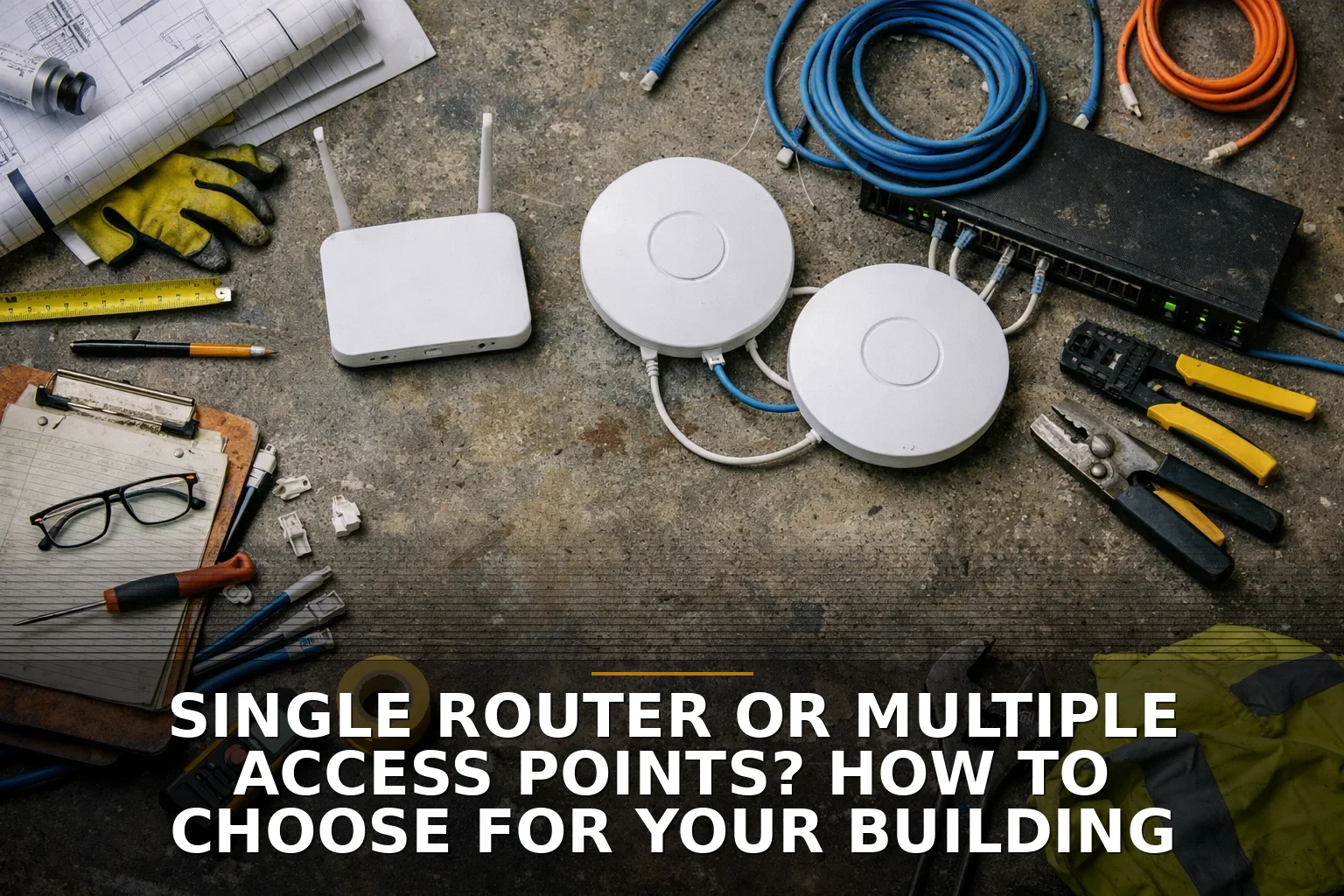
If your building is bigger than a simple open box, or you have dead zones, lots of devices, or more than one floor, choose multiple wired access points. A single router is the right answer only for a small, uncomplicated space where one well-placed unit can actually reach the whole building without fighting walls, metal, or distance.
Business owners get sold the wrong thing here all the time. They buy a "more powerful router" when the real problem is building layout. That’s like trying to heat a warehouse with one space heater in the front office.
Start with the plain decision
Here’s the shortcut I’d use over coffee:
- Choose a single router if your space is small, open, and mostly one level.
- Choose multiple access points if you have multiple rooms, multiple floors, dense walls, metal construction, or lots of users.
- Choose wired access points, not wireless extenders, whenever you can run cable.
- Don’t assume faster internet fixes bad Wi-Fi. Internal coverage and ISP speed are two different problems.
If you’re already debating this, that alone usually means one router probably isn’t enough.
Factor 1: Your building layout matters more than the box claims
Router boxes love to advertise coverage numbers. Real buildings don’t care.
Square footage helps a little, but layout and materials matter more. A long office, a metal shop, a two-story house, a church with classrooms, or a mixed office-and-warehouse setup can all break Wi-Fi in different ways. Concrete, brick, metal, mirrors, low-E glass, and elevator shafts are all great at making wireless act stupid.
A single router works best in a small, open, central layout. Think: one floor, not many walls, no major construction obstacles.
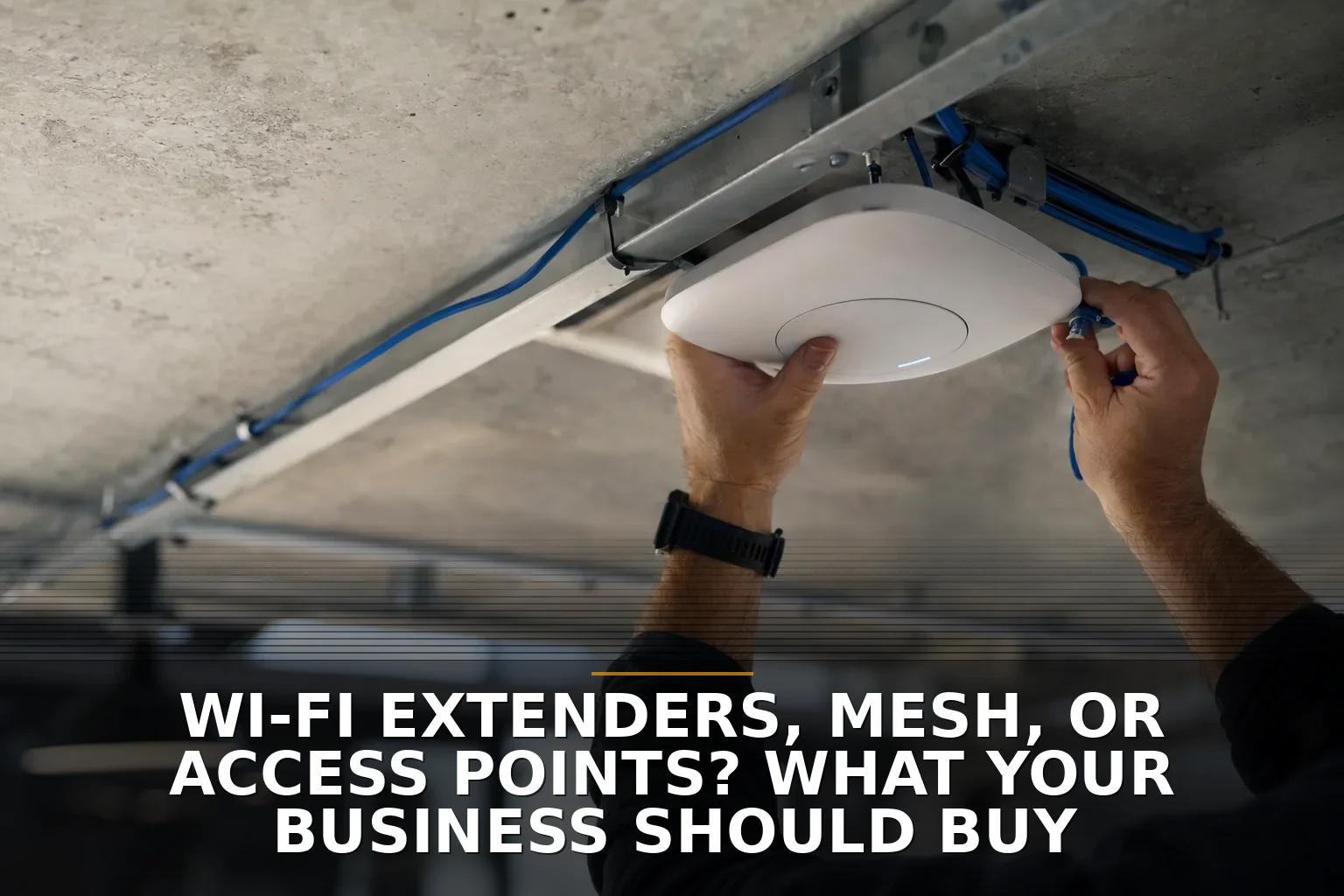
Multiple access points make sense when your building looks more like a maze than a studio apartment. Ceiling-mounted APs connected by cable let you put Wi-Fi where people actually are instead of hoping one corner device can shout through the whole structure.
If your issue is really placement or construction, you may also be dealing with a wiring problem, not just a Wi-Fi problem. That’s where Structured Cabling starts to matter.
Factor 2: Coverage and capacity are not the same thing
This is the part most people miss.
You can have Wi-Fi signal in every room and still have bad Wi-Fi. Why? Because coverage is not capacity.
A single router might show three bars across the building, but that doesn’t mean it can handle a busy office, tenants, guests, cameras, TVs, phones, tablets, printers, and video calls all at once. Newer standards like Wi-Fi 6 were built as much for efficiency in crowded environments as for speed. That matters more in a real business than headline numbers on the packaging.
Imagine a small clinic, office, or retail shop where everybody hits the network at once around the same part of the day. One router can become a single crowded checkout lane. Multiple APs are more like opening more registers.
If you’re trying to solve dead zones specifically, How to Fix Dead Wi-Fi Zones in a Shop, Office, or Metal Building goes deeper on that problem.
Factor 3: Backhaul decides whether your multi-AP setup is good or annoying
I’m opinionated on this: wired backhaul beats wireless backhaul.
An access point is only as good as the connection feeding it. If you wire APs back to the network with Ethernet, performance is usually more stable, faster, and easier to troubleshoot. Power over Ethernet also makes placement cleaner because the same cable can often carry both data and power.
Wireless mesh has its place. It’s convenient. It’s often better than a cheap extender. But it’s still a compromise if nodes are relaying traffic over the air through walls and distance.
Here’s the practical breakdown:
- Best: Multiple wired access points
- Good: Mesh with wired backhaul
- Acceptable for light-duty spaces: Mesh with wireless backhaul
- Usually the wrong fix for a business: Range extenders
If you’re deciding between bridge, cable, or in-building Wi-Fi design, these may help:
- Need Wi-Fi in a Second Building? Bridge It or Run Cable?
- Do You Need New Network Cabling or Better Wi-Fi? Cost Breakdown
Factor 4: More access points are better — until they aren’t
I don’t want to oversell APs, because more is not automatically better.
On 2.4 GHz, there are only a few non-overlapping channels to work with. Pack too many APs into a small building and they start stepping on each other. You can also create roaming headaches where phones and laptops hang onto a weak AP longer than they should. Clients decide when to roam, not your marketing brochure.
So no, the answer is not "put an AP in every room" unless the building and usage actually call for it.
A good multi-AP design uses sane placement, sane power levels, and enough separation to help devices move around cleanly. In a modest building, one solid router may absolutely beat a bargain-bin mesh kit.
That’s especially true in smaller spaces around Northwest Arkansas and the surrounding service area, where I see plenty of buildings that are not huge — just awkward. Awkward buildings need better placement, not necessarily more gear.
Factor 5: Business features matter more than raw speed claims
If this is for your business, don’t shop like you’re buying for a college apartment.
You should care about:
- Guest network isolation
- WPA3 or current security support
- Central management for updates
- Reliable roaming behavior
- VLAN support if you separate office gear, cameras, POS, or tenants
- Whether your cabling can support proper AP placement
A single consumer router can be fine for a tiny office. But once you have staff, customers, smart devices, or multiple areas to cover, management and security start to matter more than chasing theoretical top speed.
So which should you choose?
Here’s the clean decision.
Choose one router if:
- Your building is small
- It’s mostly open
- It’s one level
- You have light device usage
- You can place the router near the center
Choose multiple access points if:
- You have more than one floor
- You have long hallways, separate rooms, or thick walls
- You have a metal building, shop, or warehouse area
- You have lots of simultaneous users or devices
- You need dependable Wi-Fi in specific work areas, not just "some signal"
If you can wire the APs, do that. If you can’t, mesh is the fallback. Don’t lead with extenders unless you just need a cheap temporary patch and you know it.
Common questions
Is a mesh system the same thing as multiple access points?
Not exactly. Mesh uses multiple nodes, but if they talk to each other wirelessly, you’re trading convenience for some performance and consistency. Wired access points are usually the better business setup.
Can one expensive router cover a whole office or metal building?
Usually not reliably. Wi-Fi is a two-way conversation, and your phones, laptops, and tablets can’t shout back as well as the router can broadcast.
Will faster internet fix weak Wi-Fi inside my building?
No. Faster internet helps only if the internet connection is the bottleneck. Bad placement, bad backhaul, interference, and old gear can make great internet feel slow.
How many access points do I need?
Enough to cover the building without overpacking it. That depends on layout, materials, device count, and where people actually use the network — not just square footage.
Pick the design that fits the building, not the ad on the box.
If this is you, start with Commercial Wi-Fi — that’s the right place to sort out coverage, dead zones, and whether you need one router, multiple APs, or a bridge between buildings.
Be the first to share your thoughts.