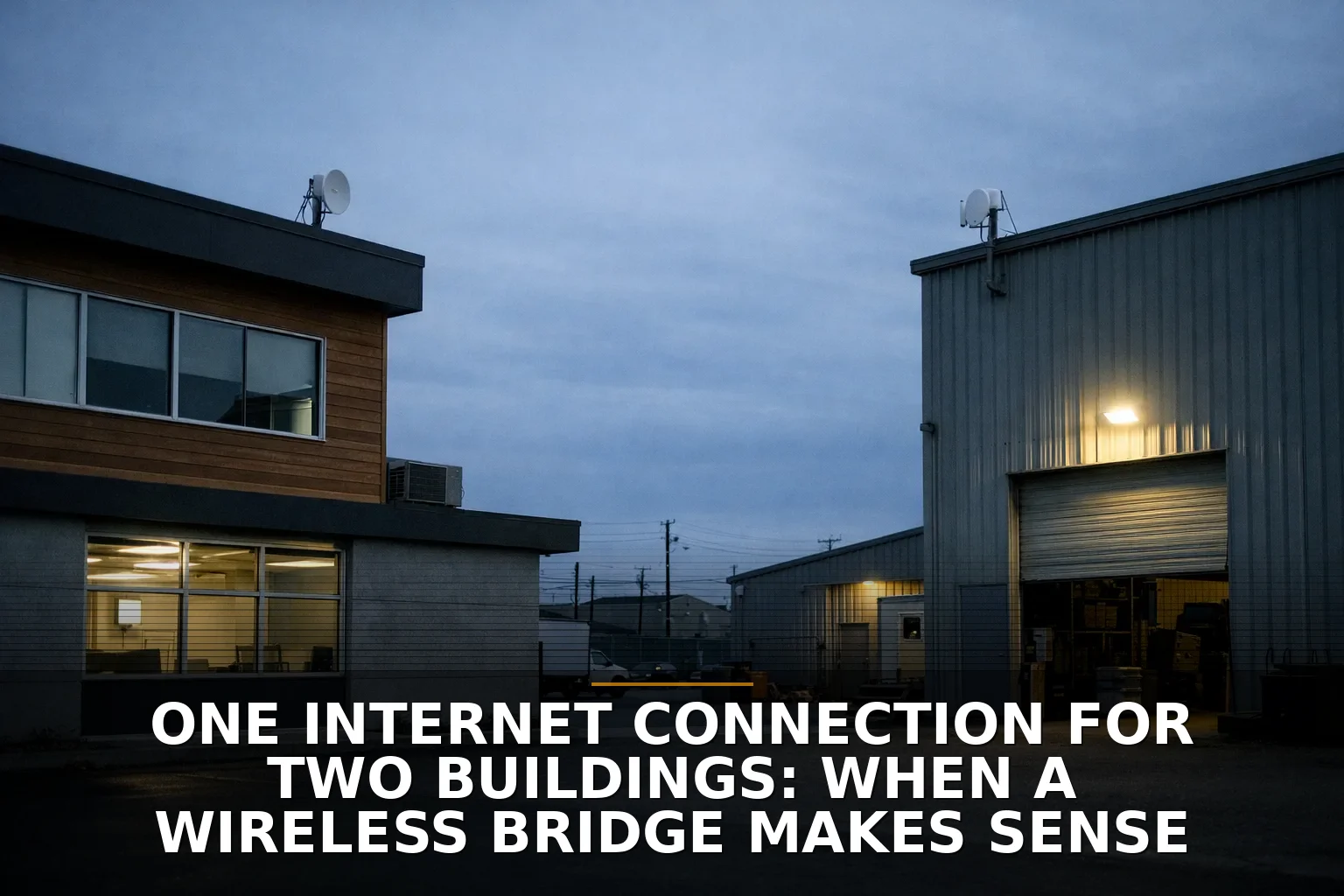
One building has good internet, the other doesn’t, and you’re wondering if you can just beam the connection across. Yes — a wireless bridge makes sense when the two buildings are under the same ownership or operation, have clear line of sight, and trenching cable would be slower, messier, or harder to justify.
If those pieces are not true, don’t force it. A bridge is a practical tool, not magic.
The decision in plain English
Here’s my opinion: buy a proper point-to-point wireless bridge if you need to connect two buildings on the same property or as part of the same business network, and you need a solid connection without digging up pavement, crossing a driveway, or waiting on construction.
If you can easily run fiber between the buildings, fiber is still the better long-term link. But a lot of real properties don’t give you that easy option. There’s a parking lot in the way. A road. A landlord. Concrete. A deadline.
That’s where a bridge earns its keep.
Think of it like this: fiber is pouring a permanent sidewalk. A wireless bridge is building a sturdy overhead walkway. If the walkway gets you there safely and reliably, you don’t need to start by tearing up the whole lot.
Factor 1: Are you connecting your own network or sharing internet with someone else?
This is the first question because it can kill the idea fast.
A wireless bridge makes the most sense when both buildings are part of the same business operation: office to warehouse, shop to detached office, main building to event space, house to barn office, and so on. You’re extending one private network between places you control.
Where people get sloppy is assuming that because the signal can reach, the arrangement is automatically allowed.
A few things to check:
- ISP contract terms may restrict sharing one subscription across separate buildings or separate tenants.
- Extending your network to your own outbuilding is different from effectively reselling or redistributing service.
- If the second building is leased to another business, don’t assume a bridge is the right answer.
- FCC rules like OTARD can help in some antenna-install situations, but they do not override every lease, service agreement, or property issue.
If this is really “my office and my shop,” a bridge is often fine.
If this is “my building and another company next door wants to split my internet bill,” don’t do that casually.
Factor 2: Do you have real line of sight, not wishful thinking?
This is where a lot of bad installs are born.
A wireless bridge needs more than “I can kind of see the other roof.” It needs clear line of sight and enough clean space around that path to avoid signal trouble. Trees, seasonal leaves, rooftop equipment, metal walls, and even slight obstruction in the Fresnel zone can turn a short link into an annoying one.
This is why some 200-foot links are worse than some much longer ones. Distance isn’t always the enemy. Bad physics at the site is.
A quick gut-check:
- Good candidate: two buildings with clear visibility across a lot or driveway
- Bad candidate: trees in the path, heavy roof clutter, or one mounting point that moves in the wind
- Risky candidate: “it’s clear in winter” or “we can probably shoot through those branches”
Don’t design around probably.
If your problem is more general coverage inside the building, not building-to-building transport, read Wi‑Fi extender vs mesh vs access points: what a business should buy or How to Fix Dead Wi‑Fi Zones in a Shop, Office, or Metal Building. Those are different problems.
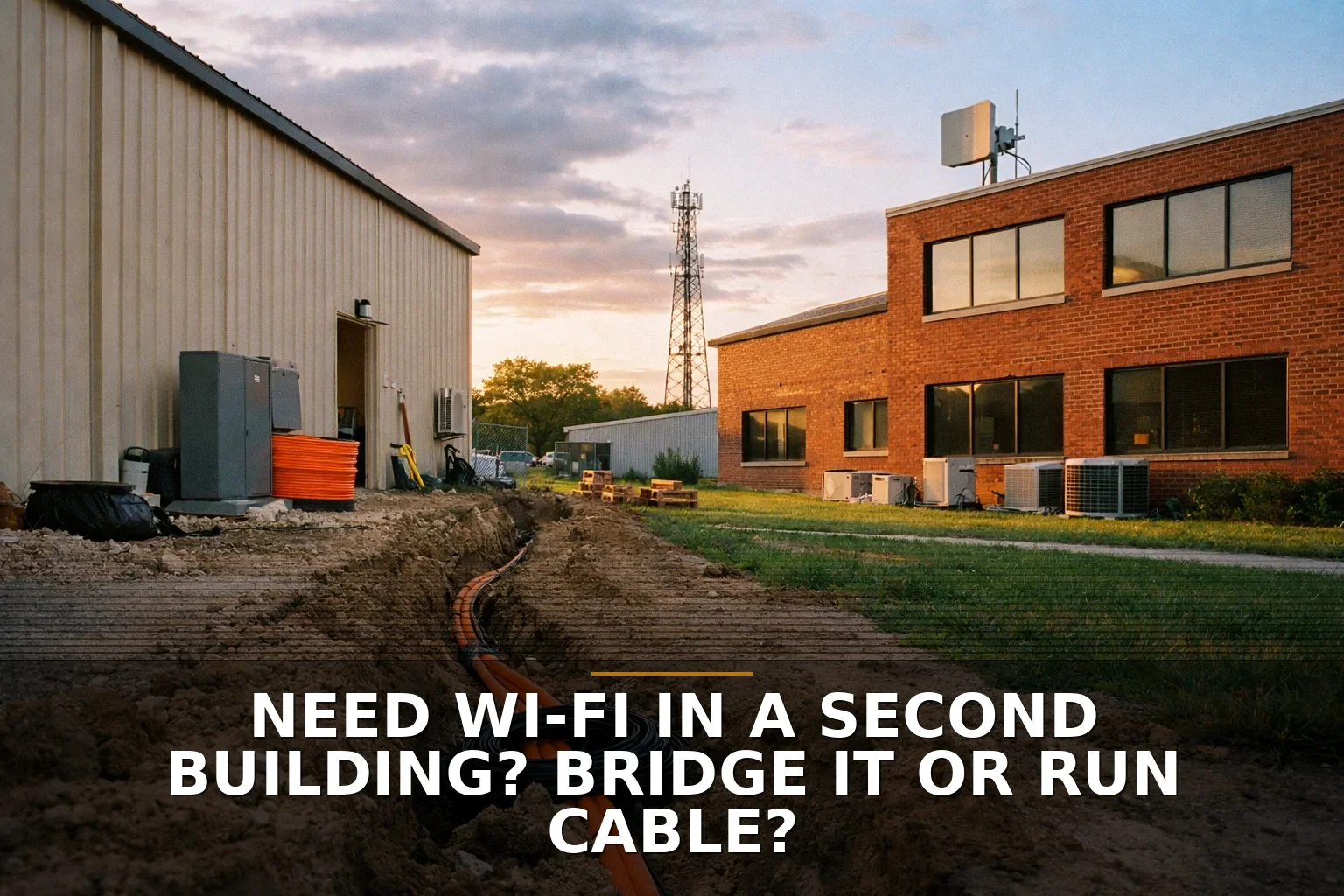
Factor 3: Is trenching cable realistic — and if so, should you just run fiber?
A lot of people jump straight to “can I run Ethernet between buildings?” Usually, that’s the wrong thought.
Standard twisted-pair Ethernet tops out at 100 meters / 328 feet per channel, and separate buildings add grounding and surge issues you don’t want to ignore. The National Electrical Code has opinions about communications circuits entering buildings, and for good reason.
If you’re going wired between buildings, fiber is the preferred medium. It’s non-conductive, which means fewer electrical headaches than metallic cabling between structures.
So the real comparison usually looks like this:
- Wireless bridge: faster to deploy, no trenching, great across lots or drives
- Fiber between buildings: better long-term capacity and electrical isolation, but more construction and coordination
- Copper between buildings: usually the option I’d avoid unless there’s a very specific, properly designed reason
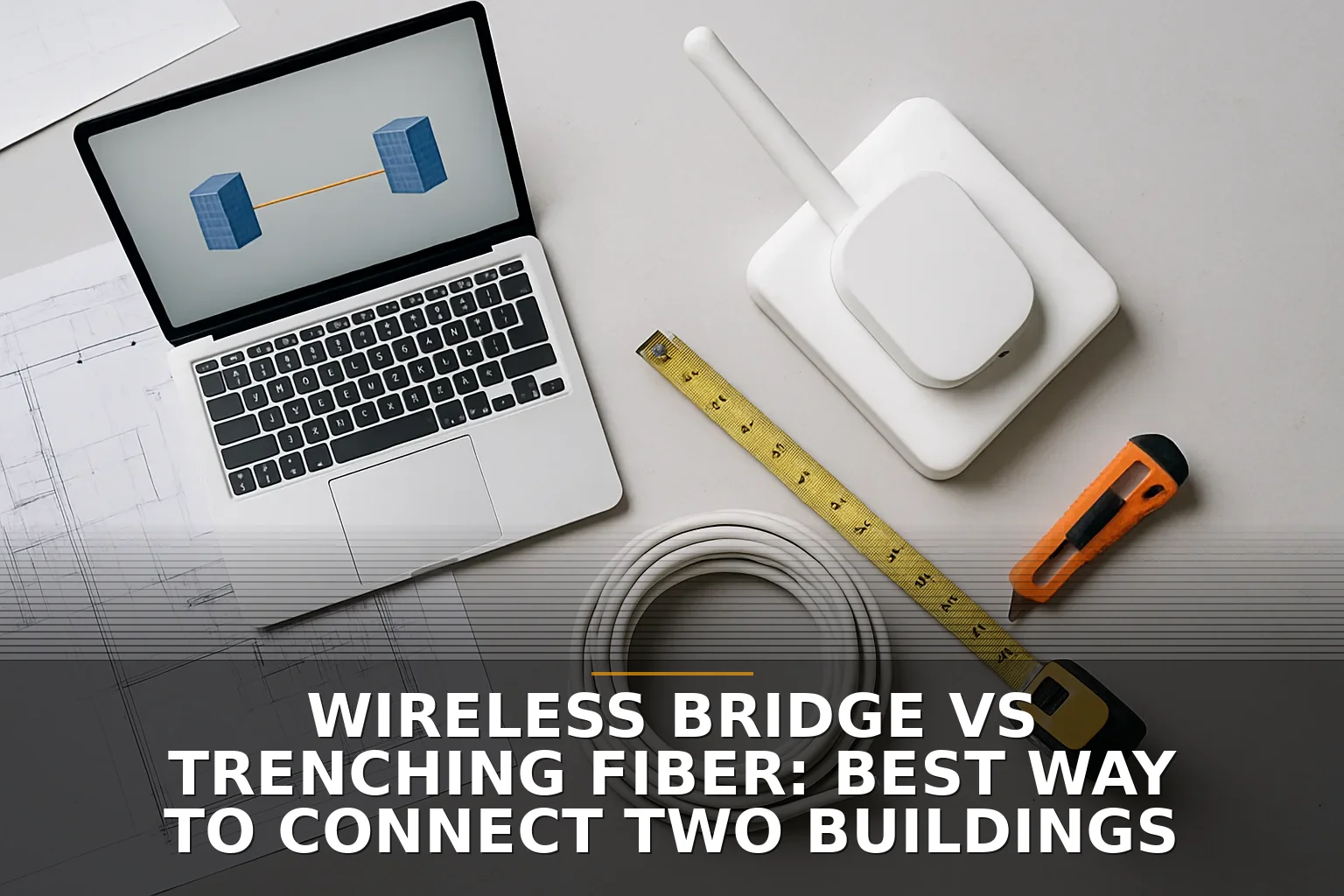
If you want the fuller wired-vs-wireless comparison, Wireless Bridge vs Trenching Fiber: Best Way to Connect Two Buildings goes deeper, and if you’re sorting out broader site infrastructure, Do You Need New Network Cabling or Better Wi‑Fi? Cost Breakdown helps frame that decision.
Factor 4: Will the bridge actually handle the traffic you plan to push through it?
A bridge is not just “internet for the other building.” It becomes part of the road system.
If both buildings are sharing cloud apps, VoIP phones, cameras, file sync, backups, guest Wi‑Fi, and random streaming TVs in the break room, that link matters a lot. A speed test at install time doesn’t tell the whole story.
This is where business owners get burned by buying gear based on marketing numbers. Especially with outdoor wireless, advertised throughput and real-world performance are not the same thing.
A few practical notes:
- 5 GHz bridges are common because they balance throughput, antenna size, and equipment availability well.
- 60 GHz gear can be extremely fast at short range, but it’s less forgiving. Rain fade and range limits are real.
- Cameras and backups can quietly eat bridge capacity.
- If the second building needs “basically the same experience as being in the main building,” plan conservatively.
Imagine a small shop with offices in one building and inventory systems plus cameras in another. That’s very different from “the detached garage just needs email and a printer.” Same bridge category, different stakes.
Factor 5: Are you willing to own the maintenance and protection part?
Wireless bridges are not set-it-and-forget-it forever.
A good install should include proper mounting, power, surge protection, grounding, and weather-aware placement. Even though the data crosses the air, the radios still need power on each end, and outdoor equipment still lives through storms.
Then there’s the ongoing part:
- firmware updates
- monitoring signal quality
- checking alignment after severe weather
- securing management access
- segmenting the network if needed
Security matters here more than people think. A bridge is extending your LAN across open air. That means encryption, strong credentials, and sane network design matter just as much as link speed.
If you’re in Northwest Arkansas and you just want the straightforward path, this is exactly the kind of problem a Commercial Wi‑Fi setup should be designed for.
Quick decision breakdown
Here’s the short version.
A wireless bridge is the right call when:
- both buildings are part of the same business or property you control
- you have clear line of sight
- trenching is expensive, disruptive, delayed, or impossible
- you need the second building online soon
- your bandwidth needs are moderate to high, but still realistic for bridge hardware
Skip the bridge and do something else when:
- the second building belongs to a separate tenant or separate legal operation
- trees, rooflines, or seasonal foliage block the path
- you need maximum long-term capacity and can physically run fiber
- you’re thinking about using cheap indoor Wi‑Fi gear outdoors
- you want a zero-maintenance solution but don’t want to pay for proper installation
Common questions
Can I share one internet connection between two buildings on my property?
Usually yes, if both buildings are part of the same property or business operation and your ISP agreement allows it. If the second building is a separate tenant or separate business, check the contract before you do anything.
Is a wireless bridge better than running Ethernet underground?
Usually, yes. Between separate buildings, ordinary Ethernet has distance and electrical issues; if you’re going wired, fiber is the better standard. A bridge wins when you want to avoid trenching and still get a solid link.
How far can a wireless bridge go?
Farther than most small business properties need, but distance is not the main issue. Clear line of sight, interference, and mounting quality matter more than the raw number of feet.
Will weather knock out a wireless bridge?
A properly chosen and installed bridge should be stable, but weather absolutely matters. Some links, especially higher-frequency ones like 60 GHz, are more sensitive to rain and environmental conditions than others.
If the buildings are yours, the path is clear, and digging cable sounds like a bigger project than the problem deserves, a wireless bridge is usually the smart move.
If you're staring at this exact problem, that’s what Commercial Wi‑Fi is for — especially for building-to-building links, dead zones, and awkward properties.
Be the first to share your thoughts.