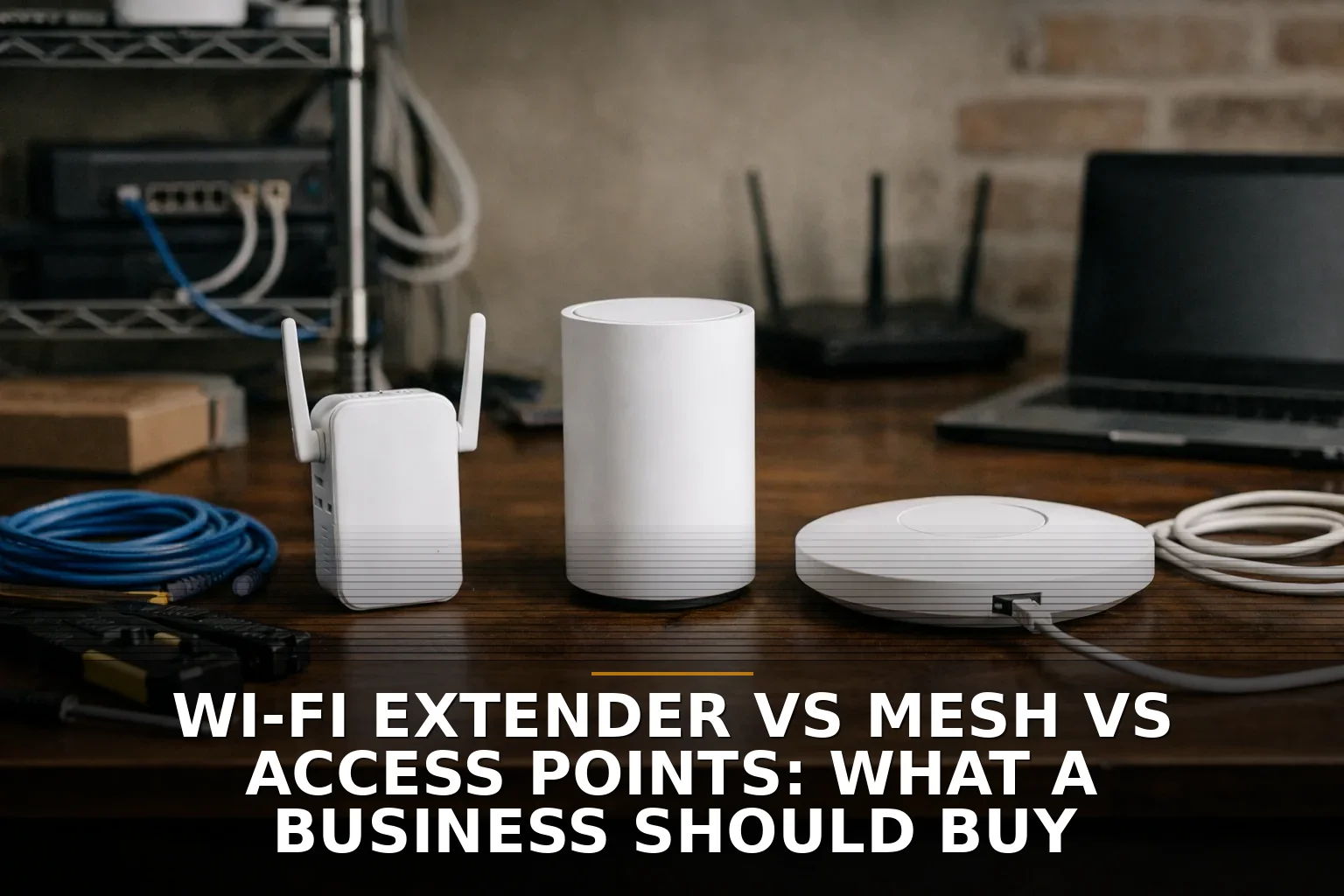
If you can run Ethernet, buy access points. If you can’t, mesh is the practical second choice. Buy a Wi-Fi extender only for one small, low-stakes dead zone — not as the foundation of a business network.
That’s the short version. A lot of business owners get sold on “more bars” when the real issue is reliability, roaming, and whether the network is built like a hallway patch job or like actual infrastructure.
The quick verdict: extender vs mesh vs access points
Here’s the coffee-shop version:
- Wi-Fi extender: cheapest, simplest, and the easiest to regret
- Mesh Wi-Fi: good middle ground when cabling is hard or you’re in a leased space
- Wireless access points: best long-term option for most businesses, especially with wired backhaul
The mistake I see most often is treating all three like they solve the same problem. They don’t.
An extender is a band-aid. Mesh is a convenience system. Access points are an actual network design.
What a Wi-Fi extender is
A Wi-Fi extender, sometimes called a repeater, grabs your existing wireless signal and rebroadcasts it farther out.
That sounds great until you remember what it’s doing: it’s trying to listen and talk over the air at the same time. Like a server in a crowded restaurant repeating every order twice, it slows things down just by existing. That airtime tradeoff is why extenders often reduce effective throughput, especially when they use the same radio channel to receive and retransmit traffic.
Rough cost
Usually the lowest upfront cost of the three. Think small hardware spend, often well under what a proper business Wi-Fi setup costs.
But cheap hardware can become expensive if your staff keeps dropping calls, card terminals lag, or scanners disconnect.
Who it fits
A Wi-Fi extender is the right call only when all of these are true:
- You have one specific dead spot
- The devices there are low-bandwidth
- You don’t need smooth roaming for calls or mobile devices
- You don’t need serious management, logging, or segmentation
- You understand this is a patch, not an upgrade
Imagine a small back office where one printer or one thermostat keeps losing signal. Fine. Use an extender if you want the cheapest useful fix.
But if you’re trying to cover a shop floor, office suite, clinic, warehouse, or multi-room property, don’t build a business network on extenders.
What mesh Wi-Fi is
Mesh uses multiple nodes that work together as one network. Done well, it’s easier to manage than a pile of random routers and extenders with different names and passwords.
This is why mesh gets popular fast: it feels clean. One app, one SSID, several nodes, better coverage.
And to be fair, mesh can be a solid option for a small business. Especially in leased buildings where opening walls or pulling cable is a fight.
Rough cost
Usually mid-range. More than an extender, less than a full business-grade access point deployment in many cases.
The real cost depends on whether the mesh nodes use:
- Shared wireless backhaul — easiest, but slower under load
- Dedicated wireless backhaul — better, but still wireless
- Ethernet backhaul — best version of mesh by far
That last one matters. A mesh node with Ethernet backhaul starts behaving a lot more like a traditional access point setup. In other words, the real argument is often not mesh vs access point. It’s wireless backhaul vs wired backhaul.
Who it fits
Mesh fits businesses that:
- Need coverage across a modest office or retail space
- Want easier setup than a more traditional AP system
- Are in a leased property where cabling is limited
- Need better roaming than an extender can offer
- Don’t have very high device density or tricky RF conditions
If that sounds like your setup, mesh can be the sensible middle ground.
Just don’t assume all mesh products play nicely together. The Wi-Fi Alliance created EasyMesh as a standards-based approach, but support is optional, and many consumer systems still rely on their own proprietary approach. Translation: don’t mix brands and hope for magic.
If you’re fighting dead zones in a metal shop, office, or odd-shaped building, this is also where placement matters more than marketing. I’d read How to Fix Dead Wi-Fi Zones in a Shop, Office, or Metal Building before buying more boxes.
What wireless access points are
Access points are the business-grade answer. Instead of repeating a weak signal, each AP is a proper network device, usually connected back to the network over Ethernet.
That wired link is the whole game.
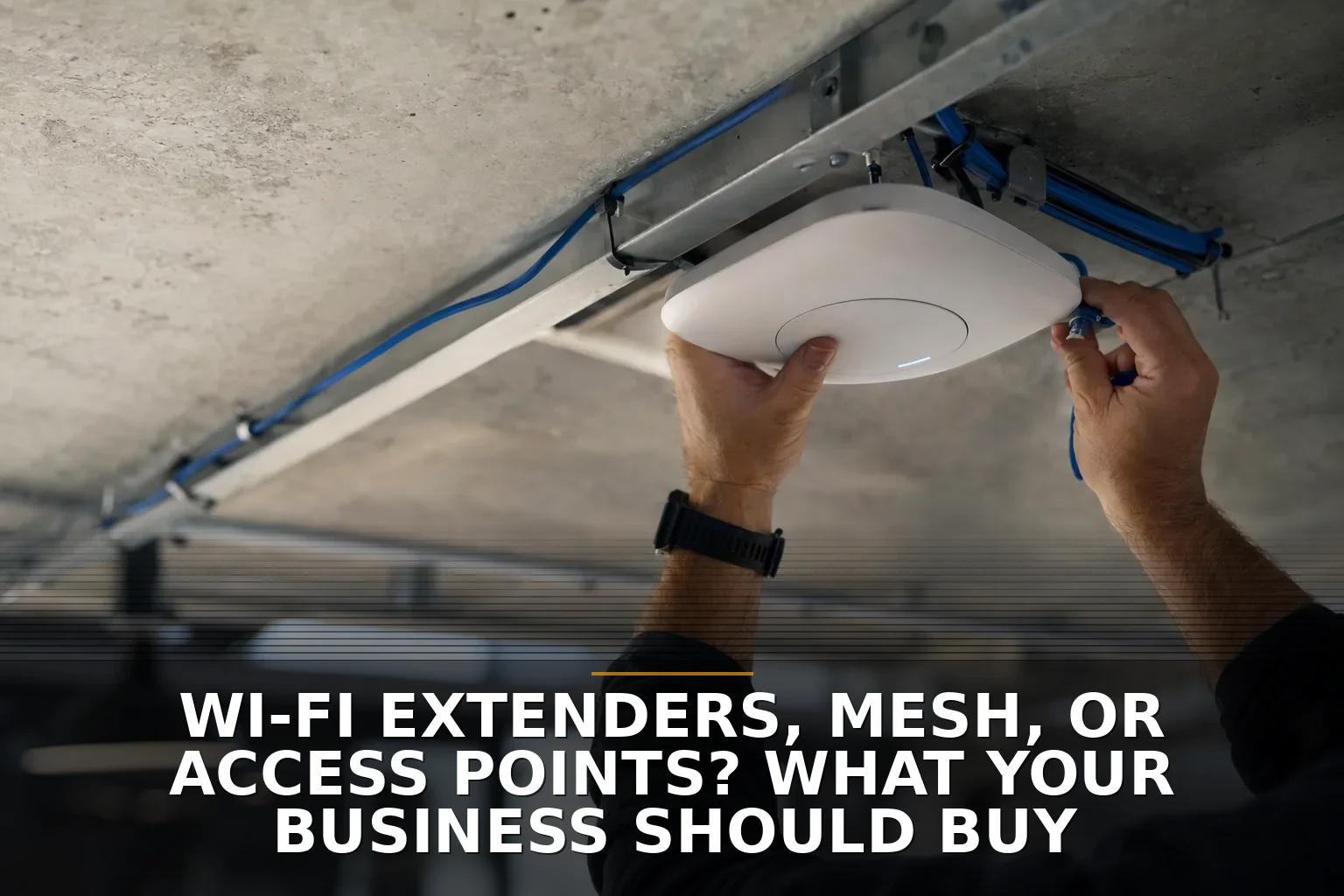
When APs use Ethernet backhaul, they aren’t wasting wireless airtime relaying traffic. Ethernet can also carry power with PoE, which is why APs are often mounted cleanly on ceilings or walls without needing a separate power brick nearby. Depending on the hardware, that may involve 802.3af, PoE+, or higher-power PoE standards.
Rough cost
Usually the highest upfront cost, especially if cabling needs to be added.
Your cost may include:
- Access points
- PoE switch or injectors
- Cabling runs
- Setup and channel planning
- Ongoing management
But this is where I’d rather see a business spend once than keep buying “fixes” every six months.
Who it fits
Access points are the right choice for businesses that need:
- Reliable roaming for Wi-Fi calling, VoIP handsets, tablets, or scanners
- Better performance under heavier device load
- Guest networks and isolation
- VLANs, stronger security, logging, and centralized management
- Predictable coverage in larger or more difficult buildings
This is especially true for offices, clinics, schools, warehouses, churches, apartment common areas, and multi-building properties around Northwest Arkansas and the Ozarks, where building materials and layout can make consumer gear fall apart fast.
Security is also a real separator here. WPA3, business authentication options, segmentation, patching, and monitoring matter more than people think. NIST’s guidance treats wireless as a real security domain, not just convenience. That’s one reason business-grade APs age better than bargain extenders.
And if you’re already thinking about cable runs, don’t ignore the wiring side of the job. Good Wi-Fi often starts with structured cabling, not a stronger router.
Side-by-side: what should a business actually buy?
Here’s the simple comparison:
-
Buy a Wi-Fi extender if:
- You have one dead spot
- The devices there do light work
- You want the cheapest short-term fix
-
Buy mesh if:
- You need broader coverage
- Pulling cable is difficult
- You want simpler management than random routers and extenders
- You can live with some tradeoffs if backhaul is wireless
-
Buy access points if:
- Wi-Fi supports daily operations
- You need stable roaming and better performance
- You care about security, guest access, segmentation, and manageability
- You can run Ethernet, or should
What people usually miss when comparing them
Most buyer guides obsess over speed numbers on the box. That’s not the part that hurts businesses.
The part that hurts is when:
- your phone call drops moving from the front office to the back
- the POS system hangs at the worst time
- guest Wi-Fi can see internal devices
- the owner restarts the network every other week
- adding “just one more node” makes interference worse
Coverage is not the same as good roaming.
And more hardware is not the same as better design.
I’d rather have two well-placed APs with wired backhaul than five badly placed mesh nodes shouting over each other. Same reason I’d rather have two good employees with clear roles than five people bumping into each other in a tiny kitchen.
If you’re comparing network upgrades the same way you’d compare software purchases, the logic is similar to Thinking About Hiring a Developer? Start With the Cheapest Useful Fix. Start small when small will truly solve it. Don’t cheap out when the network is part of how you get paid.
Also, if you’re buying new gear anyway, it’s worth paying attention to newer standards. Wi‑Fi 6E and newer devices can use the cleaner 6 GHz band where appropriate, which helps in busy RF environments. Not every business needs that today, but crowded buildings can benefit.
So which should you pick?
Here’s my opinionated answer.
If your business depends on Wi-Fi for operations, buy access points with wired backhaul.
If you’re in a leased space and running cable is unrealistic right now, buy a good mesh system, and use Ethernet backhaul for any nodes you can.
If you just need to reach one stubborn corner for one low-priority device, an extender is fine. Not glamorous. Not future-proof. Fine.
That’s the real decision: are you fixing a corner, covering a space, or building infrastructure?
If it’s the third one, stop shopping like you’re buying a gadget and start treating Wi-Fi like electrical work. Invisible, unexciting, and absolutely critical when it’s bad.
Common questions
Is mesh better than an extender for a small business?
Usually yes. Mesh is generally better for whole-space coverage and roaming, while an extender is only a decent choice for a single low-demand dead zone.
Are access points better than mesh Wi-Fi?
Yes, in most business settings. Access points with Ethernet backhaul are more reliable, easier to manage properly, and better for roaming, security, and heavier use.
Can I mix mesh, extenders, and access points together?
You can, but I usually wouldn’t unless there’s a clear design reason. Mixing systems often creates messy roaming behavior, overlapping coverage, and harder troubleshooting.
Do I need cabling to get good business Wi-Fi?
Not always, but cabling is the best foundation. If you can run Ethernet, you’ll usually get better performance and more predictable results than relying on wireless repeating alone.
If you're staring at this exact problem, that's what Commercial Wi-Fi is for. And if the real issue turns out to be where the network drops need to go, start there and then look at Commercial Wi-Fi after the wiring plan is clear.
Be the first to share your thoughts.