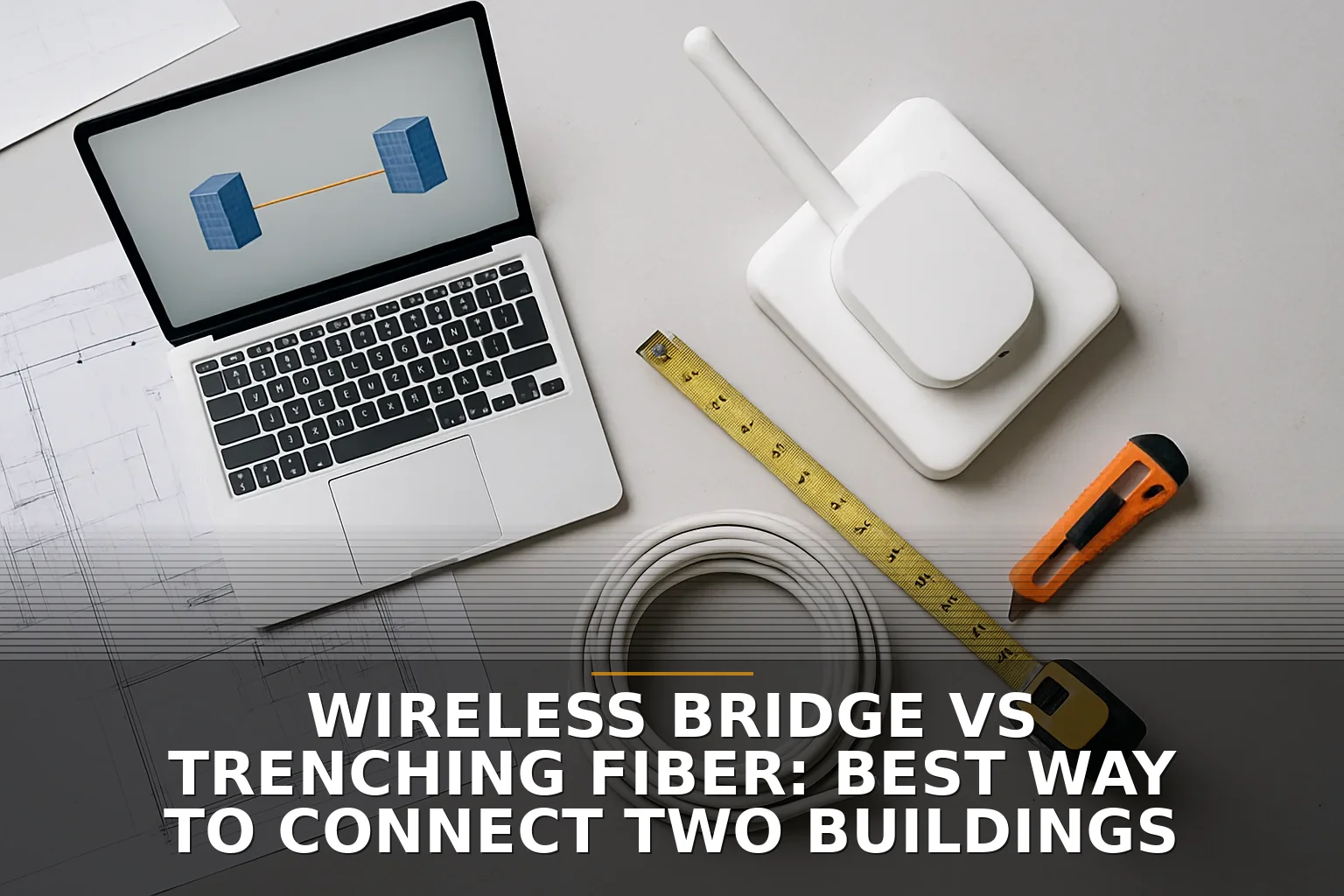
If the two buildings need a connection you can trust for years, trench fiber is usually the right answer. If you need it fast, the distance is short, and you have clean line of sight, a wireless bridge is often the smarter move right now.
This is one of those decisions that sounds simple until the quotes start coming in. A $1,500 radio link can turn into rooftop work, alignment, and weather headaches. A “just run fiber” plan can turn into boring under pavement, utility locates, restoration, grounding, and a much bigger bill than the cable itself.
The short verdict: wireless bridge vs trenching fiber
Here’s the coffee-shop version:
- Pick trenching fiber if this link is mission-critical, you expect growth, or you never want to wonder whether rain, interference, or a new obstacle is the reason things got weird.
- Pick a wireless bridge if you need service quickly, the buildings have true line of sight, and the business can live with a little more environmental risk in exchange for much lower upfront cost.
- Pick “wireless now, fiber later” if permits, trenching, or utility coordination are going to drag this out for months.
That last one is more common than people think. It’s the networking version of putting down gravel before you pour concrete. Not glamorous, but practical.
Option 1: Wireless bridge
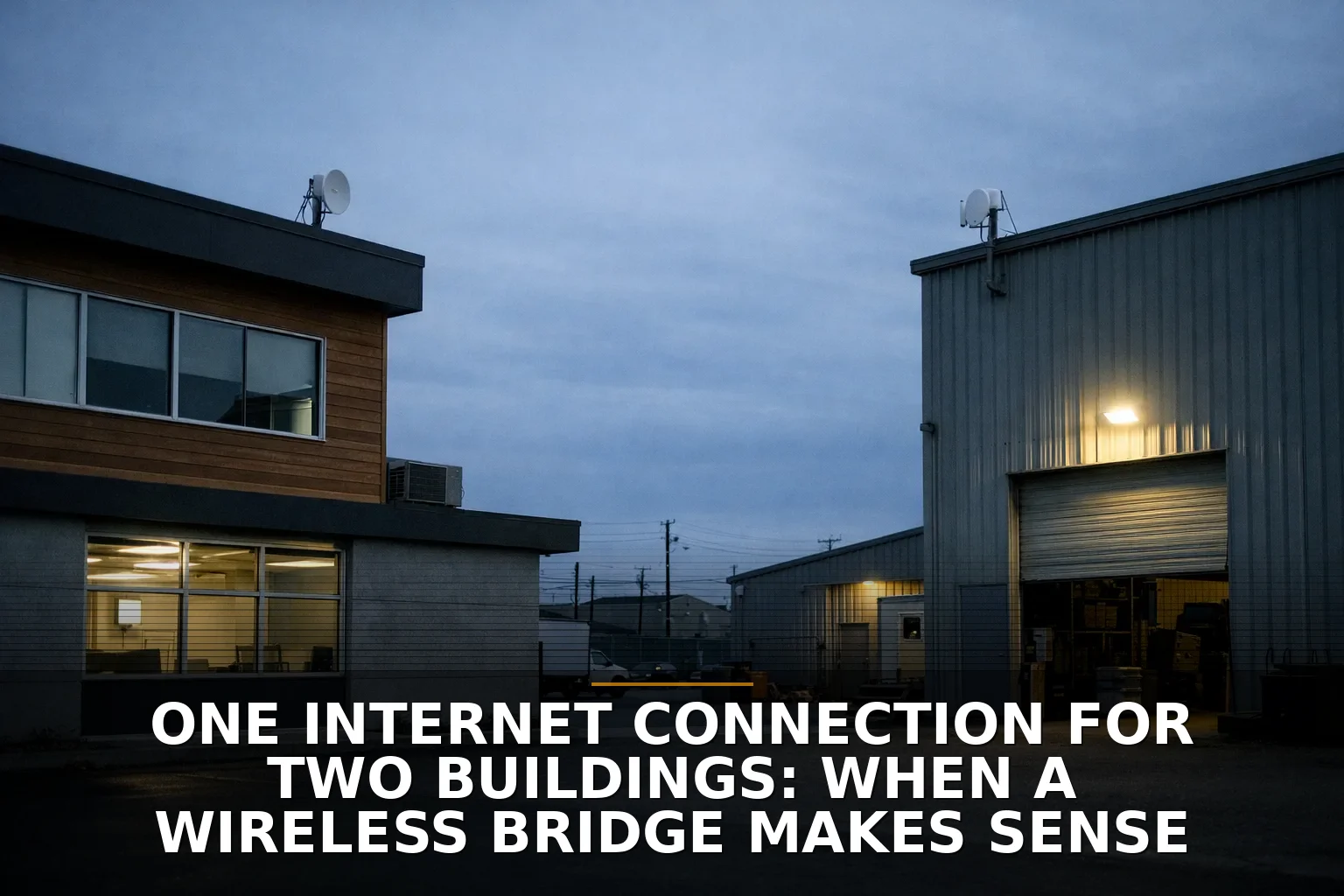
A wireless bridge is a pair of directional radios mounted on the two buildings, pointed at each other to create a dedicated link. Think of it like a private invisible cable through the air.
For business owners, the big appeal is obvious: no trenching.
Rough cost
For a short building-to-building link, hardware can be fairly affordable. But don’t stop at hardware. Real cost usually includes:
- radios and mounts
- cabling and PoE injectors or switches
- rooftop or exterior installation labor
- alignment and testing
- surge protection and grounding
- any lift rental or difficult roof access
In plain English: the radios may be the cheap part.
What it fits
Wireless bridge is a good fit when:
- the buildings have clear line of sight
- the distance is relatively short
- you need connectivity quickly
- trenching would mean crossing pavement, drives, landscaping, or utility-heavy ground
- you’re trying to avoid tearing up property for a link that may change later
Where people get this wrong
The mistake is assuming “I can see the other roof, so we’re good.” Not always.
Wireless links need more than eyeball visibility. They need line of sight plus decent Fresnel zone clearance — basically, enough open space around the signal path so it’s not clipping trees, roof edges, signs, or other obstacles. Seasonal foliage matters too. A clean winter path can become a bad summer path.
Interference matters as well, especially on 5 GHz. According to the Wi‑Fi Alliance, wider channels like 80 or 160 MHz can push higher throughput, but they also need cleaner spectrum. In the real world, that means your “fast” design can get fragile if the RF environment is noisy.
You’ll also see 60 GHz products marketed for multi-gig speeds. Those can be excellent on short links, but they’re more distance-limited and more weather-sensitive. That’s one reason many setups use 60 GHz for speed and 5 GHz as failover.
So no, I wouldn’t call wireless flaky by default. A properly engineered short link can be very stable. But sloppy wireless is where the horror stories come from.
Option 2: Trenching fiber
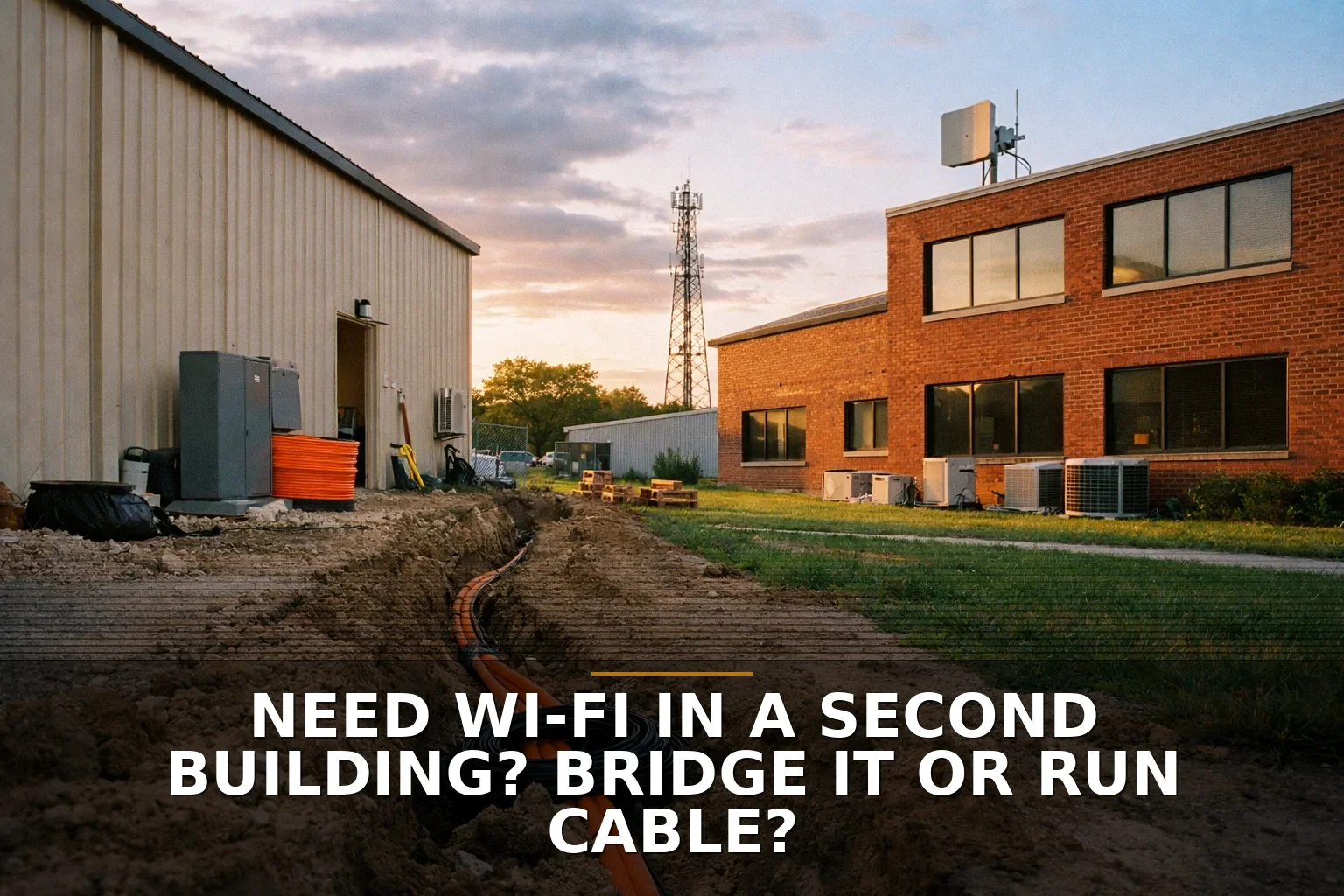
Trenching fiber means physically running cable between the buildings, usually in conduit, with proper building entry and protection.
If wireless is a bridge over the air, fiber is a buried water main. More work up front, but built for the long haul.
Rough cost
Fiber projects often surprise people because the cable itself is not the expensive part. The expensive part is everything around it:
- trenching or directional boring
- utility locates
- pavement or concrete crossing
- conduit, pull boxes, and enclosures
- building entry work
- bonding, grounding, and code compliance
- patch panels, termination, and testing
- site restoration
This is why a short run across a parking lot can cost more than a much longer run across open dirt.
What it fits
Fiber is the right fit when:
- the connection supports core business operations
- you want predictable performance and low latency
- you expect bandwidth needs to grow
- the buildings will be connected for a long time
- you want fewer RF and weather variables
For outdoor building-to-building links, single-mode fiber is usually the standard choice because it gives you better distance and future upgrade headroom than multimode.
Where people get this wrong
The mistake here is acting like trenching is just a construction question. It’s also a safety and code question.
Inter-building links bring real grounding, bonding, and entrance protection requirements. The National Electrical Code and structured cabling standards are not optional suggestions. If someone hand-waves that part away, that’s a red flag.
Also: don’t let anyone talk you into a sloppy “cheap copper between buildings” setup unless they can clearly explain the protection design. Conductive cabling between buildings can create lightning and ground-potential issues. Fiber avoids a lot of that electrical risk.
That’s one reason network pros tend to prefer fiber as the long-term answer.
Side-by-side: which one wins where?
Here’s the simple comparison.
- Upfront cost: Wireless bridge usually wins
- Deployment speed: Wireless bridge wins by a mile
- Long-term reliability: Fiber usually wins
- Top-end future capacity: Fiber wins
- Weather sensitivity: Fiber wins
- Need for line of sight: Wireless bridge requires it; fiber does not
- Property disruption during install: Wireless bridge wins
- Code and building-entry complexity: Fiber is usually more involved
- Best temporary solution: Wireless bridge
- Best permanent backbone: Fiber
If you’re already thinking about future systems, cameras, shared servers, VoIP, or a central app used across both buildings, it helps to think beyond internet access. A weak inter-building link can become the same kind of hidden bottleneck I talk about in when duct-taped processes start costing more than real software.
The third option nobody should ignore: wireless now, fiber later
This is my favorite practical answer when the trench quote is painful but the long-term need is real.
Put in a good wireless bridge now. Get the buildings connected. Keep the business moving. Then plan fiber as the permanent upgrade when permits, budget, or site work line up.
That approach makes especially good sense for properties growing in places like Northwest Arkansas, where building layouts, parking expansion, and utility coordination can make “simple” trench jobs drag on.
You can even design around the future: mount gear cleanly, document the path, and make sure the network on each side is ready for a later fiber handoff.
That’s the same basic mindset behind a lot of good tech decisions: start with the cheapest useful fix, then harden it when the business proves the need. I’ve written about that idea more broadly in Thinking About Hiring a Developer? Start With the Cheapest Useful Fix.
So which should you pick?
If this link runs point-of-sale, phones, cameras, file access, or anything that makes money stop when it goes down, trench fiber if you can afford to do it correctly.
If the buildings are close, the path is clean, and you need a practical answer this month instead of next quarter, a wireless bridge is not a hack. It’s a valid business decision.
What I would not do is choose based only on the equipment price. That’s how people end up comparing a radio kit to a trench project as if labor, code, restoration, and risk don’t exist.
And I definitely wouldn’t let “temporary” become permanent by accident. If wireless is the stopgap, say that out loud and document the plan.
Good infrastructure is boring in the best possible way.
Common questions
Is a wireless bridge reliable enough for a business?
Yes, if the path is short, clear, and properly engineered. No, if you’re guessing on line of sight, ignoring interference, or mounting radios where trees, weather, or building movement will mess with the link.
How much more expensive is trenching fiber than wireless?
Usually a lot more upfront, but not because fiber cable is magical. The cost jump comes from trenching, boring, utility locates, restoration, compliant building entry, and labor.
Can I just run Ethernet cable between two buildings?
I wouldn’t treat that as the default answer. Inter-building copper creates grounding and surge concerns, and it needs to be designed correctly to avoid safety and equipment risk.
What’s the best option if I need the link now but want fiber eventually?
Use wireless now, fiber later. It’s often the most practical path when the business needs connectivity immediately but trenching will take time or money you don’t want to burn this quarter.
Short version: buy for the business you’ll be in two years, not just the quote sitting in front of you.
If you’re connecting two buildings or chasing down dead spots, that’s exactly the kind of job we set up — here’s how our commercial Wi‑Fi and wireless bridges work, and structured cabling when the real fix is the wiring.
Be the first to share your thoughts.