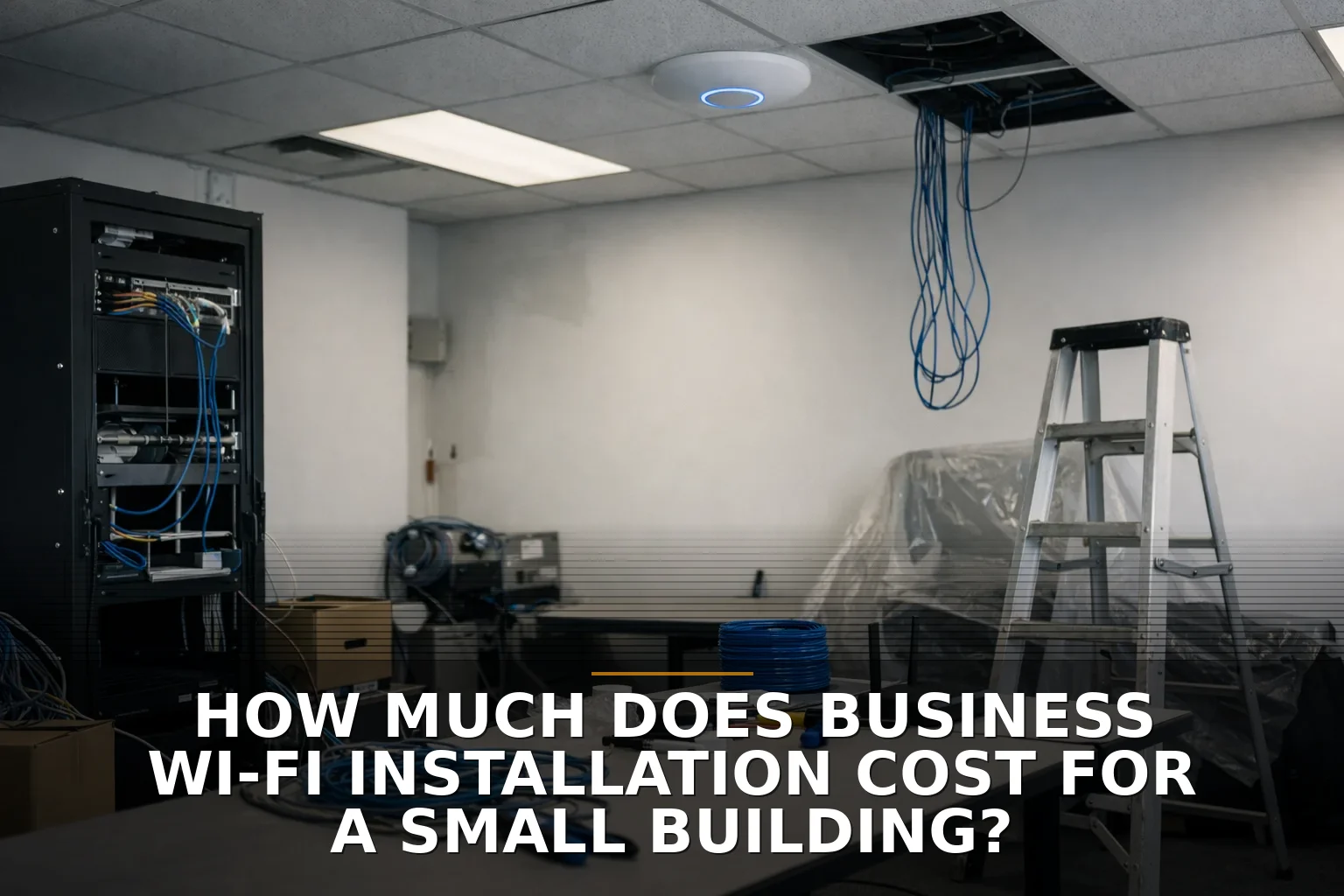
For a small commercial building, business Wi-Fi installation usually costs about $1,500 to $8,000, with most small offices, shops, and mixed-use spaces landing around $2,500 to $5,500. If you need new cabling, better switches, outdoor coverage, or a setup that actually handles lots of people and devices at once, $8,000 to $15,000+ is not crazy.
That range is wide for a reason: Wi-Fi is not just “buy a router and plug it in.” In a small building, the radios are often the easy part. The expensive part is everything around them — cable runs, PoE switching, mounting, security setup, and fixing the mistakes that happen when somebody under-builds it.
What you’re actually paying for
When owners hear “Wi-Fi install,” they usually picture a couple of white access points on the ceiling. Fair enough. But that’s like pricing a bathroom remodel based only on the faucet.
A real business Wi-Fi install usually includes:
- Access points for coverage and capacity
- Router or firewall configuration
- PoE switch upgrades so the access points can actually get power
- Cat6 or Cat6A cable runs from the network closet to each access point
- Mounting hardware and labor
- SSID setup for staff, guests, and sometimes POS or IoT devices
- Security configuration like WPA3, guest isolation, and network segmentation
- Testing, tuning, and cleanup
If you’re not sure whether your problem is really wireless or actually wiring, this is worth reading first: Cat6 or Wi-Fi upgrade? How to choose the fix your building needs.
Small-building Wi-Fi cost tiers
Here’s the practical breakdown I’d use if we were talking over coffee.
-
Basic small-building install: $1,500 to $3,000
- Good fit for a small office, small retail space, or simple storefront
- Usually 1-2 access points
- Little to no new cabling complexity
- Existing switch and internet setup are usable
- Light guest Wi-Fi, email, web apps, POS, printers
-
Typical business-grade install: $2,500 to $5,500
- Usually 2-4 access points
- Some new cable runs
- Possible PoE switch replacement or upgrade
- Separate staff and guest networks
- Better placement and tuning so you don’t get dead zones in the back office, warehouse edge, or lobby
-
More demanding small building: $5,500 to $8,000
- Dense walls, metal building, long layout, or awkward floor plan
- 3-6 access points
- More labor for cabling and mounting
- Stronger firewall rules, VLANs, guest isolation, maybe outdoor coverage
- Better fit for clinics, busy restaurants, service businesses with lots of tablets, or shops with inventory devices
-
Complex small-site project: $8,000 to $15,000+
- New structured cabling, switch stack changes, UPS updates, after-hours work, or multiple buildings
- May include point-to-point wireless bridge work or outdoor APs
- Can also include Wi-Fi 6E or newer gear that needs better switching and more careful design
If your issue includes dead spots, metal walls, or a second building, the right starting point is usually Commercial Wi-Fi — not another consumer mesh kit from the office store.
What drives the number up or down
Square footage matters, but it’s not the main thing. Two 5,000-square-foot buildings can need very different setups.
Here’s what really moves the price:
-
Access point count
- More APs means more hardware, more cable runs, more ports, and more tuning.
- And yes, buying too few access points is one of the most expensive mistakes. You save a little up front, then pay again for return visits and patchwork fixes.
-
Building materials
- Concrete, metal shelving, low-E glass, fire-rated walls, and elevator shafts all mess with signal.
- A metal shop can chew up a “cheap” Wi-Fi plan fast. If that’s your situation, read How to Fix Dead Wi-Fi Zones in a Shop, Office, or Metal Building.
-
Cabling difficulty
- Easy drop ceiling? Cheaper.
- Finished walls, high ceilings, conduit work, or long runs back to the closet? More money.
- Also, Ethernet runs have distance limits. You can’t place access points anywhere you want forever and expect it to work.
-
Switching and power
- Business APs usually rely on Power over Ethernet.
- If your current switch can’t provide enough PoE power, or doesn’t have enough open ports, the Wi-Fi job suddenly becomes a switching job too.
- This gets missed all the time.
-
Security requirements
- Staff network, guest network, POS isolation, camera traffic, and admin controls all add setup time.
- Don’t put customers, office PCs, and payment devices on one flat network. That’s the networking version of leaving your cash drawer open.
-
Performance expectations
- “Needs Wi-Fi everywhere” is one thing.
- “Needs 40 people on video calls while scanners and tablets stay stable” is another.
- Capacity drives design just as much as coverage.
-
Newer standards
- Wi-Fi 6 is a solid default.
- Wi-Fi 6E and newer can be great, but don’t assume they lower cost. The 6 GHz band has shorter range and weaker wall penetration, which can mean more APs, newer switches, and limited payoff if your devices don’t support it.
Where “cheap” gets expensive
This is the part most pricing pages avoid.
The cheapest quote often leaves out the stuff that matters most:
- No site survey or real planning
- APs placed for convenience instead of coverage
- Reusing an old non-PoE switch that should have been replaced
- No guest isolation
- No VLANs for POS or office devices
- Consumer gear in a commercial building
- No testing after install
- No allowance for after-hours work if downtime matters
That bargain install can turn into:
- second visits
- emergency cable runs
- buying replacement gear sooner than expected
- staff wasting time on unstable connections
- payment or security headaches you really did not need
I’m opinionated here: don’t shop for business Wi-Fi the way you shop for a TV at Costco. A small building does not need over-engineering, but it does need a plan.
If you’re in Northwest Arkansas or nearby and comparing options, local building types matter more than generic national averages. A small office in Bentonville is one thing; an older shop, warehouse edge, or mixed-use property is another.
Ongoing costs owners forget
The install price is only the first number.
The recurring costs people forget are usually:
- Cloud management licenses: about $50 to $300+ per year per device, depending on brand and features
- Support or monitoring plans: about $100 to $500+ per month if someone is actively managing the network
- Internet service: separate from Wi-Fi install, and still the ceiling on your real-world performance; per the FCC, broadband now means at least 100/20 Mbps
- Firewall or security subscriptions: content filtering, threat protection, logging, VPN features
- Hardware replacement cycle: access points and switches do not last forever; plan on refreshing key gear every 5-7 years
- Moves, adds, and changes: new office layout, added cameras, more staff, patio coverage, another tenant suite
Gartner and most managed-service folks are right about one thing: business Wi-Fi is often an ongoing operational cost, not a one-time purchase. Ignore that now and you’ll resent the network later.
My practical budgeting advice
If you own or manage a small building, start with this:
- Budget $2,500 to $5,500 for a normal small-business Wi-Fi project
- Add contingency if the building is older, metal, oddly shaped, or under-cabled
- Ask whether the quote includes switching, PoE power, security segmentation, and testing
- Separate internet service cost from internal Wi-Fi installation cost so you can compare bids honestly
- If someone recommends Wi-Fi 6E or Wi-Fi 7, ask what business problem that actually solves today
And one more thing: if a quote seems surprisingly low, ask what happens if coverage is bad after install. That answer tells you a lot.
Common questions
How much does it cost to install Wi-Fi in a 5,000-square-foot building?
For many small 5,000-square-foot buildings, a realistic range is $2,500 to $6,000, assuming 2-4 access points and some cabling. The price climbs if the layout is long, the walls are dense, or the existing switch can’t power business-grade APs.
Is business Wi-Fi installation different from just buying a mesh system?
Yes. Mesh can be fine in the right small space, but business installs usually include wired access points, better security, guest isolation, and more stable performance under load. If revenue depends on the connection, don’t treat your building like a house.
What’s the most overlooked cost in a Wi-Fi project?
Usually cabling and PoE switching, not the access points themselves. People price the radios and forget the labor and power requirements that make the system work reliably.
Should I upgrade to Wi-Fi 6E for a small business building?
Only if your devices and environment can actually benefit from it. Wi-Fi 6E adds spectrum, but it also has shorter range through walls, so a small business can end up needing more APs without seeing much real-world gain.
Before you approve the cheapest quote, ask yourself a simple question: are you paying for working Wi-Fi, or just for somebody to hang hardware on the ceiling?
If this is the exact problem on your desk, start with Commercial Wi-Fi or, if the real issue is runs and drops, Structured Cabling. That’s the right place to sort out what your building actually needs before you buy the wrong fix.

Be the first to share your thoughts.