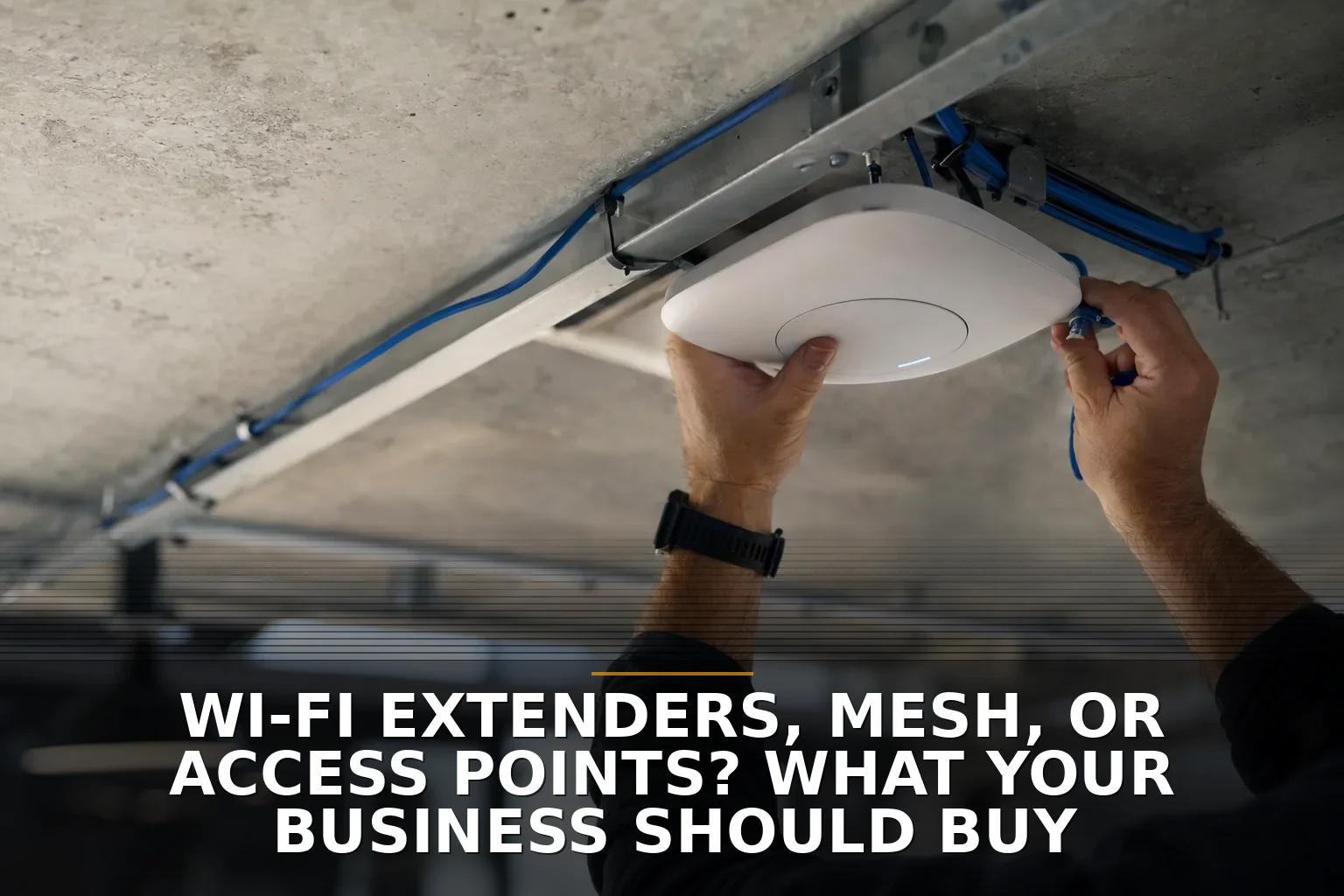
The Wi-Fi fix most businesses should buy is wired access points first, mesh second, extenders almost never. If your office, shop, or second building has dead zones, don't buy an extender as your default move unless it's a low-stakes corner case.
You can think of this like adding lanes to a road. A wired access point adds another real lane. A wireless extender usually takes the same lane and asks traffic to merge back into it.
My take: buy access points if you can wire them
For a business, the real decision is not extender vs. mesh vs. AP. It's wireless backhaul vs. wired backhaul.
That's the part most ads skip.
An access point with Ethernet backhaul is the cleanest answer because it doesn't waste Wi-Fi airtime talking back to the main router. It uses the cable for that. That means better reliability, better speeds under load, and fewer weird complaints like "the signal looks full but Zoom keeps freezing."
Extenders and wireless mesh nodes have to spend some of their time relaying traffic over the air. That's the tax. In light use, you may not notice. In a real business with cloud apps, phones, tablets, cameras, printers, and video calls, you usually will.
If you want the short version:
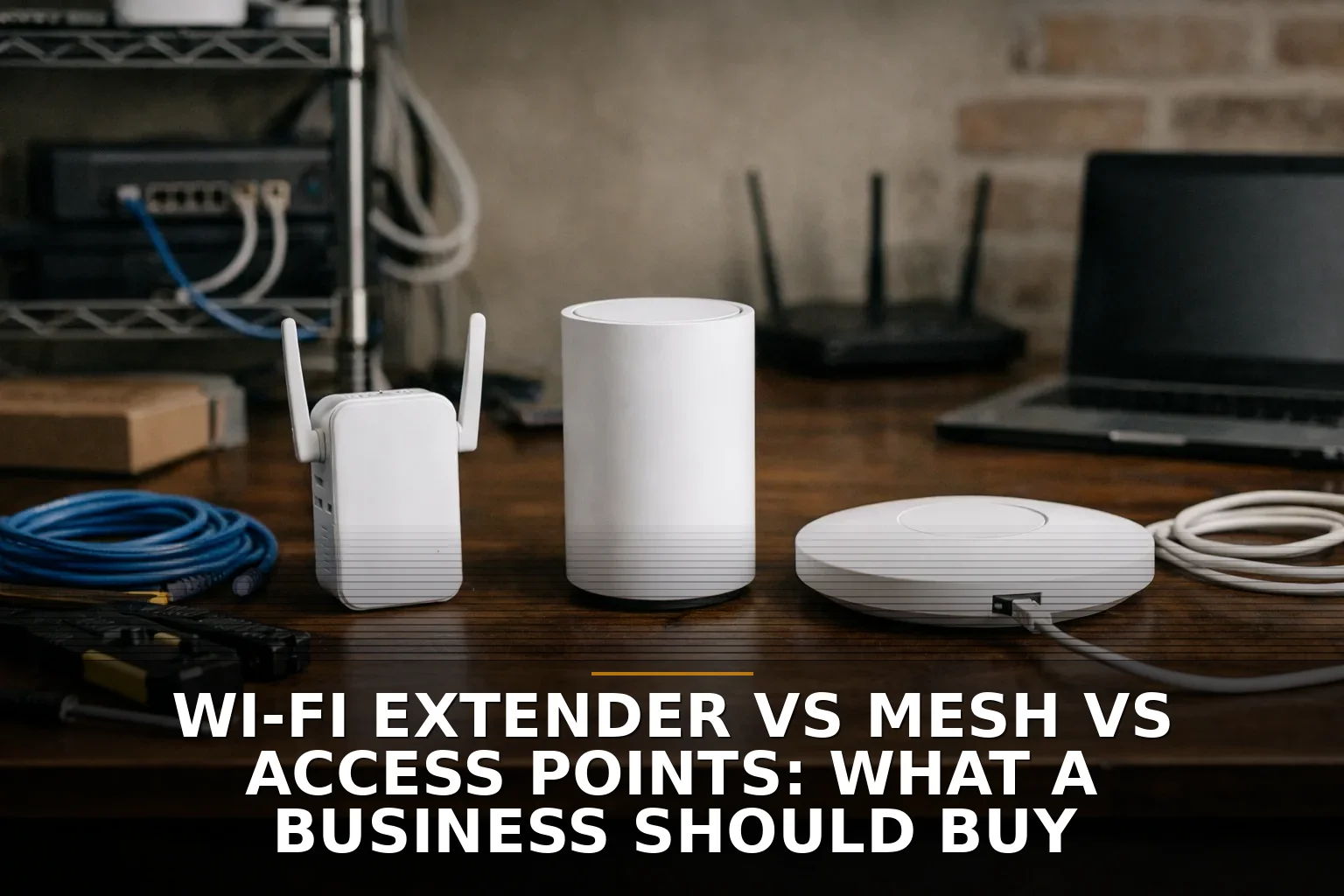
- Access points: best business choice when you can run cable
- Mesh: good fallback when cabling is hard or impossible
- Extenders: only for small, low-demand, non-critical areas
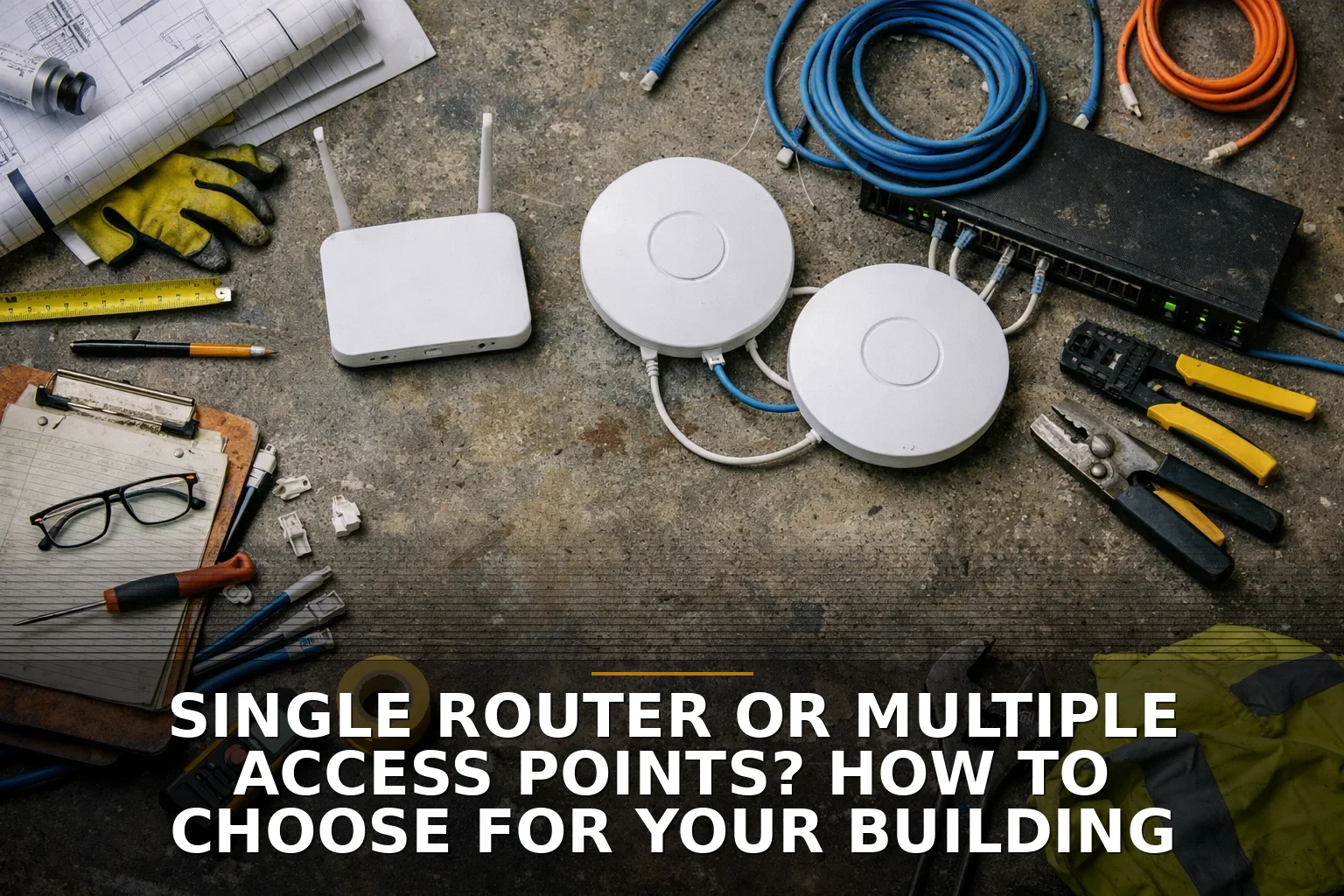
If you're deciding between one router and a proper multi-AP setup, I covered that more directly in Single Router or Multiple Access Points? How to Choose for Your Building.
What each option is actually good for
Here's the plain-English breakdown.
-
Wi-Fi extenders
- Cheapest and fastest to try
- Usually easy to plug in
- Often the worst performer in business use
- Fine for a back room printer area, temporary trailer, or very light warehouse scanning
- Bad choice for offices that rely on calls, cloud systems, or steady device roaming
-
Mesh systems
- Better than extenders when you need broader coverage without running cable
- Consumer mesh and business mesh are not the same thing
- Good for awkward buildings, older construction, and places where pulling cable is a pain
- Still weaker than wired APs if nodes depend on wireless backhaul
- Can be solid if the mesh nodes themselves are wired with Ethernet
-
Wired access points
- Best for reliability, capacity, and troubleshooting
- Better for guest networks, VLANs, centralized management, and business security features
- Usually powered with PoE, which means the network cable can carry power too, so you don't need an outlet at every ceiling mount
- Require planning: cable runs, switch capacity, and placement matter
That last point matters more than people think. Many business APs are designed around PoE. Standard PoE and PoE+ exist for a reason: ceiling-mounted gear is much easier to place well when you're not hunting for a wall outlet.
Why extenders disappoint so often
An extender is attractive because it's cheap and it feels like a shortcut.
But shortcuts in networking are like shortcuts in construction. If the foundation is wrong, nicer trim doesn't help.
A typical extender hears Wi-Fi from your main router and retransmits it on the air. That repeat step eats airtime. In practical terms, you're asking one radio space to do double duty. That's why extenders so often create a network that technically reaches farther but feels worse.
This is also why coverage is not the same as capacity. Five bars in the break room doesn't mean twenty people can run cloud apps there smoothly.
If your issue is really interference, bad placement, or overloaded 2.4 GHz, buying another cheap box may just spread the pain around. The 2.4 GHz band is especially crowded, with very limited non-overlapping channels compared with newer bands. Wi-Fi 6 and 6E help, especially in denser environments, but better hardware doesn't erase a bad layout.
For more on that distinction, see Dead zones or slow Wi-Fi? How to tell which fix your building needs and What It Costs to Fix Dead Wi-Fi Zones in a Commercial Building.
Where mesh actually makes sense
Mesh is not junk. It's just oversold.
I like mesh when wiring is truly difficult: finished spaces, detached structures, awkward floorplans, or temporary layouts. A good business-managed mesh system is a real product category. It can give you centralized control, guest isolation, updates, and better roaming support than a pile of consumer gear.
But don't confuse consumer mesh kits with business Wi-Fi.
If you run a business, you may care about:
- VLANs for separating office, guest, and device traffic
- WPA3-Enterprise or RADIUS support
- Centralized updates and monitoring
- Better logs and troubleshooting
- Roaming features like 802.11k, v, and r
A lot of consumer gear is built for a house, not a business with staff devices, guest access, cameras, and a line-of-business app that people need all day.
A Northwest Arkansas reality check
In Northwest Arkansas, this comes up a lot in metal shop buildings, mixed office-and-warehouse spaces, and rural properties with more than one structure. Metal buildings can be rough on Wi-Fi planning, and detached offices or shops often push owners toward the nearest cheap fix.
Sometimes that cheap fix works for a week and becomes a headache for the next two years.
If you're in a place like Springdale commercial Wi-Fi projects or similar NWA setups with a shop in back and office in front, I would strongly favor wired APs inside the main building and then decide separately whether the second structure needs a bridge, cabling, or its own APs. If your problem includes another building, read Need Wi-Fi in a Second Building? Bridge It or Run Cable?.
How to check yours in 10 minutes
Before you buy anything, do this:
- Walk the building and mark the bad spots. Note whether the problem is no signal, weak signal, or "full bars but still slow."
- Check where your current router or AP is sitting. If it's in a closet, under a desk, behind metal, or at one end of the building, that's a design problem.
- Count the important devices. Staff laptops, phones, tablets, TVs, cameras, printers, scanners, POS gear. Don't guess based on square footage alone.
- Ask whether you can run Ethernet. If yes, stop shopping extenders and start planning AP locations. Ethernet runs are limited in length, so placement still matters, but wired backhaul usually wins.
- Separate one-building problems from two-building problems. Don't try to treat a detached shop like it's just a far bedroom.
- Look at what matters most: coverage, speed, or reliability. Most businesses really mean reliability.
If after that you're still leaning toward an extender, make sure it's for a non-critical edge case, not your main office workflow.
When to call a pro
DIY is fine when you're testing placement, replacing obviously bad consumer gear, or covering a small low-demand area.
Call a pro when you have multiple buildings, metal construction, roaming problems, guest networks, VLAN needs, or staff depending on Wi-Fi all day to do their jobs. Also call for help if the right answer probably involves both cabling and Wi-Fi design, not just buying another box from a big-box store.
That's where a proper Commercial Wi-Fi plan or Structured Cabling install pays off: not because it's fancy, but because it stops the cycle of half-fixes.
Common questions
Are Wi-Fi extenders ever worth it for a business?
Yes, but only for light-duty, non-critical spaces. If employees depend on that area for calls, cloud apps, or steady throughput, an extender is usually the wrong buy.
Is mesh good enough for a small business?
Yes, when cabling is impractical and you choose a business-managed system. But if you can wire the nodes, you're really getting the benefit of access points more than the benefit of "mesh."
What's the best Wi-Fi option for a metal building?
Usually properly placed wired access points, not a single router and not a random extender. Metal buildings often need more deliberate placement and sometimes more APs than owners expect.
Should I run cable or just add more Wi-Fi gear?
If you can run cable, do that first. In business networks, a better backhaul usually beats adding more wireless hops.
My recommendation is simple: buy wired access points whenever you reasonably can, use mesh when wiring is truly hard, and treat extenders like a temporary patch or edge-case tool.
If you're staring at this exact problem, that's what we build — here's where to start with Commercial Wi-Fi.
Be the first to share your thoughts.