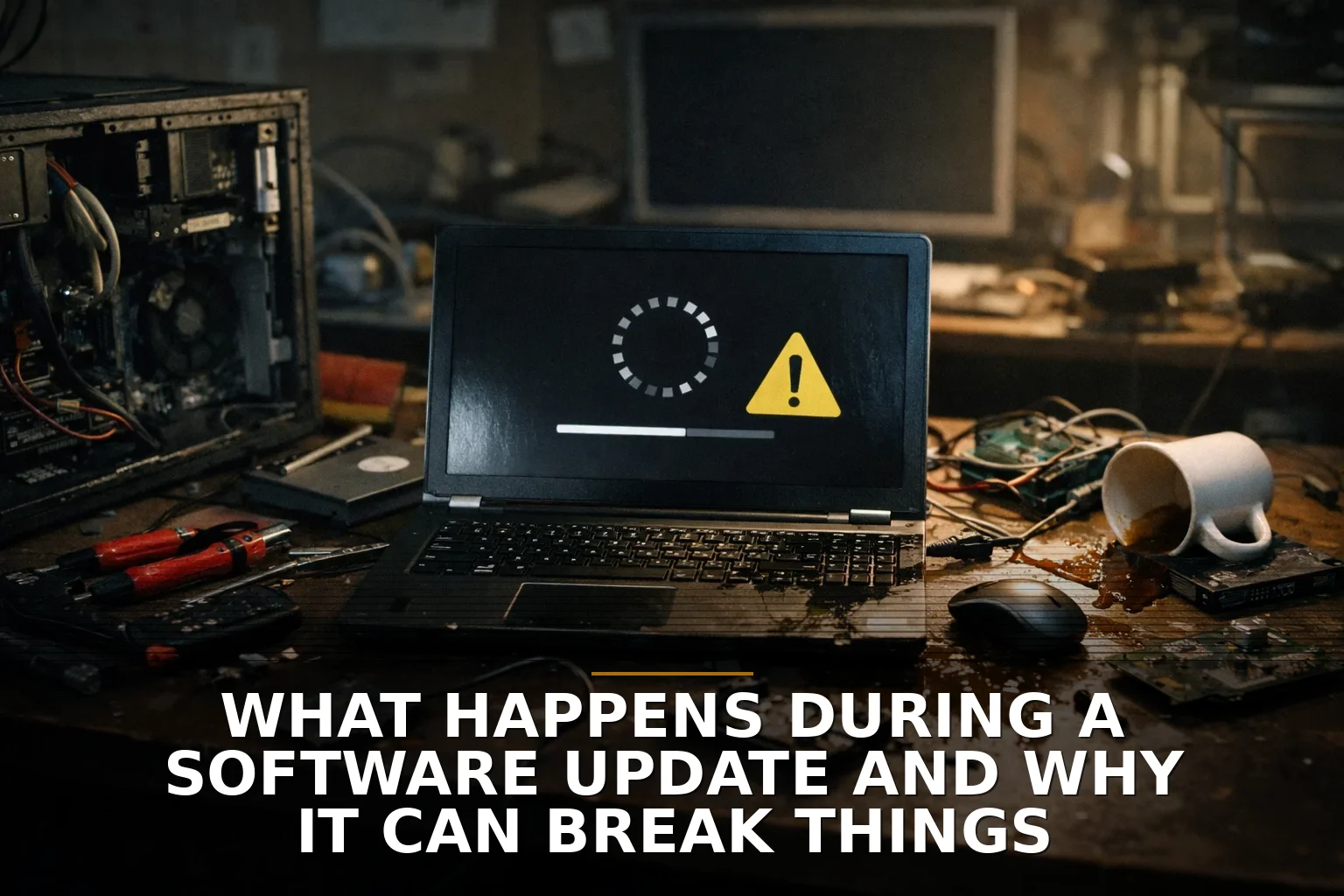
Your computer says "Installing updates" and suddenly the whole office acts like the building inspector showed up unannounced.
That little message makes software updates look simple. They are not simple. An update is less like swapping a light bulb and more like renovating a restaurant kitchen while the lunch shift is still trying to serve people.
Here’s what’s actually happening.
First, the system downloads a package of changes. That might include bug fixes, security patches, new features, or behind-the-scenes changes your team will never notice. Then it checks whether that package is legitimate. Good systems verify signatures so they know the update really came from the vendor and wasn’t tampered with.
After that, the software has to figure out what else depends on those files. This is where things get messy. One update might touch the app itself, the operating system, a driver, a browser component, or a security tool. Think of it like replacing a water heater and discovering the venting, plumbing, and electrical hookup all have to match too.
Then the system starts the risky part: stopping services, replacing files, updating settings, and sometimes changing the database structure underneath the app. If you run custom tools, API integrations, or a web app tied to other systems, those connections can be the first thing to snap if one side changes before the other. That’s also why I tell owners to understand how your data moves between systems—and where it usually breaks.
So why does it often need a restart?
Because some files are in use. Windows, for example, often stages updates while the machine is running, then finishes the replacement during reboot because it can’t safely swap out certain active system files midstream. It’s the same reason you don’t replace the brakes on a moving truck.
Some newer systems are smarter about this. Android introduced a method that installs updates on an inactive partition, sort of like building the new room next door before knocking through the wall. That reduces downtime and makes rollback easier if the new version fails.
But yes, updates can still break things.
Sometimes the update itself has a flaw. The 2024 CrowdStrike incident is the obvious example: a routine security update caused widespread Windows crashes. And the dangerous updates are not always the flashy feature releases. Low-level updates like drivers, endpoint security tools, firmware, and boot components can cause bigger damage because they sit close to the core of the machine.
Other times the update is fine, but your environment is not. Low disk space. Power loss halfway through. An old printer driver nobody has touched in years. A third-party plugin that was barely hanging on already. A custom workflow built around old behavior. In business software, I see this a lot: the break usually comes from the combination of parts, not one dramatic mistake.
The bigger mistake, though, is treating updates as optional forever. NIST tracks tens of thousands of software vulnerabilities every year, and CISA pushes timely patching for a reason. The Equifax breach is still the cautionary tale here: a known vulnerability went unpatched, and the cost was enormous. So no, “we’ll ignore updates until something forces us” is not a strategy. That’s negligence with a nicer tone.
What should a business owner do instead?
Have a patch routine. Know which systems are mission-critical. Back up data before major updates. Test changes on one machine or one user group first when possible. Ask whether your vendor has a rollback plan. And if you rely on custom tools, read what custom software maintenance actually covers after launch and how to review a software proposal without missing the risky assumptions. If you're running a business in Northwest Arkansas and the surrounding region, this matters even more when one broken system can stall a lean team fast.
Updates are not just IT housekeeping. They are operational risk management. The real question is not whether updates can break things. It’s whether your business is set up to survive them when they do.
When the next update notice pops up, will your team be guessing, delaying, or following a plan?
If you’re dealing with software that breaks every time one system changes, that’s usually an integration or maintenance problem, not bad luck. If this is you, here’s where to start: Custom Software Development.


Be the first to share your thoughts.