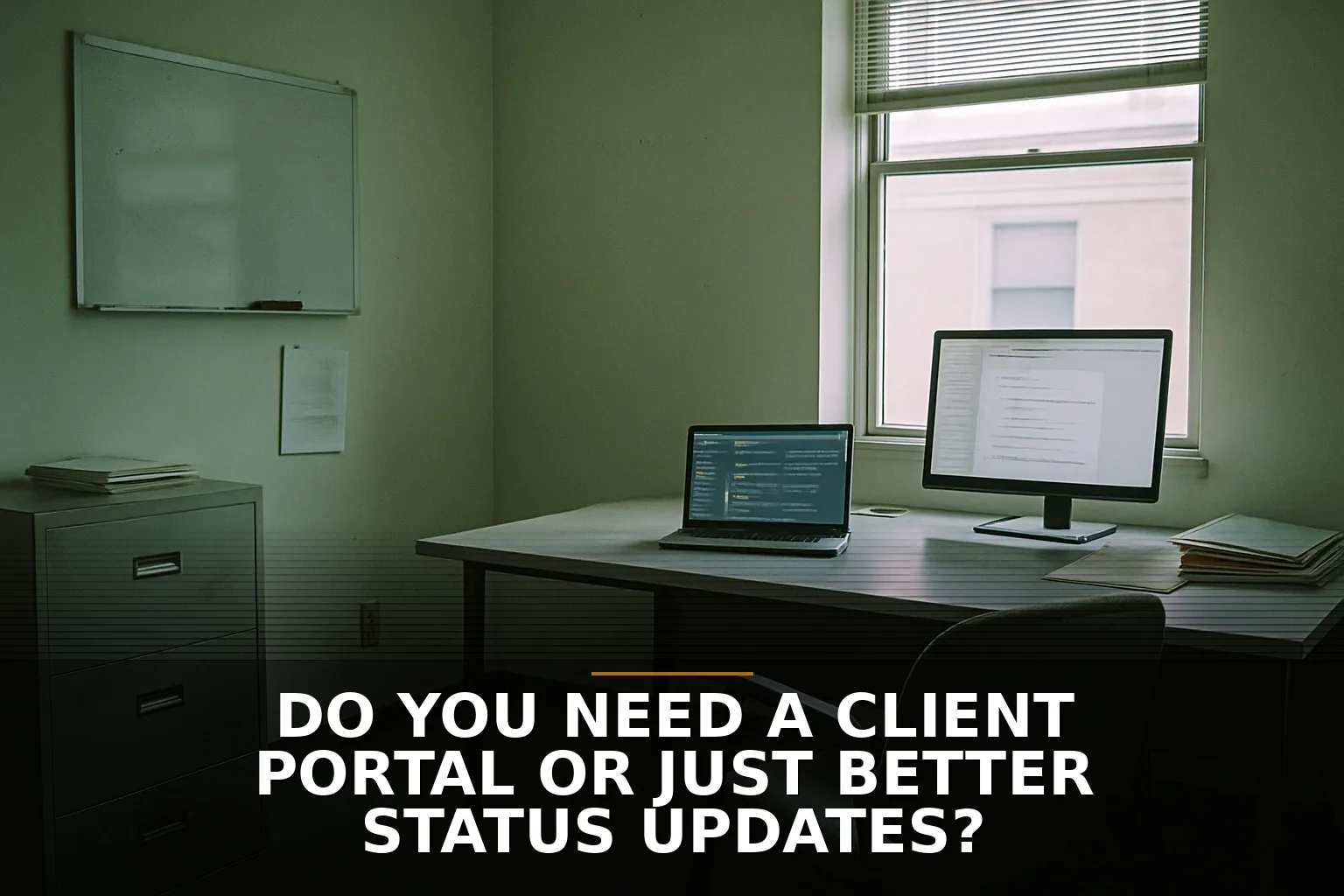
Your client emails on Friday at 4:12 p.m.: "Just checking in — where does this stand?" If that happens a lot, the temptation is to say, "We need a client portal." Maybe. But a lot of businesses do not have a portal problem. They have a communication rhythm problem.
A client portal is basically a front desk with cubbies, file folders, and a window where people can check the status of their stuff without calling the back office. That can be useful. But if the folders are messy, nobody updates the whiteboard, and half the papers are in someone's truck, building a nicer front desk does not fix the operation.
That is the part people skip.
Most clients are not asking for software. They are asking for less uncertainty. According to Zendesk, most customers now expect immediate service. HubSpot has reported similar things: responsiveness matters. In plain English, people hate waiting in the dark more than they hate a simple process.
So before you pay for a portal, ask a blunt question: are clients really asking to log in and self-serve, or are they just tired of chasing your team for updates?
Those are different problems.
If your business handles ongoing projects, shared documents, approvals, or recurring service work, a portal can make sense. Construction plans, invoices, deliverables, timelines, messages — putting those in one place can reduce the constant "Can you resend that?" routine. In the right setup, a portal works like a customer-accessible job trailer: everyone knows where the plans are and what phase the job is in.
But if your internal process is loose, a portal can make things worse. The Project Management Institute has long pointed out that poor communication is a major reason projects go sideways. I agree. A portal does not create discipline. It reveals whether discipline already exists.
And then there is adoption. Business owners love the idea of a portal more than clients love using one. If your customers have to remember another password, learn another interface, and still email you for explanations, you did not simplify anything. You added a second waiting room. Nielsen Norman Group has been saying versions of this for years: people stick with tools that are simple and predictable. If it feels like work, they bail.
Security is the other trade-off people underestimate. A portal is not just a nicer inbox. It is a place where contracts, files, conversations, and maybe payment details all get centralized. That can be good, but it also creates a bigger target. Verizon's breach reporting keeps showing the human element is involved in most breaches. More logins, more permissions, more chances for someone to click the wrong thing. If you're storing sensitive information, this becomes a real operational decision, not just a customer-experience upgrade. That's one reason I tell people to understand what a software integration actually is before piling on tools.
My opinion: many small service businesses should try better status updates first. A weekly update email. Clear next step. Who owns it. What is blocked. What the client should expect next. That is cheap, fast, and often enough. It lines up with the same thinking in Before You Pay for a Client Portal, Try This Simpler Option and How to tell if your software problem is really a workflow problem.
If you are a firm with more complexity — multiple stakeholders, approvals, compliance, lots of documents, ongoing engagements — then yes, a portal may be worth building as part of a real web app. That is especially true for businesses around Northwest Arkansas that are juggling growth and more client touchpoints.
So no, a portal is not automatically the grown-up answer. Sometimes it is just an expensive way to avoid fixing sloppy communication. When that Friday email lands in your inbox, the real question is not "Should we build a portal?" It is "Why did the client have to ask at all?"
If that's the question you're staring at, that's usually where custom workflow tools or a client-facing web app start making sense.
Be the first to share your thoughts.