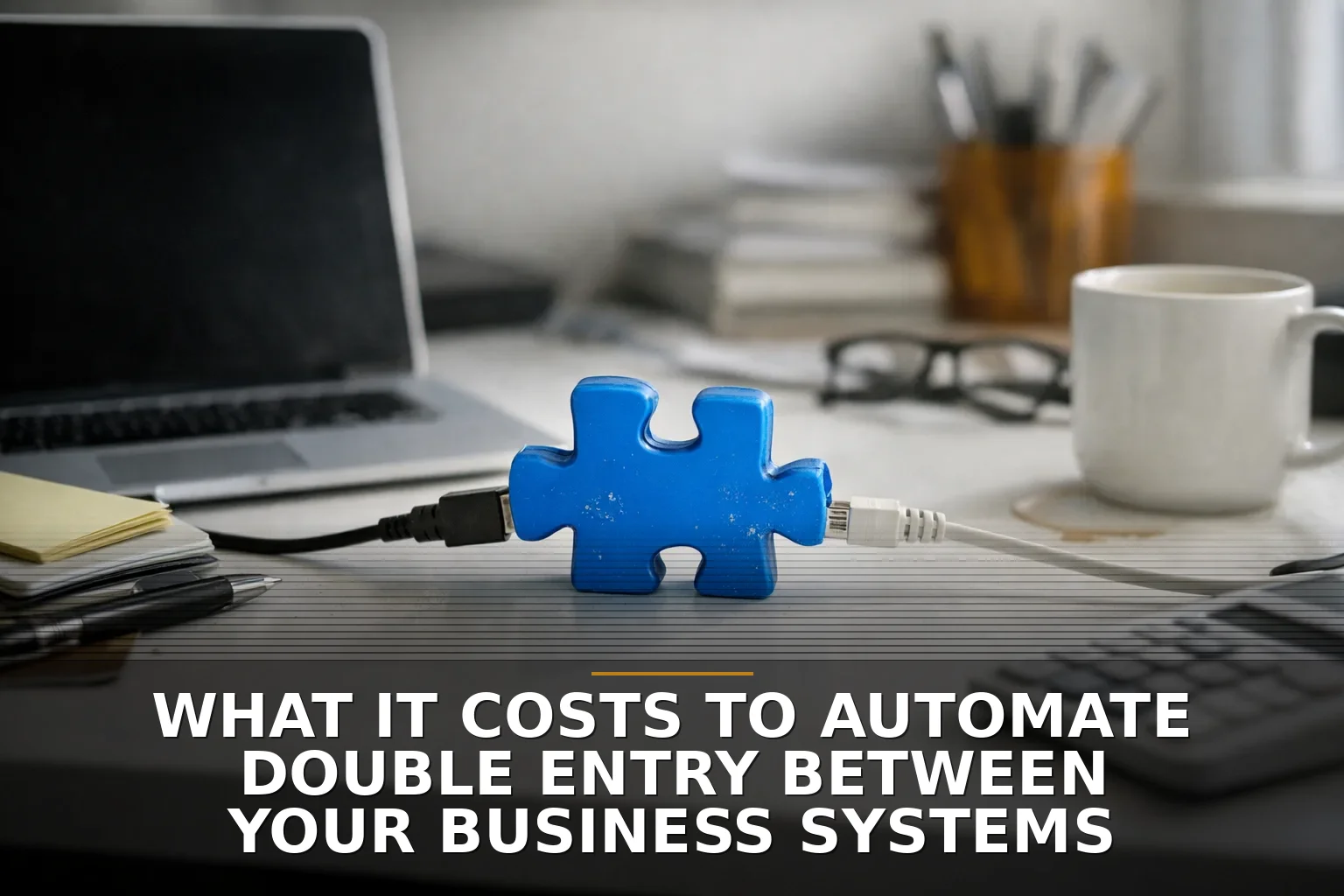
Most small businesses will spend between $1,500 and $25,000 to automate double entry between two business systems, with complex projects landing higher. A simple native connector or light no-code setup might stay near the low end, while a custom two-way integration with error handling, security, and accounting rules can easily run $8,000 to $40,000+ if you want it to hold up in the real world.
If you're retyping customers, invoices, jobs, or payments from one system into another, you're paying for it already. The only question is whether you want to keep paying in labor, mistakes, and cleanup, or pay once to fix the pipe.
What drives the cost
The price moves fast because “stop double entry” can mean very different things.
A one-way sync from a website form into a CRM is cheap. A two-way sync between your CRM, invoicing system, and accounting software is not. That’s the difference between adding a doorbell and rewiring part of the house.
Here’s the practical breakdown:
-
$1,500-$4,000: native connector or basic no-code automation
- Best for simple one-way data movement
- Usually works when both tools already play nicely together
- Good fit for leads, form submissions, basic contact creation, or simple invoice triggers
- Cheap because you're mostly configuring, not building
-
$4,000-$10,000: stronger no-code or light custom integration
- Better mapping between fields
- Some filtering, formatting, and conditional logic
- Basic error notifications
- Good for businesses that need more than “when this happens, copy that there”
- This is often the sweet spot for small companies
-
$8,000-$25,000: custom API integration
- Used when systems don’t connect cleanly out of the box
- Handles custom fields, business rules, retries, logging, and admin controls
- Better for accounting, operations, inventory, scheduling, and anything money touches
- Usually the right answer when bad data has real consequences
-
$20,000-$40,000+: multi-system or two-way sync with reconciliation
- CRM + accounting + inventory + payroll + customer portal type work
- Conflict handling when both systems can change the same record
- Audit trails, permissions, and reporting
- This is where people realize they’re not buying a “sync.” They’re buying a small piece of software infrastructure
If you’re trying to decide between a quick automation tool and a real integration, I’d also read Zapier or Custom Integration: Which One Actually Solves the Bottleneck? and Separate systems vs software integration: which stops double entry first?.
The biggest cost drivers nobody tells you about
The connector itself is rarely the whole job. The real price is in the messy middle.
Here’s what actually drives the number up:
-
One-way vs two-way sync
- One-way is simpler and cheaper
- Two-way means conflict resolution, duplicate prevention, and source-of-truth decisions
-
How clean your data is
- If one system says “Acme LLC” and the other says “ACME,” somebody has to decide whether those are the same customer
- Bad master data makes automation more expensive because now the software has to guess, or a human has to review exceptions
-
Whether accounting is involved
- Syncing leads is forgiving
- Syncing invoices, payments, tax categories, or chart-of-accounts data is not
- Don’t go cheap around financial data unless you enjoy cleanup work later
-
API quality
- Some systems have solid APIs
- Some have half-baked APIs, expensive API access, or weird limits
- Some don’t really integrate at all, so people resort to exports, imports, or screen-scraping nonsense. I’d avoid that unless you truly have no better option
-
Exception handling
- What happens when a sync fails?
- What happens when a customer record is missing a required field?
- What happens when the accounting period is closed?
- The long tail of edge cases is where “simple automation” gets expensive
-
Security and compliance
- If the integration touches payroll, customer financials, health data, or anything sensitive, you need stronger access control, logging, and review
- IBM’s 2024 breach report put the global average cost of a data breach at $4.88 million. You are not buying enterprise red tape for fun; you’re buying guardrails
Where cheap gets expensive
This is the part I wish more pricing pages would say out loud: cheap automation usually gets expensive when it becomes important.
No-code tools are great until they’re responsible for invoices, inventory counts, or customer records that have to be right. Then the cracks show.
A few ways that happens:
- You start with a low monthly automation tool fee, then stack on premium tasks, extra runs, paid connectors, and support
- A vendor changes its API, and now your “set it and forget it” workflow quietly breaks
- Failed syncs pile up because nobody built monitoring
- Staff still has to babysit exceptions, so you didn’t really remove the labor
- You automate bad process design and just move bad data faster
That last one matters. Sometimes the cheapest fix is not integration. Sometimes it’s redesigning the workflow so data gets entered once at the source, or cutting one redundant system out altogether. If you’re paying to keep two overlapping tools in sync forever, you may be solving the wrong problem.
That’s why I usually tell owners to price the process before pricing the software. Before You Buy Automation Software, Price the Manual Work First is worth a read if you’re still figuring out whether this is an automation problem or a process problem.
The ongoing costs people forget
The build cost gets all the attention. The ongoing cost is what surprises people six months later.
Plan for these:
- Platform fees for Zapier, Make, middleware, or API access
- Maintenance when one vendor changes fields, authentication, or endpoints
- Monitoring and alerts so failed syncs don’t sit unnoticed for weeks
- Support time for exception handling and oddball records
- Security reviews and access management
- Documentation so you’re not stuck if the original developer disappears
- Hosting or server costs if the integration runs as custom software
- Change requests when your internal process changes
A realistic small-business maintenance budget might be $100-$500/month for light automations and $500-$2,000+/month for custom integrations that matter to daily operations. Not every month is busy, but pretending the cost is zero is how owners get burned.
For a deeper look at that side of the budget, see The Real Cost of Hiring a Software Developer: Build Price vs Ongoing Costs.
What I’d recommend before you pay for anything
If you run a business in Northwest Arkansas or anywhere else, I’d keep this simple.
Before you buy or build, answer these five questions:
- What exact data is being entered twice?
- Which system should be the source of truth for each record?
- Is this one-way, two-way, or full reconciliation?
- What happens when the sync fails?
- Would removing one system be cheaper than connecting both?
If you can’t answer those, don’t approve a build yet.
And if a proposal says it will “sync everything” for a suspiciously low price, be careful. That’s like a contractor saying they can remodel the kitchen without opening a wall. Maybe. But I wouldn’t bet my accounting on it.
Common questions
How much does it cost to connect QuickBooks to another business system? A basic QuickBooks connection may cost $1,500-$5,000 if a solid native connector exists. If you need custom field mapping, invoice rules, payment syncing, or two-way updates, expect more like $8,000-$20,000+.
Is Zapier enough to stop double entry? Sometimes, yes—especially for simple one-way tasks. If money, inventory, or bidirectional updates are involved, Zapier often becomes a temporary fix rather than the final one.
What makes an integration project expensive? Two-way sync, bad data, accounting complexity, edge cases, and missing APIs are the big ones. The expensive part usually isn’t moving the happy-path data; it’s handling all the weird stuff that happens after launch.
Is custom integration worth it for a small business? It is when the manual re-entry touches cash flow, customer experience, or daily operations often enough to create constant drag. It’s not worth it if a process cleanup, native connector, or removing one redundant tool solves the problem first.
The strongest takeaway is this: the right integration is usually cheaper than ongoing double entry, but the wrong “cheap fix” can cost more than doing it properly once.
If you’re staring at this exact problem, that’s the kind of work I build through API Integrations and Business Automation — practical fixes that move data once and stop the repeat busywork.
Be the first to share your thoughts.