Your software goes live on Friday. On Tuesday, a login email stops sending, Chrome updates, a vendor changes an API, and your hosting provider rolls out a security patch.
If you think "maintenance" means somebody fixes a typo when you email them, you're underestimating what it takes to keep software useful after launch.
Here’s the plain truth: software maintenance is not just bug fixing. It’s everything required to keep the thing working, safe, and worth owning after the ribbon-cutting.
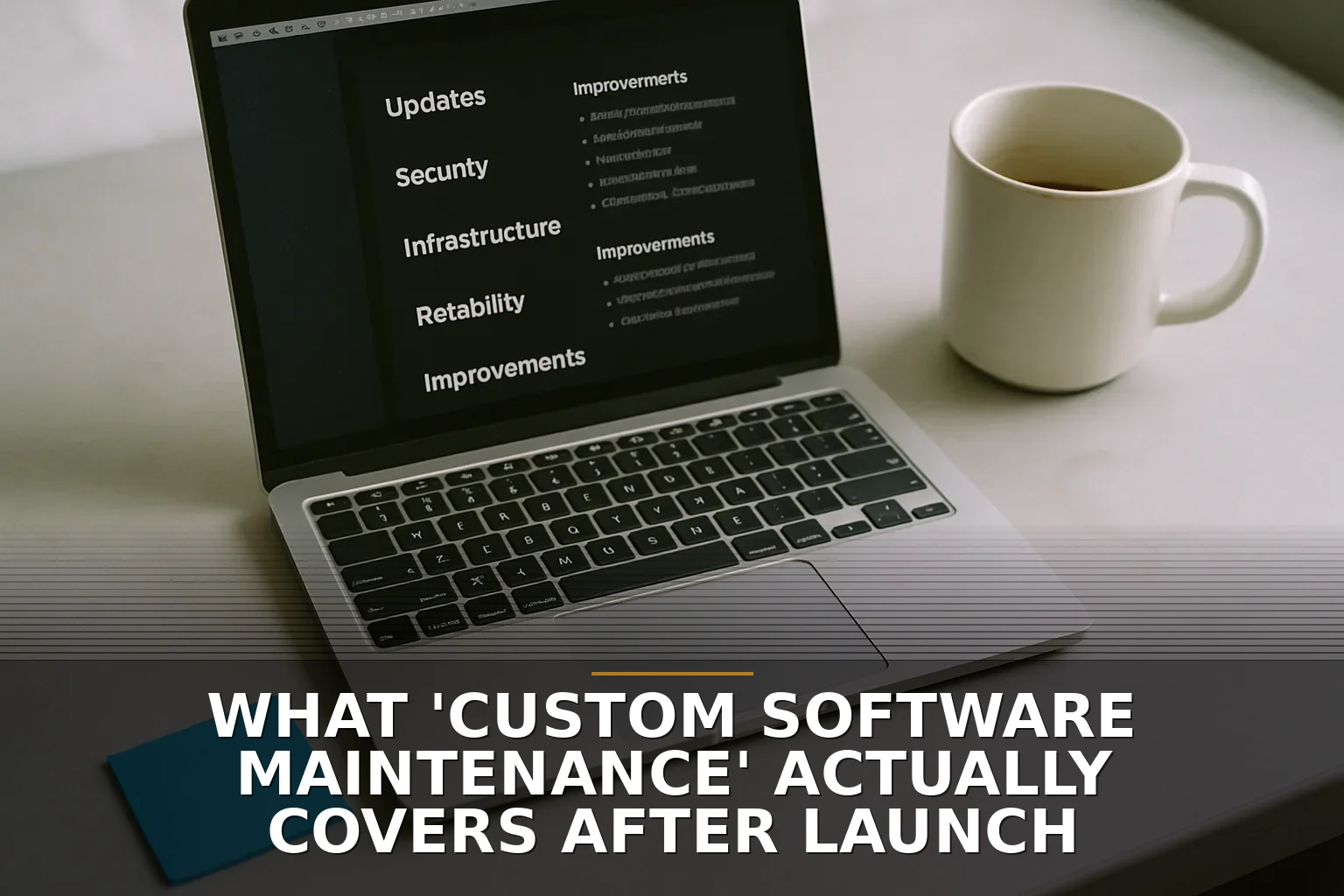
The formal standards people use break maintenance into four buckets, and honestly, they’re useful. There’s corrective maintenance: fixing stuff that broke. Adaptive maintenance: changing the software because the world around it changed. Perfective maintenance: improving speed, usability, or reliability. Preventive maintenance: reducing the chance of future problems.
That last one is the part business owners usually don’t see, and it matters a lot.
Think of it like owning a building. If a pipe bursts, that’s a repair. But inspections, sealing leaks, replacing worn parts, and upgrading an old panel before it fails? That’s maintenance too. Nobody throws a party for it, but it keeps the doors open.
Same with software.
A real maintenance plan often includes security updates, dependency updates, monitoring, backups, certificate renewals, access reviews, API compatibility work, and small reliability improvements. Not glamorous. Very necessary. OWASP and CISA both push this idea hard for a reason: modern software inherits risk from the tools and services underneath it. And Verizon’s 2024 breach report found vulnerability exploitation played a role in about a third of breaches. In other words, skipping updates is not being frugal. It’s being careless.
This is also where people confuse support with maintenance. Support is usually, “Something seems wrong, can you look at it?” Maintenance is broader. It includes the quiet work that prevents the 9:30 p.m. emergency in the first place. If you’re paying for ongoing help after a custom software project, you should know which one you’re actually buying.
And no, every app does not need the same level of maintenance. A brochure website has a lighter burden than a web app tied into payment systems, staff workflows, and outside vendors. A tool with integrations needs extra attention because outside systems change constantly. That’s why I tell businesses to read pieces like 7 questions to ask before connecting two software systems and Cloud hosting explained: what you are paying for and why before they assume post-launch costs should be near zero.
Sometimes the cheap move is fine. If the software is simple, low-risk, and non-critical, maybe you don’t need a monthly maintenance arrangement. Just budget for occasional updates.
But if your team depends on it every day, don’t treat it like a shed out back. Treat it like the front door.
My opinion: when you ask what maintenance covers, the right question is, “What would hurt my business if nobody touched this for six months?” That answer tells you what maintenance really needs to include. For a lot of businesses around NW Arkansas and the Ozarks, that list is longer than they expect, especially once integrations, staff turnover, and security are part of the picture. It also ties back to the bigger issue in What a good developer handoff looks like: ownership after launch matters just as much as the build.
So when your software goes live on Friday, don’t act like the job is over on Monday. Launch is when maintenance starts earning its keep.

Be the first to share your thoughts.