If your business mostly needs to be found online, explain what you do, and collect leads, a template website is usually the right buy. If the real problem is approvals, logins, dashboards, customer portals, or data moving between systems, you probably don’t need a fancier website — you need a custom web app.
A lot of owners compare these like they’re two versions of the same thing. They’re not. This is more like comparing a storefront sign to the software that runs your back office. Both matter. They solve different problems.
Template website vs custom web app at a glance
Here’s the short version:
-
Template website
- What it is: A website built on a standard platform or theme, usually with common pages and features.
- Rough cost: Hundreds to low thousands upfront, plus hosting, maintenance, and any paid plugins or apps.
- Best for: Brochure sites, lead generation, service businesses, restaurants, contractors, local shops, first websites.
- Main limit: You’re working inside someone else’s structure.
-
Custom web app
- What it is: Software built around your workflow, data, users, and rules.
- Rough cost: Several thousand to much more, depending on complexity, integrations, user roles, and ongoing support.
- Best for: Internal tools, customer portals, quoting systems, scheduling logic, dashboards, CRMs, invoicing workflows, automation.
- Main limit: Higher build cost and more planning required.
-
Hybrid approach
- What it is: A standard website for marketing plus a custom app for the one part of the business that’s actually unique.
- Rough cost: Often the best-value middle ground.
- Best for: Businesses that need a normal public website but also need custom logic behind the scenes.
That third option gets overlooked all the time, and honestly, it’s often the smartest one.
What a template website actually is
A template website is the pre-engineered building shell of the web. The walls are already up. You’re choosing the paint, moving some furniture around, and maybe adding a room — but you’re not pouring a brand-new foundation.
That’s why template sites are so common. WordPress alone powers more than 40% of all websites, according to W3Techs. There’s nothing wrong with that. Common is common for a reason.
For a small business, a template website is usually enough when you need:
- Home, about, services, and contact pages
- Photo galleries
- Basic forms
- Maps, hours, reviews, FAQs
- Simple blog or updates
- Maybe online booking or light ecommerce
If that’s your list, don’t overbuild it. A custom app for a five-page service website is like commissioning a one-off work truck to drive to the mailbox.
If you want a better read on the website side of this decision, DIY website builder or custom site? Real costs for small businesses and website or web app: the real cost difference for small businesses are worth a look.
What a custom web app actually is
A custom web app is not just a prettier website. It’s software.
It has users, permissions, business rules, data models, workflows, and usually integrations. It might let staff track jobs, customers log in, field crews submit updates, managers approve estimates, or office admins stop entering the same data in three places.
That’s a different category of work.
A custom web app makes sense when your business is saying things like:
- “Our team keeps re-entering the same information.”
- “We need customers or staff to log in.”
- “Our process has approval steps and exceptions.”
- “We’re stitching together spreadsheets, email, and text messages.”
- “Off-the-shelf tools almost fit, but not quite.”
- “We need this system to talk to QuickBooks, our CRM, or another platform.”
That’s where Web Apps & SaaS Platforms or Custom Software Development starts to become the right conversation.
Cost: launch price is only half the story
Most bad buying decisions happen because people compare only the sticker price.
A template site is cheaper to launch. Usually by a lot. But the real question is what it costs to operate over the next 2 to 5 years.
Template website costs usually include:
- Initial setup or design
- Hosting
- Domain
- Theme or builder fees
- Plugin or app subscriptions
- Security updates
- Content edits
- Performance cleanup
- Redesign later when the template starts fighting you
Custom web app costs usually include:
- Discovery and planning
- Design of screens and workflows
- Development
- Hosting or cloud services
- Bug fixes and maintenance
- Security patching
- Integration upkeep
- New features as your process changes
Here’s the part people miss: a template site gets expensive when you force it to behave like software.
Once you pile on plugins, page builders, custom hacks, third-party forms, membership layers, and brittle integrations, the “cheap” option can become a patchwork. OWASP calls out vulnerable and outdated components for a reason. Every extra dependency is another thing to maintain.
On the flip side, custom software gets expensive fast if you build features you don’t actually need. I’ve written before about what cheap developer quotes usually leave out on custom software projects, but the opposite problem is real too: paying for a giant custom build when a simpler setup would do the job.
Limits: where each option starts to break
This is the section I wish more articles were honest about.
Template website limits
A template website starts breaking down when you need:
- Complex user roles and permissions
- Multi-step workflows
- Heavy integrations
- Custom quoting or pricing logic
- Customer-specific dashboards or portals
- Non-standard ecommerce or checkout flows
- Structured internal data beyond simple forms
It can still be done. But “can be done” and “should be done” are not the same thing.
Template sites can also get slow when they’re overloaded. Google’s own research has shown that bounce risk climbs fast as load times increase. A template is not automatically slow, but a bloated one absolutely can be.
Custom web app limits
A custom app starts breaking down when the business hasn’t decided what problem it’s actually solving.
If your process changes every week, your staff won’t use the tool, or you’re trying to automate a mess nobody has mapped yet, custom software won’t rescue you. It will just turn confusion into code.
Custom also requires ownership. Someone has to decide what the app should do, who uses it, what data matters, and what “done” means.
Best fit: who should choose which
Pick a template website if:
- You need a professional web presence fast
- Your business runs on standard pages and standard forms
- You mostly want calls, leads, bookings, or walk-ins
- Your budget is limited
- You need content updates to stay simple
This is a great fit for a lot of local businesses: contractors, trades, clinics, restaurants, service companies, small retailers.
Pick a custom web app if:
- Your bottleneck is operational, not marketing
- You need logins, approvals, dashboards, or portals
- Your team is doing repeat manual work every day
- You need systems to share data automatically
- Your process gives you a competitive edge and software needs to match it
Pick a hybrid if:
- You need a normal website for marketing
- But one part of the business needs custom logic
- You want to avoid rebuilding commodity pieces from scratch
That hybrid route is often the adult decision. Use standard parts for standard needs. Build custom only where it actually matters.
A Northwest Arkansas angle that matters
Around Springdale, Bentonville, and across the full NWA service area, I see a lot of businesses with this exact split: a straightforward public website, and messy internal operations behind it.
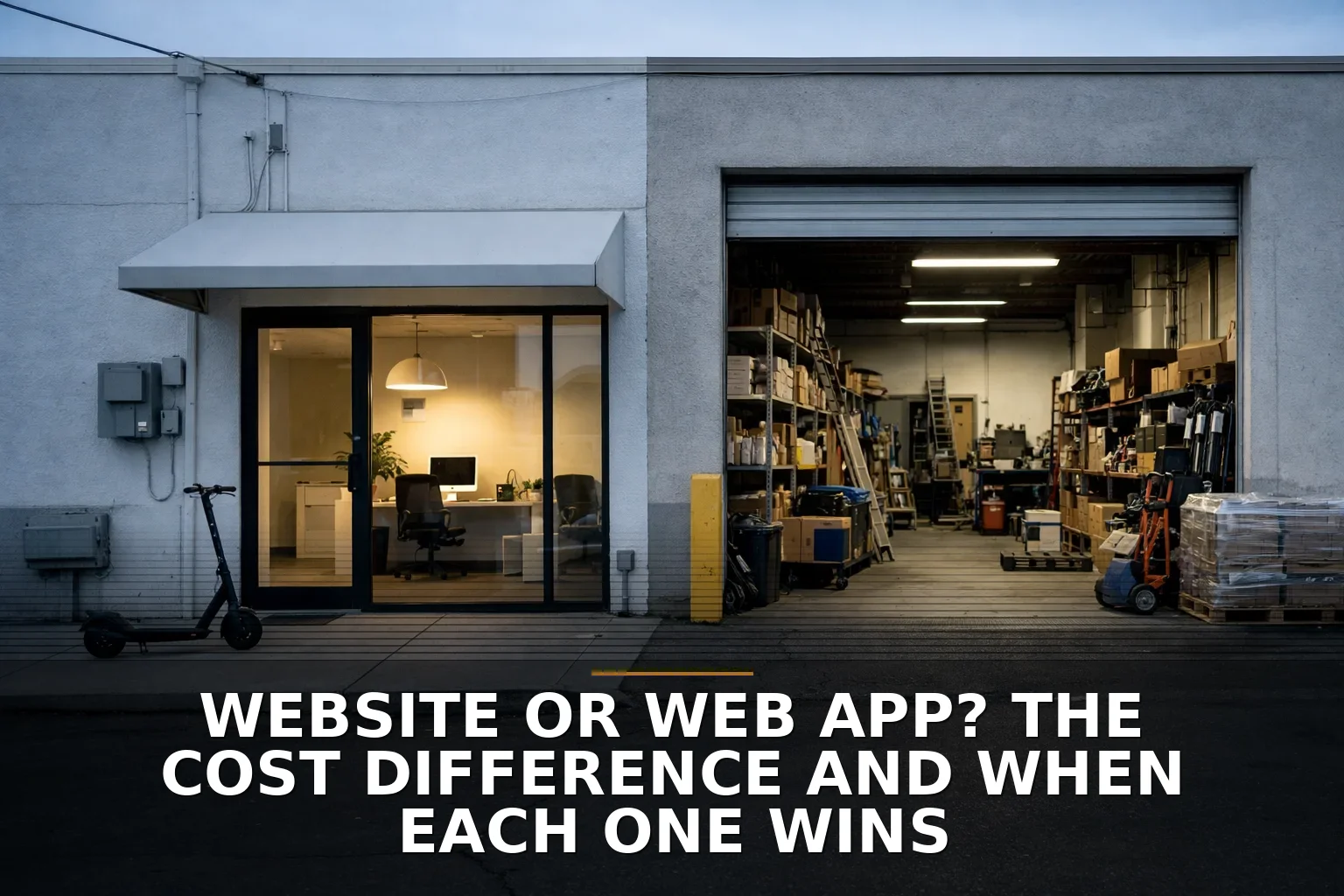
Think of a contractor, supplier, or shop-based business working from an office plus a metal shop building or yard. The public site doesn’t need to be exotic. Customers need to understand the service, trust the company, and reach somebody. But internally, that same business may need quoting workflows, job tracking, inventory visibility, or a customer portal. That’s where custom software starts earning its keep.
In other words: don’t confuse a marketing problem with an operations problem.
How to decide in 10 minutes
If you’re trying to budget before asking for quotes, do this today:
-
List the job the system needs to do. Write one sentence: “We need customers to ” or “We need staff to .”
-
Circle anything involving logins, approvals, or data syncing. Those are web app signals, not normal website signals.
-
Count your tools. If the process currently depends on email, spreadsheets, PDFs, texting, and double entry, you’re probably dealing with a software problem.
-
Separate public-facing needs from internal needs. Your website and your operations software may be two different projects.
-
Price the ongoing mess, not just the build. Ask what you’ll keep paying in plugin fees, app subscriptions, maintenance, and staff time.
-
Ask whether a hybrid solves it cheaper. A standard site plus one custom tool is often better than trying to make one thing do both jobs badly.
If you’re still unsure, how to tell if your business needs a web app or a better form is the kind of sanity check I’d start with.
When to call a pro
DIY is fine when you need a simple site, basic pages, and standard functionality.
Call a pro when:
- You’re comparing plugin stacks and don’t know what’s safe or maintainable
- You need integrations between systems
- You need custom user roles or workflows
- You’re worried about speed, accessibility, or security
- You’ve outgrown workarounds but can’t clearly define the right build
And if you’re hiring for custom work, don’t just compare price. Compare thinking. How to vet a developer when you cannot judge the code will help you avoid buying the wrong thing with confidence.
So which should you pick?
If your goal is get online, look credible, and collect leads, pick the template website and move on. Seriously. Don’t let software ambitions turn a simple website into an expensive science project.
If your goal is fix a workflow, reduce double entry, manage users, or build a tool your business actually runs on, skip the fancy brochure talk and look at a custom web app.
If you’re stuck between them, that usually means the answer is hybrid: standard website up front, custom software behind the scenes.
The right question is not “Which one is better?” It’s: are you trying to publish information, or run a process?
Common questions
Is a template website always cheaper than a custom web app? Usually at launch, yes. Over time, not always — especially if you keep bolting on paid plugins, apps, and workarounds to make a website act like software.
Can a template website handle customer logins and portals? Sometimes, but that’s where things get fragile fast. If logins, permissions, dashboards, or approvals are central to the business, a custom app is usually the cleaner choice.
Do I need a custom web app or just a better website? If the problem is marketing, credibility, and lead capture, you probably need a better website. If the problem is internal workflow, repeat data entry, or systems not talking to each other, you probably need software.
What is the best middle-ground option? For many small businesses, it’s a standard website plus one custom feature or internal tool. That gives you lower cost where things are standard and flexibility where your process is unique.
When you get back to your desk, ask yourself this: are you trying to impress visitors, or remove friction from the way your business actually works?
If this is you and the real issue is workflow, portals, or internal tools, that’s what I build — here’s how Web Apps & SaaS Platforms works.

Be the first to share your thoughts.